BARIGO E7/E7S
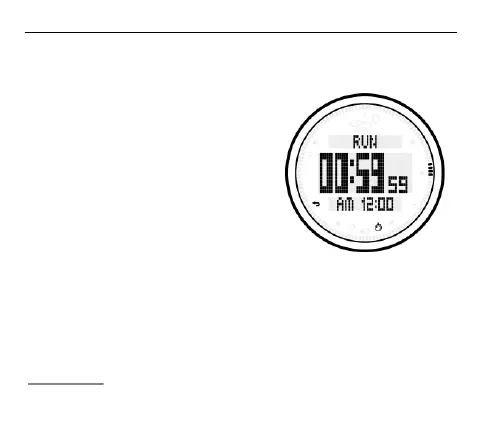
3.7.1 Using the countdown timer
In timer mode, press the S2 button to start the countdown timer.
When you have reached the end
of the countdown, the alarm will
sound for five seconds or until it
is deactivated by pressing any
button. The set countdown time
is automatically reset to the initial
value after the alarm was
switched off.
Press the S2 button while the
countdown is running to stop it,
i.e. to pause it. Press the S2 button again to resume the count-
down.
To stop the countdown operation completely, first stop it by
pressing the S2 button, followed by S1. This will reset the
countdown time to its initial value.



 To Next Page