BARIGO – Makes the Difference
3.5 Setting the alarm and hour signal
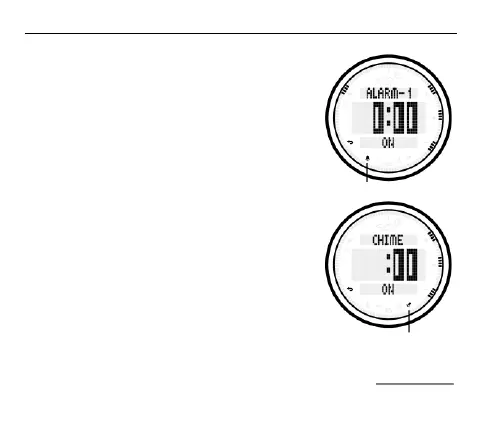
Your BARIGO E7/E7S can save three (daily)
alarms which are independent on each other.
If you have activated the hour signal, a short
beep will sound each full hour.
To select the alarm settings, press the S4
button to access the main menu. Choose the
ALARM option by pressing the S2 button.
Press the S1 or S3 button to select Alarm 1,
Alarm 2, Alarm 3 or the hour signal (CHIME).
Press the S2 button to switch the chime on or
off (ON/OFF).



 To Next Page