BARIGO E7/E7S
If no button is pressed inside the view of a log record, the BARIGO
E7/E7S will automatically return to normal (watch) mode.
Caution
For example, you start at an altitude of 500 m and you manage to
reach 600 m after a constant ascent.
Assumptions: Due to changes in the weather at 600 m, the altitude
reading displayed on the watch will change as follows, 601 m - 602
m - 603 m - 604 m - 605m - 606 m - 607 m - 608 m. – Now, if you
descend from your initial starting point to 500 m, the log record may
have the following entries: MAX = 608 m, MIN = 500 m indicated in
the display, ASC = 100 m and DSC = 100 m even though the actual
difference between MAX and MIN is 108 m.
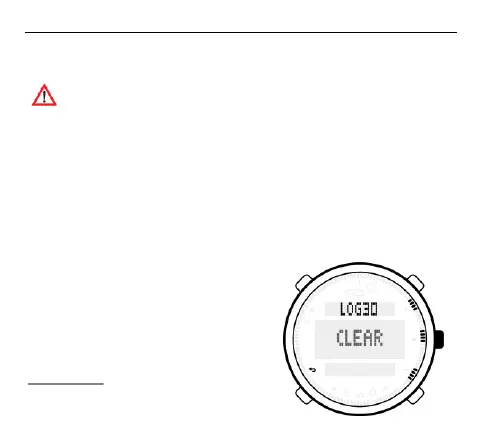
Deleting log records
To delete a log record, use the S1 or
S3 buttons to scroll to the record you
wish to delete until it appears in the
middle row of the screen. Next, press
the S2 button to open the record to
be deleted. Keep S2 pressed down



 To Next Page