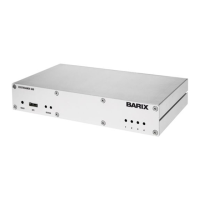
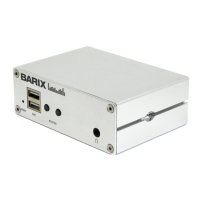
User Manual “Instreamer“ - V3.17 - 25th July 2011
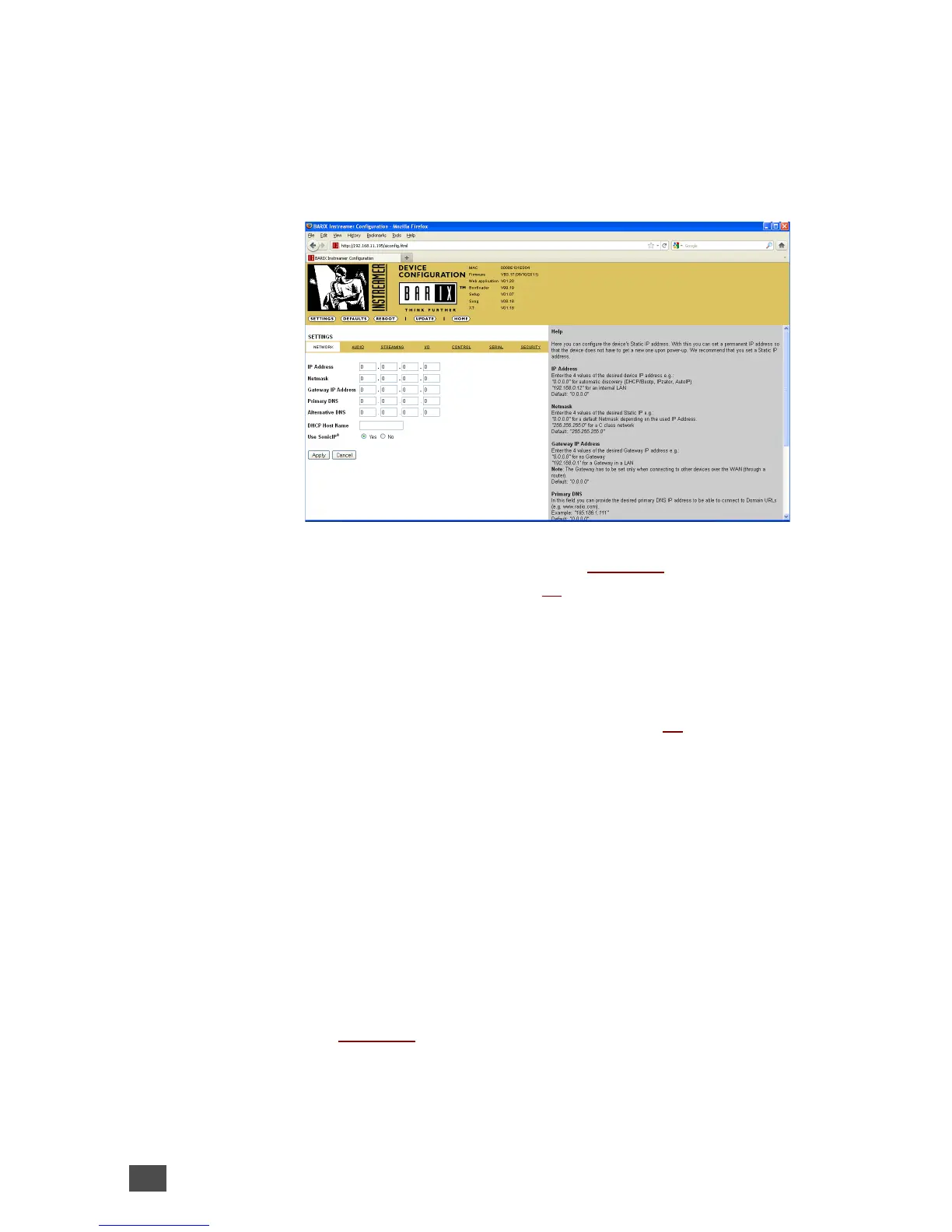
3.1 Network settings
This chapter explains how to adjust the network
settings of the Barix device.
We recommend that you set a Static IP address.
With a static (permanent) IP address the device does
not have to get a new IP address at power on or
reboot.
IP Address
Enter the 4 values of the desired static IP address
e.g.:
• “192.168.0.12” for an internal LAN
Attention: Make sure that you enter a free IP
address. The device will check this and will not be
available until the device using the same IP is
disconnected or switched off. The command Ping
can be used to ensure that a specific IP address is
unused (i.e. No reply).
The automatic discovery functions are not executed
if a Static IP address is set.
16 Device Configuration



 To Next Page