User Manual “Instreamer“ - V3.17 - 25th July 2011
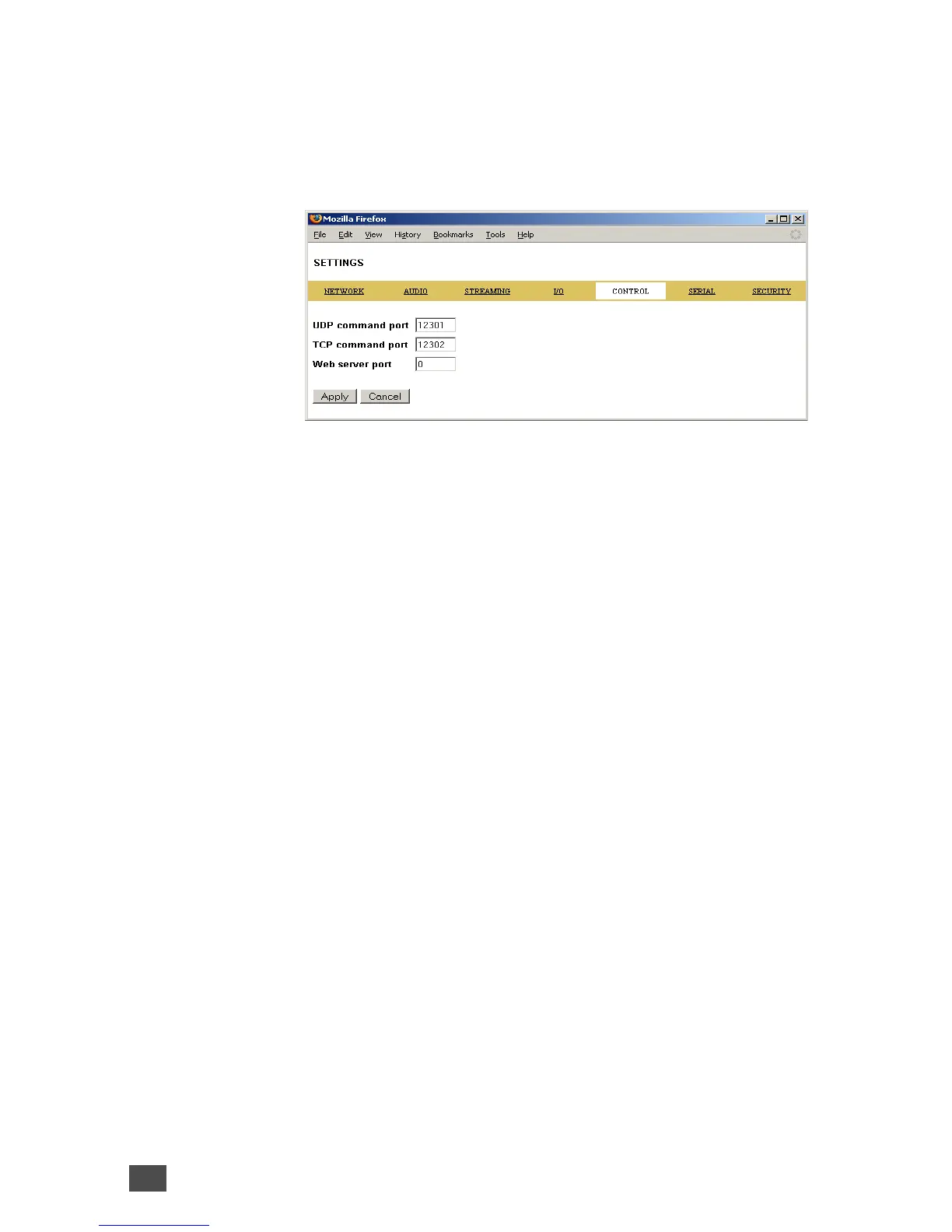
3.5 Control settings
These settings adjust the control port properties.
UDP command port
Defines the port where the device will receive
commands via UDP. To disable set this port number
to “0”.
TCP command port
Defines the port where the device will receive
commands via TCP. To disable set this port number
to “0”.
Web server port
Defines the port on which the web server of the Barix
Instreamer can be reached. If set to "0" the default
HTTP port 80 is used.
3.6 Serial settings
These settings adjust the serial port, local port and
serial gateway properties.
34 Device Configuration



 To Next Page