Configuring the Camera AW00097209000
64 Basler IP Fixed Box Cameras
3.9.2 Serial I/O Tab
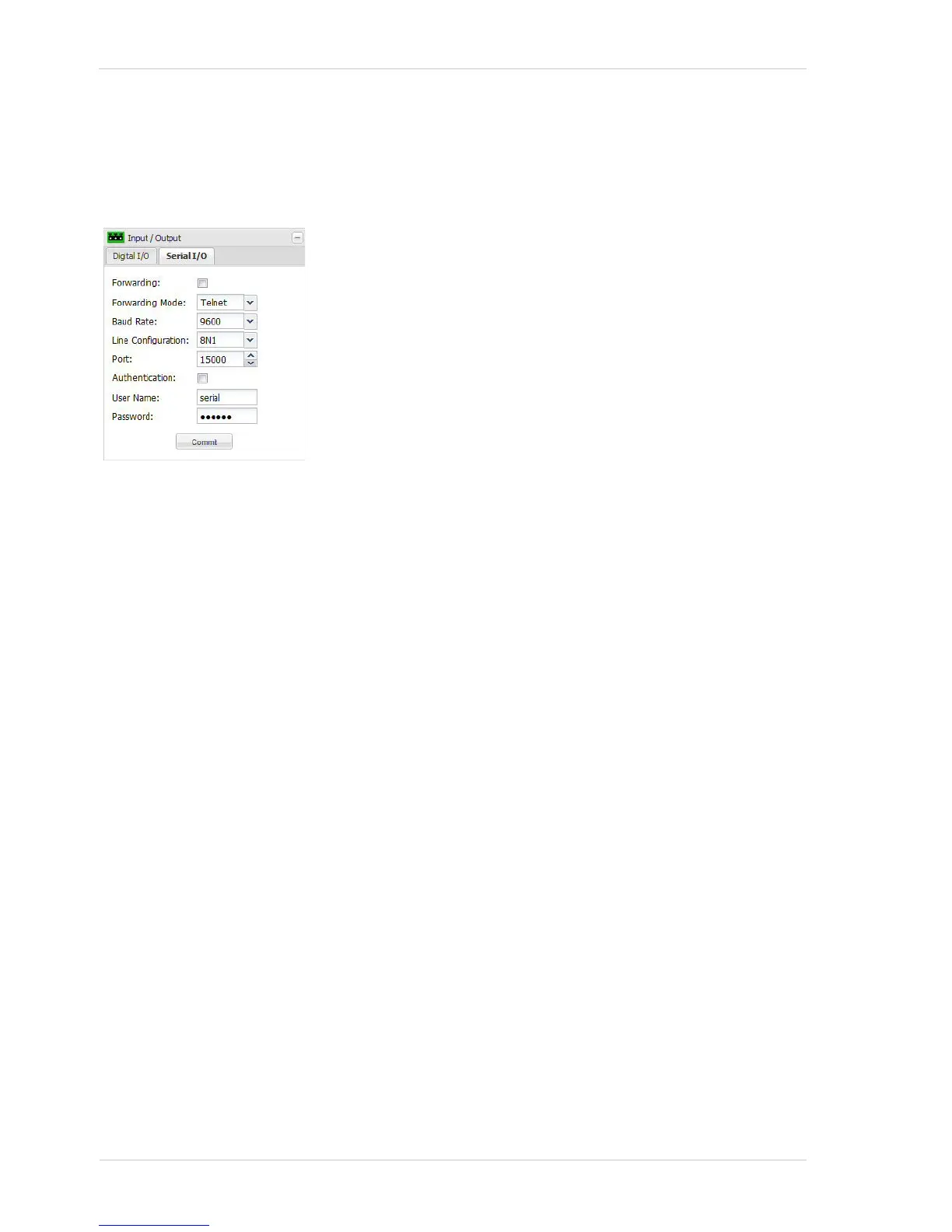
The parameters on the Serial I/O tab are used to configure the camera’s RS-485 serial port.
Line Configuration - Sets the line configuration for the serial port in Data Bits, Parity, Stop Bit
format. For example, 8N1 means 8 data bits, no parity, 1 stop bit.
Port - Sets the port to listen to for incoming TCP/IP traffic. If forwarding is enabled, all traffic will be
forwarded to the serial port.
Authentication - If the Authentication box is checked, then a login will be required to access the
serial port.
User Name - Sets the user name for access to the serial port. Up to 15 numbers and/or letters
(upper or lower case) can be used.
Password - Sets the password for access to the serial port. Up to 29 characters can be used. All
standard keyboard characters are valid.
Commit - Click the Commit button to save any changes you have made to the settings.
Forwarding - Check the Forwarding box to enable serial port
forwarding. When forwarding is enabled, serial commands issued
via TCP/IP over the designated port (see the Port parameter below)
will be forwarded to the serial port.
Forwarding Mode - Sets the mode for serial port forwarding.
Telnet = The network connection behaves like a normal telnet
connection using the byte "0xFF" as an escape character for
the input of commands.
Raw = Only the data from the serial port is transmitted over the
network without any interpretation.
Baud Rate - Sets the baud rate for the serial port (in bits per
second).



 To Next Page
 Loading...



