9440300990 13-9
DECS-250 Metering
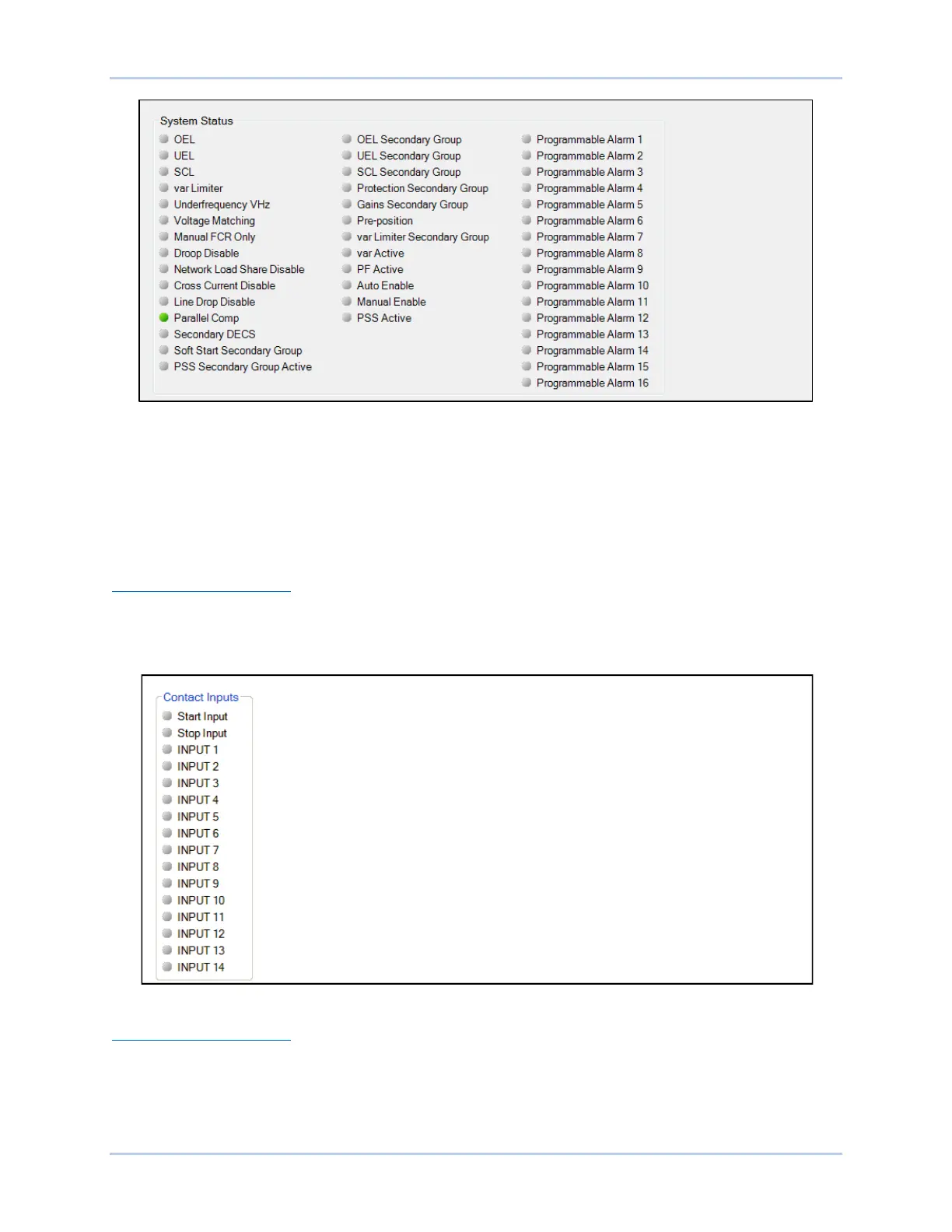
Figure 13-13. System Status Indication Screen
Inputs
BESTCOMSPlus Navigation Path: Metering Explorer, Status, Inputs
HMI Navigation Path: Metering Explorer, Status, Inputs
Status annunciation is provided for the DECS-250 and optional Contact Expansion Module (CEM-2020)
inputs. Annunciation is also provided for the optional Analog Expansion Module (AEM-2020) inputs.
DECS-250 Contact Inputs
Status indication for the DECS-250’s 16 contact sensing inputs is provided on the BESTCOMSPlus
contact inputs screen illustrated in Figure 13-14. An indicator changes from gray to red when a closed
contact is sensed at the corresponding input.
Figure 13-14. DECS-250 Contact Inputs Status Indication Screen
CEM-2020 Contact Inputs
The status of the 10 contact sensing inputs of the optional CEM-2020 Contact Expansion Module is
provided on the BESTCOMSPlus remote contact inputs screen. See the Contact Expansion Module
chapter of this manual for a description and illustration of this screen.



 To Next Page