13-12 9440300990
Metering DECS-250
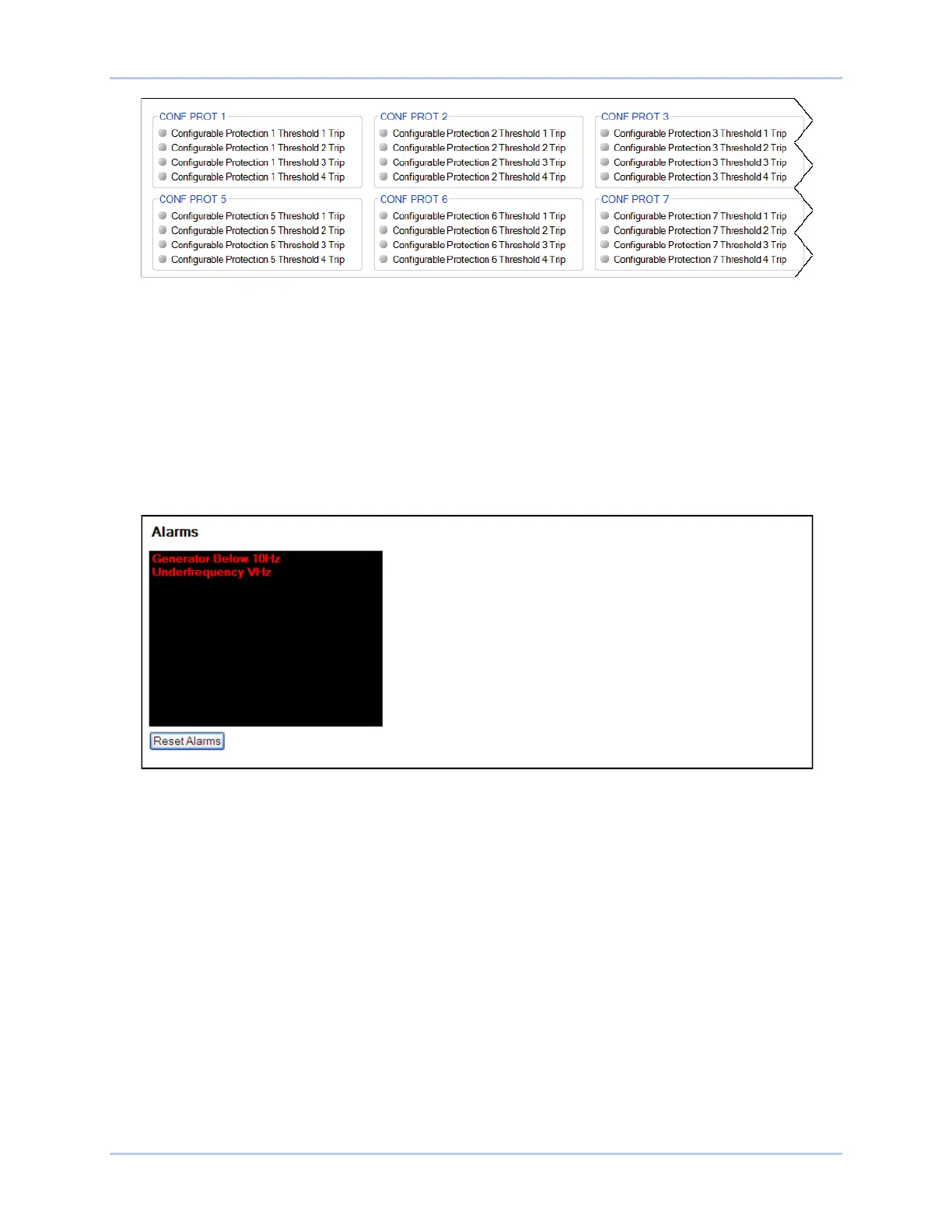
Figure 13-18. Configurable Protection Indication Status Screen
Alarms
BESTCOMSPlus Navigation Path: Metering Explorer, Status, Alarms
HMI Navigation Path: Alarms automatically displayed when active
System parameters, communication links, protection functions, and remote inputs/outputs are constantly
monitored for alarm conditions. Active and previously latched alarms are listed on the front panel display
and the Alarms screen of BESTCOMSPlus. At the front panel, an inactive alarm is reset by selecting the
alarm and then pressing the Reset pushbutton. A Reset Alarms button on the Alarms screen is clicked to
clear all inactive alarms in BESTCOMSPlus. The BESTCOMSPlus Alarms screen is illustrated in Figure
13-19. All possible DECS-250 alarms are listed below.
Figure 13-19. DECS-250 Alarm Annunciation and Reset Screen
27P Protection
32 Protection
40Q
59P Protection
81O Protection
81U Protection
AEM Communication Failure
AEM Input 1 Out of Range
AEM Input 1 Threshold 1 Trip
AEM Input 1 Threshold 2 Trip
AEM Input 1 Threshold 3 Trip
AEM Input 1 Threshold 4 Trip
AEM Input 2 Out of Range
AEM Input 2 Threshold 1 Trip
AEM Input 2 Threshold 2 Trip
AEM Input 2 Threshold 3 Trip
AEM Input 2 Threshold 4 Trip
AEM Input 3 Out of Range
AEM Input 3 Threshold 1 Trip
AEM Input 3 Threshold 2 Trip
AEM Input 3 Threshold 3 Trip
AEM Input 3 Threshold 4 Trip
AEM Input 4 Out of Range
AEM Input 4 Threshold 1 Trip
AEM Input 4 Threshold 2 Trip
AEM Input 4 Threshold 3 Trip
AEM Input 4 Threshold 4 Trip
AEM Input 5 Out of Range
AEM Input 5 Threshold 1 Trip
AEM Input 5 Threshold 2 Trip
AEM Input 5 Threshold 3 Trip
AEM Input 5 Threshold 4 Trip
AEM Input 6 Out of Range
AEM Input 6 Threshold 1 Trip
AEM Input 6 Threshold 2 Trip
AEM Input 6 Threshold 3 Trip



 To Next Page