9440300990 13-11
DECS-250 Metering
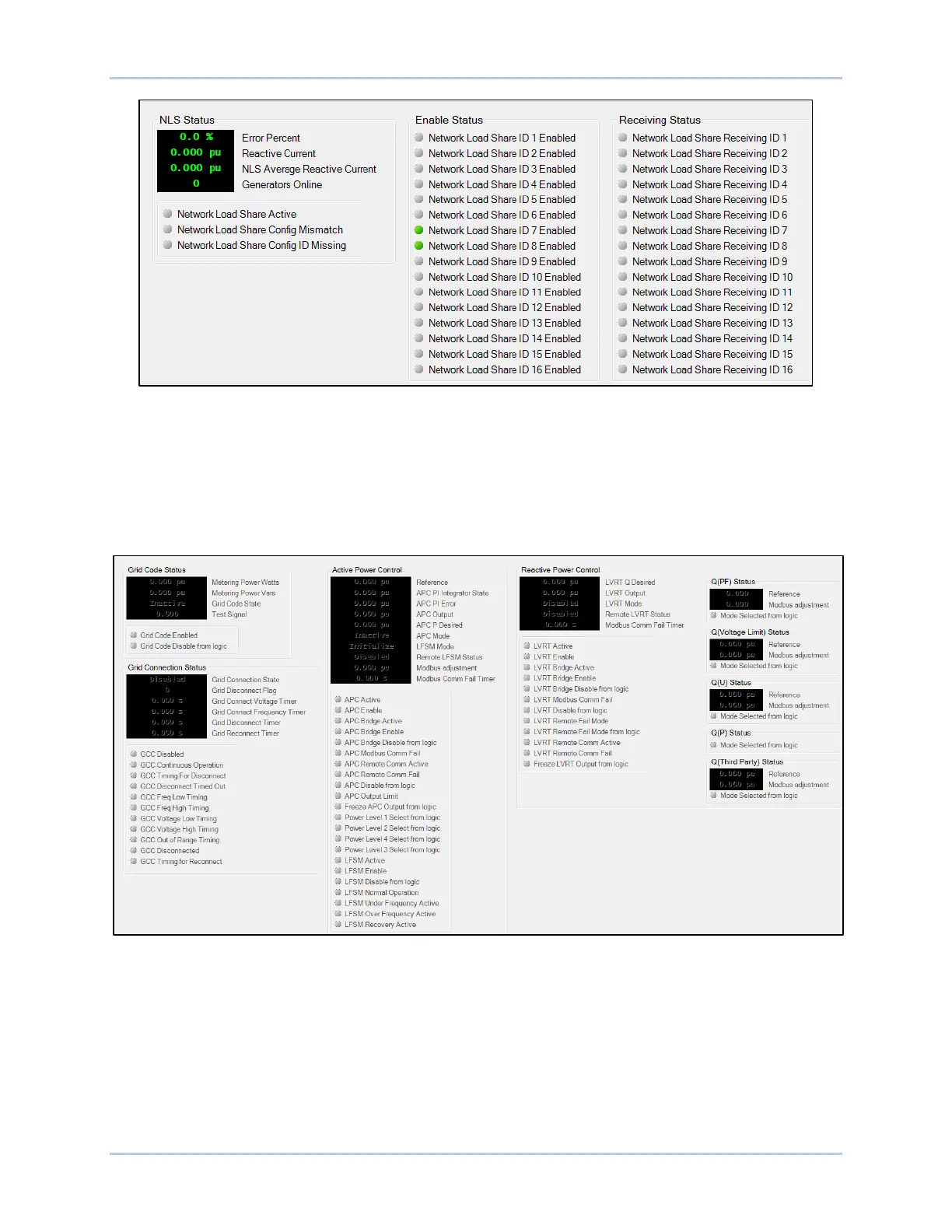
Figure 13-16. NLS Status Screen
Grid Code
BESTCOMSPlus Navigation Path: Metering Explorer, Status, Grid Code
HMI Navigation Path: Metering Explorer, Status, Grid Code
Metering and status related to grid code is shown on this screen (Figure 13-17). Indicators change from
gray to green when the status is true.
Figure 13-17. Grid Code Status Screen
Configurable Protection
BESTCOMSPlus Navigation Path: Metering Explorer, Status, Configurable Protection
HMI Navigation Path: Metering Explorer, Status, Configurable Protection
Trip status for the eight configurable, supplemental protection elements is annunciated on the
BESTCOMSPlus configurable protection screen (Figure 13-18). An indicator for each protection
element’s four trip thresholds changes from gray to green when the corresponding trip threshold is
exceeded.



 To Next Page