9440300990 33-11
DECS-250 Contact Expansion Module
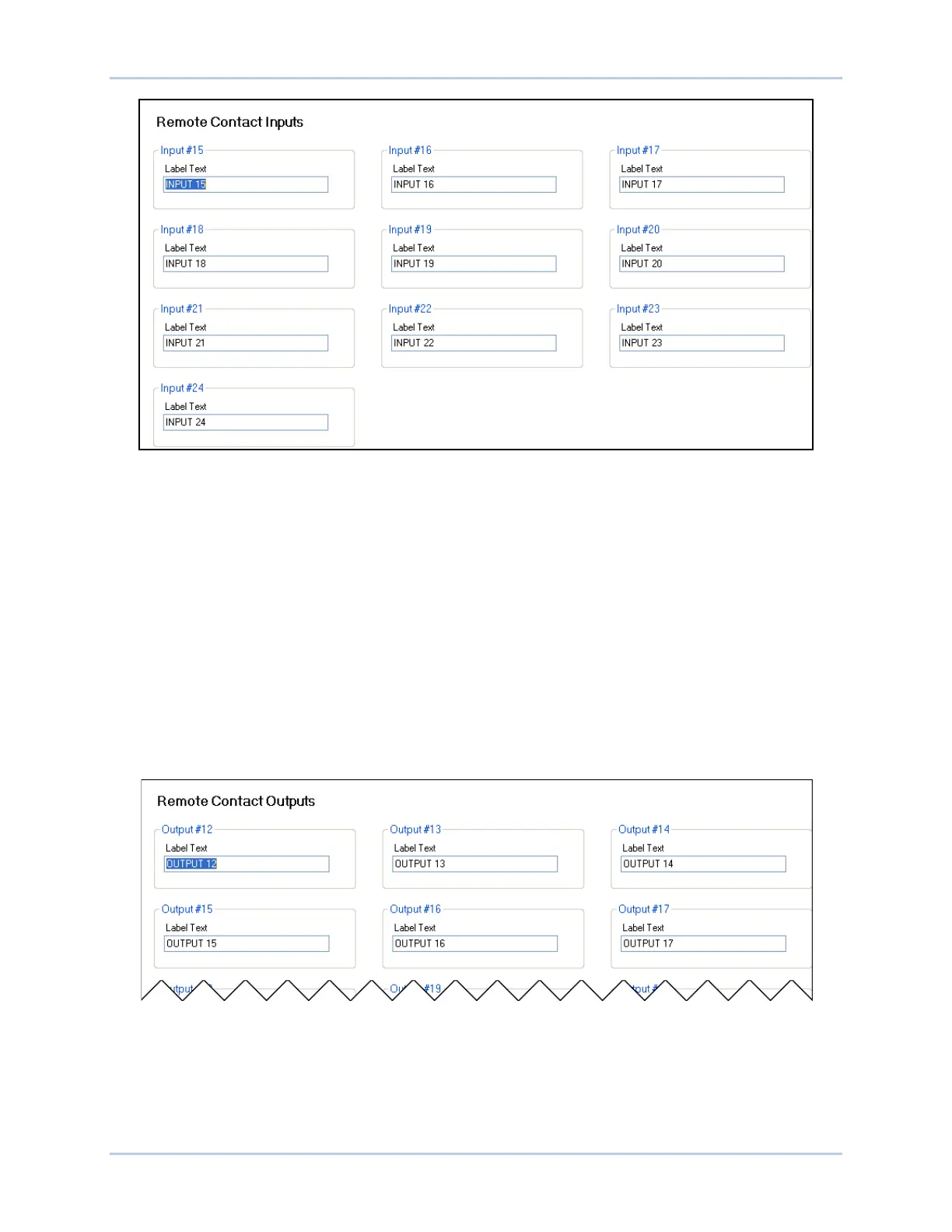
Figure 33-8. Remote Contact Inputs Settings
Contact Outputs
BESTCOMSPlus Navigation Path: Settings, Programmable Outputs, Remote Contact Outputs
HMI Navigation Path: Settings, Programmable Outputs, Remote Contact Outputs
The CEM-2020 provides 24 programmable contact outputs with the same functionality as the contact
outputs on the DECS-250. Outputs 12 through 23 can carry 1 A. Outputs 24 through 35 can carry 4 A.
The CEM-2020H provides 18 programmable contact outputs with the same functionality as the contact
outputs on the DECS-250. Outputs 12 through 23 can carry 2 A. Outputs 24 through 29 can carry 10 A.
The label text of each contact output is customizable and accepts an alphanumeric character string with a
maximum of 64 characters.
The remote analog outputs are incorporated into a BESTlogicPlus programmable logic scheme by
selecting them from the I/O group in BESTlogicPlus. For more details, refer to the BESTlogicPlus chapter.
BESTCOMSPlus settings for remote contact outputs are illustrated in Figure 33-9.
Figure 33-9. Remote Contact Outputs Settings
Status LED
This red LED flashes to indicate that the CEM-2020 is powered up and functioning properly. The LED
lights solid during power up. When the power-up sequence is complete, this LED flashes. If the LED does
not flash after power up, contact Basler Electric.



 To Next Page