33-12 9440300990
Contact Expansion Module DECS-250
Metering
Contact Inputs
BESTCOMSPlus Navigation Path: Metering, Status, Inputs, Remote Contact Inputs
HMI Navigation Path: Metering, Status, Inputs, Remote Contact Input Values
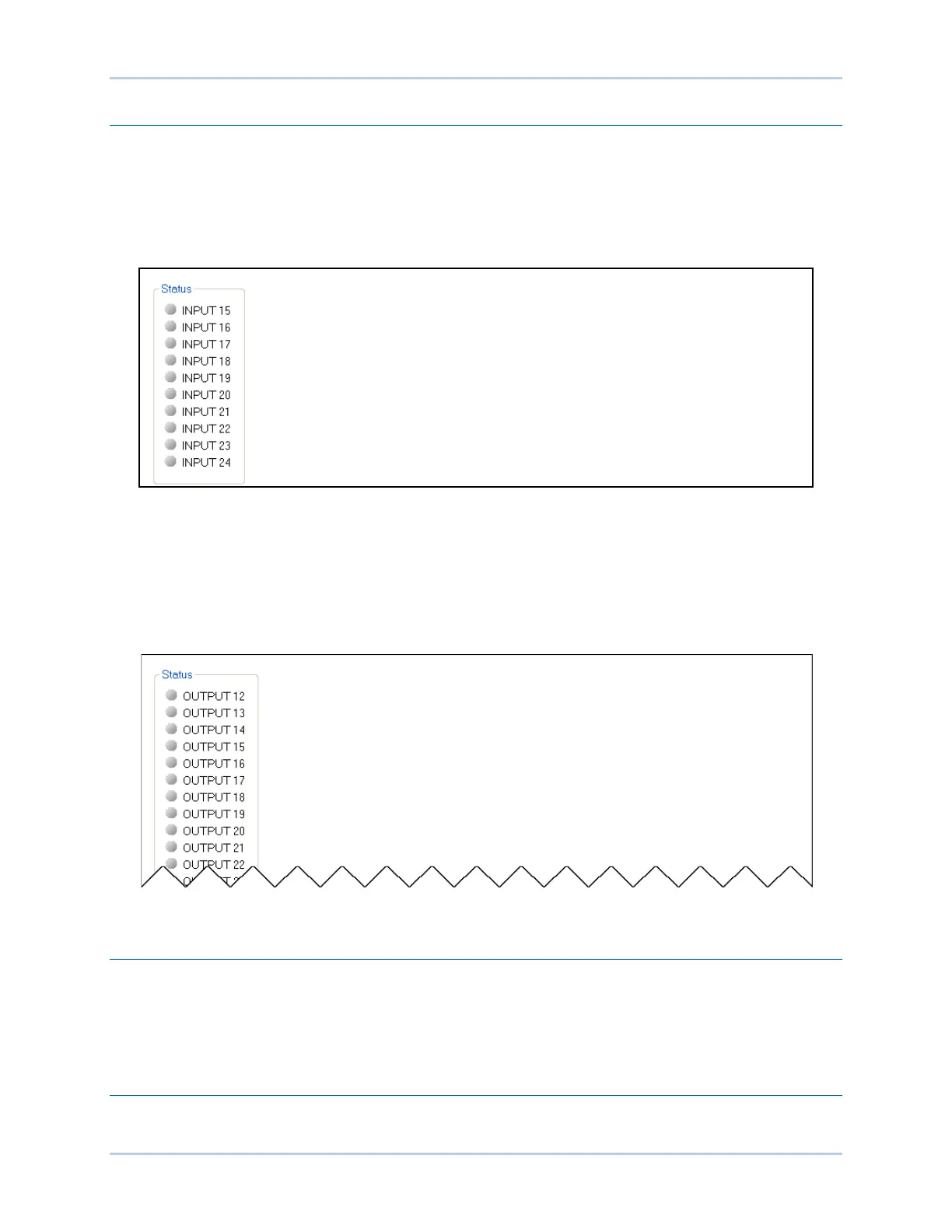
The value and status of the remote contact inputs are shown on this screen. The status is TRUE when
the corresponding LED is green. Refer to Figure 33-10.
Figure 33-10. Remote Contact Inputs Metering
Contact Outputs
BESTCOMSPlus
®
Navigation Path: Metering, Programmable Outputs, Remote Contact Outputs
HMI Navigation Path: Metering, Status, Outputs, Remote Contact Outputs
The value and status of the remote contact outputs are shown on this screen. The status is TRUE when
the corresponding LED is green. Refer to Figure 33-11.
Figure 33-11. Remote Contact Outputs Metering
Maintenance
Preventive maintenance consists of periodically checking that the connections between the
CEM-2020 and the system are clean and tight. Contact Expansion Modules are manufactured using
state-of-the-art surface-mount technology. As such, Basler Electric recommends that no repair
procedures be attempted by anyone other than Basler Electric personnel.
Firmware Updates
Refer to the BESTCOMSPlus
®
chapter for instructions on updating firmware in the CEM-2020.



 To Next Page