The Menus
bbe BenthoTorch Manual Page 70
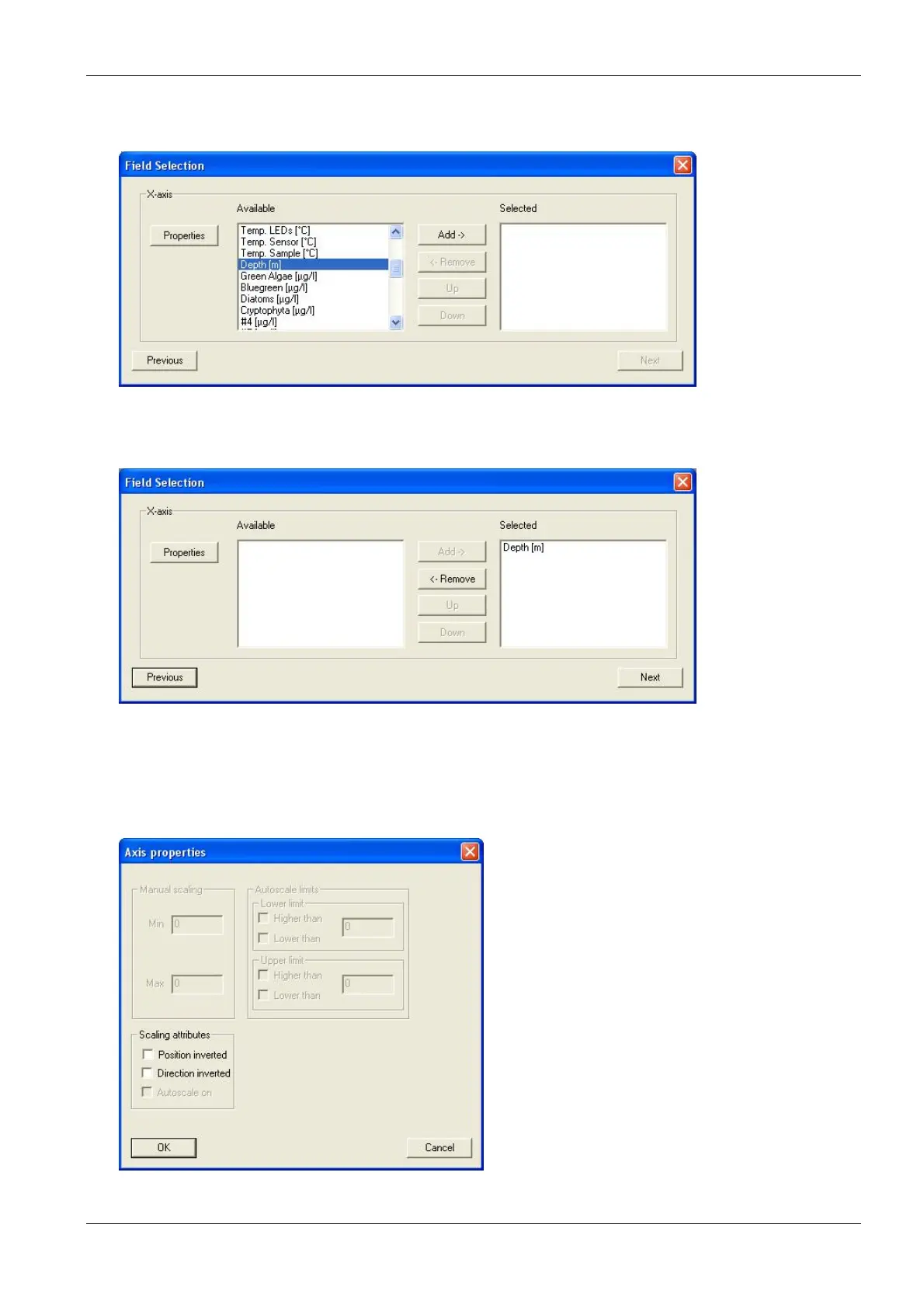
7. Select the data for the axis chosen and click on “A
DD
”. Only one of the available entries is possible (in
the example “Depth”)
8. After choosing one entry all other entries vanish. Removing the entry by clicking “R
EMOVE
” brings back
all available entries.
9. Click on „P
ROPERTIES
“
Axis Properties - first axis
Some properties can be set for each axis. For the first axis, this is the position and the direction.
Normally the first axis is on the lower or left side of the graph. The direction is normally defined as:



 To Next Page