RS485 Star Card Manual V14 4Feb04.doc Page 16/29
JVC TK-C676 – Fixed at 9600,E,8,1 (adjust SW1 to suit input protocol)
Function TX1500 Procedure Pelco Procedure
Display menu and EXIT
1 #
SAVE PRESET 95
SET (whilst in menu)
2 #
GOTO PRESET 33
Toggle Extended Dynamic Range
3 #
GOTO PRESET 94
Cycle BW mode, ON/OFF/AUTO
4 #
Start dome AUTO PATROL
1 PATROL
GOTO PRESET 97
As above for ALL DOMES
2 PATROL
GOTO PRESET 98
Start dome AUTOPAN
AUTOPAN
GOTO PRESET 99
Notes:
Connect dome RX- to Starcard TRB and dome RX+ to Starcard TRA.
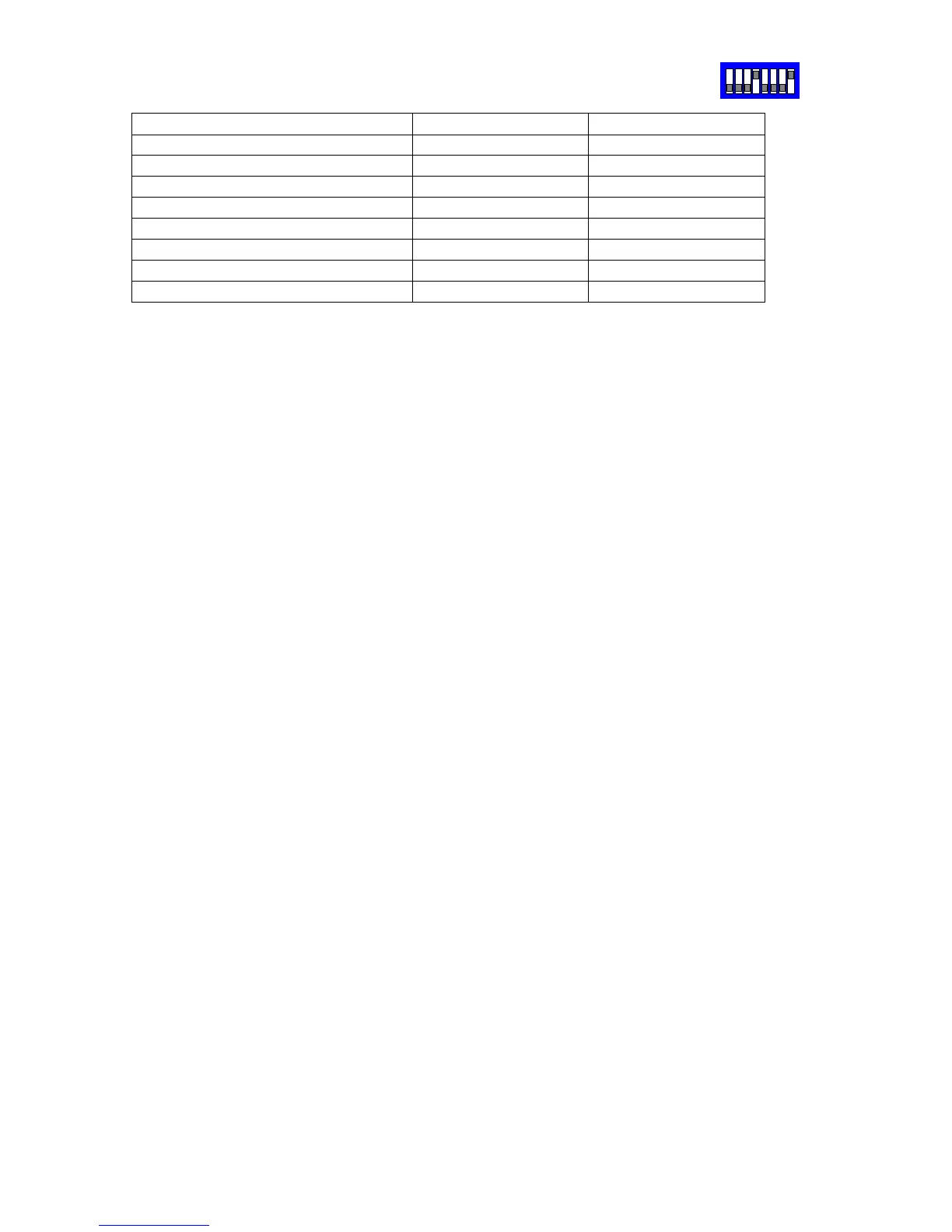
Each dome must be set to Multi-drop, Simplex mode by setting dome switch 4 & 5 ON.
Set each dome address using the dome rotary switches. This address must match the
number of the camera input of the telemetry controller.
A total of up to 96 domes are supported with a maximum of 32 domes per star output.
To display the current dome’s menu, press either 1# with the BBV Tx1500 or SAVE
PRESET 95 using Pelco-P or Pelco-D protocol. Use standard PAN/TILT and where
required ZOOM to navigate through the menus. To simulate the SET key to navigate into
sub-menus press 2# with a TX1500 or GOTO PRESET 33 when using Pelco protocols.
To exit the current menu press 1# for the TX1500 or SAVE PRESET 95 with Pelco.
Addition functions.
Pressing AUTOPAN with a TX1500 or GOTO PRESET 99 with Pelco will cause the
current dome to start an AUTOPAN.
Pressing 1 PATROL with a TX1500 or GOTO PRESET 97 with Pelco will cause the
current dome to start an AUTOPATROL.
Pressing 2 PATROL with a TX1500 or GOTO PRESET 98 with Pelco will cause ALL the
domes to start an AUTOPATROL.
Extended Dynamic Range can be toggled ON/OFF using 3# with the TX1500 or GOTO
PRESET 94 with Pelco.
B/W Mode can be cycled between ON/OFF/AUTO using 4# with the TX1500.
Camera mode display. Protocol Converter SW2/8
If protocol converter switch SW2/8 is set to ON then each time the Extended Dynamic
Range or BW mode is changed or AUTOPATROL is selected then the dome title is
altered to display these settings. If it is preferred to use the dome camera title for titling
then set switch SW2/8 OFF. The settings will still be changed but will not be shown.
Presets
The dome home preset position is preset 0. As most control systems do not directly
support preset 0, preset 1 is used instead. This means that in practice, preset 1 is home,
preset 2-32 are preset 2-32 and the dome’s preset 1 is not used. This could only be an
issue when programming alarms directly into the dome. Do not use preset position 1
unless this is programmed from within the dome menu.
SW2


 To Next Page