RS485 Star Card Manual V14 4Feb04.doc Page 20/29
360 VISION from BBV telemetry.
Connect dome D+ to Starcard/Converter TRA and dome D- to Starcard/Converter TRB.
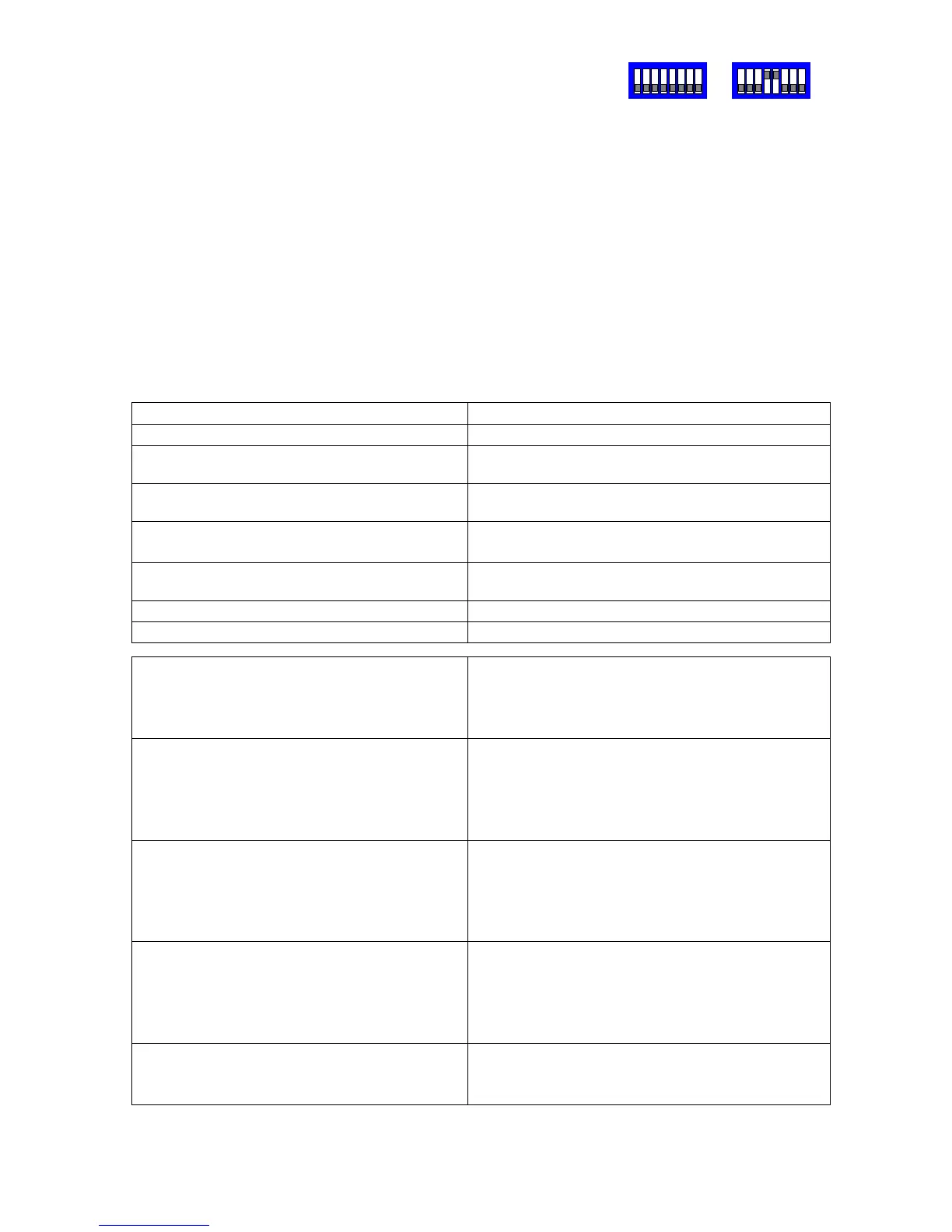
Set the dome address using the DIL switch to match the number of the camera input of
the TX1500. Ensure that the dome at the end of a daisy chained RS485 run has the
RS485 terminated and the intermediate domes have the RS485 de-terminated.
The following functionality is provided.
Manual pan/tilt control with 16 speed steps from 1 to 127, (slowest to fastest)
Zoom with Manual Iris and Focus override.
Operating the Zoom will re-enable auto focus and iris after manual adjustment
32 preset positions.
2 sequential preset tours of preset positions 1 - 16, tour 1 high speed and tour 2 slow
speed. The dwell time is fixed at 10 seconds per preset position. Preset positions can be
removed from the tours.
All 32 privacy zones can be programmed and disabled if required.
Advanced Function TX1500 Procedure
180 degree pan flip (U turn)
1 #
Program a privacy zone 2 # followed by
PROGRAM 1-32 PRESET
Clear a privacy zone 3 # followed by
PROGRAM 1-32 PRESET
Add preset position to the tours Programming a preset position adds the
preset into the tour. (1 – 16 only)
Remove a preset from the tours PROGRAM 50 PRESET followed by
1-16 PRESET
Start preset tour 1 – high speed 1 PATROL (max speed with 10 second dwell)
Start preset tour 2 – slow speed 2 PATROL (speed 32 with 10 second dwell)
Set autoflip mode PROGRAM 51 PRESET followed by
1 PRESET = autoflip OFF
2 PRESET = ON tilt at down limit
3 PRESET = ON when at limit
Set Video Gain/Lift and Sync timing PROGRAM 52 PRESET followed by
IRIS CLOSE/OPEN to increase/decrease GAIN
FOCUS NEAR/FAR to increase/decrease LIFT
ZOOM IN/OUT to advance/retard timing
Move joystick when finished.
Set IR Filter mode PROGRAM 53 PRESET followed by
1 PRESET = mono mode/auto off
2 PRESET = colour mode/auto off
3 PRESET = auto/kill colour
4 PRESET = auto/don’t kill colour
Set Home functions
(fixed at 5 minutes)
PROGRAM 54 PRESET followed by
1 PRESET = Enable to preset 1
2 PRESET = Enable to patrol 1 (fast)
3 PRESET = Enable to patrol 2 (slow)
4 PRESET = Disable home
Reset dome to factory. USE CAUTION!!
This command will clear all dome
configuration including preset positions.
PROGRAM 55 PRESET followed by
PROGRAM 55 PRESET
SW1
SW2


 To Next Page