RS485 Star Card Manual V14 4Feb04.doc Page 17/29
Chugai/Ganz ZC-S122/123 – Fixed at 9600,E,8,1 Control from BBV protocol only.
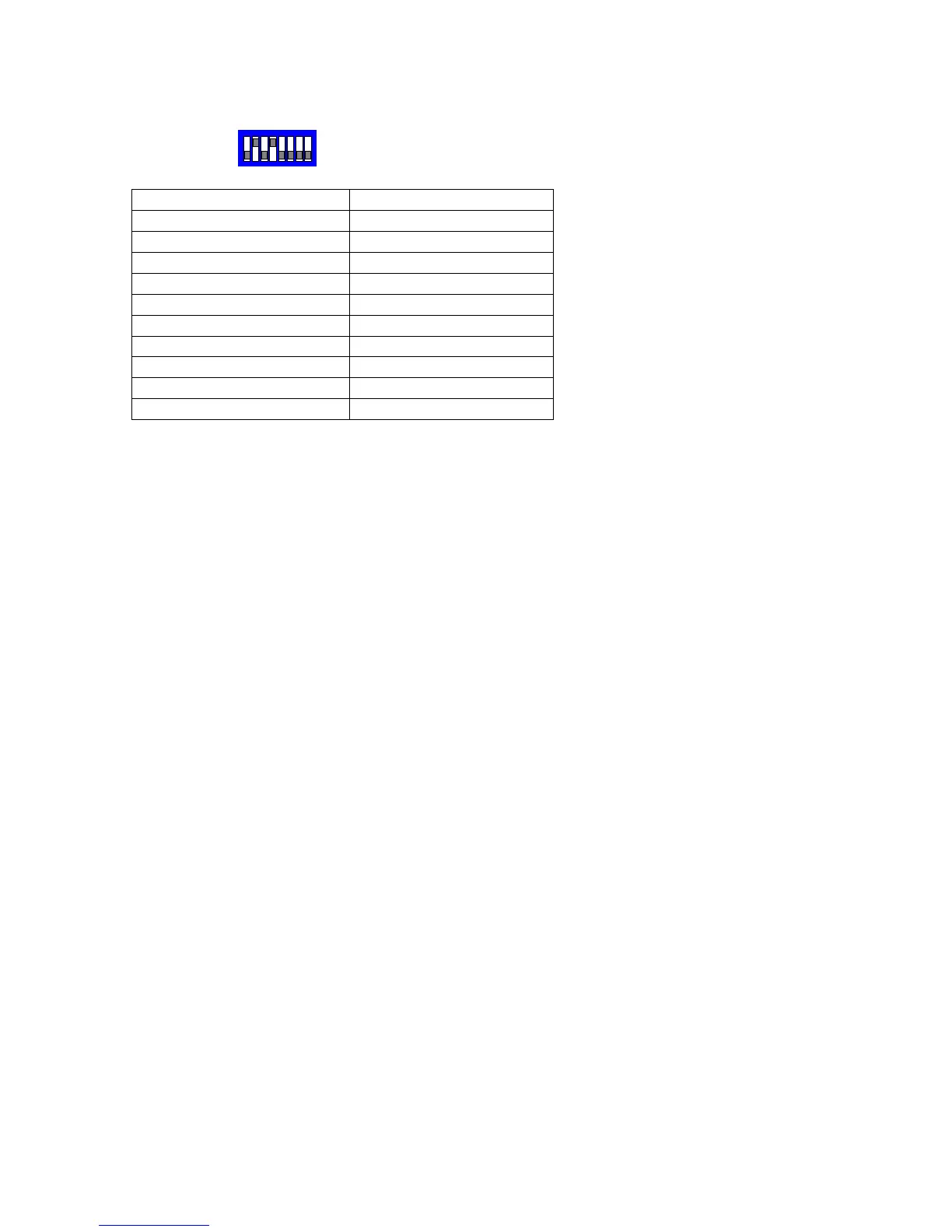
SW2
Function TX1500 Procedure
Menu ON/OFF
1 #
SET (whilst in menu)
2 #
CLR (whilst in menu)
3 #
PRESET SEQUENCE
1 PATROL
PLAYBACK TRACE
2 PATROL
AUTOPAN
AUTOPAN
AUX 1 OUTPUT ON/OFF
LIGHTS
AUX 2 OUTPUT ON/OFF
WIPER
Notes:
Connect dome A/+(pin 1, BROWN) to Starcard TRA and dome B/- to Starcard TRB.
Each dome must be set to 9600 Baud with switch 5 OFF, switch 6 ON. Set the dome
address using the dome rotary switches to match the number of the camera input of the
TX1500. Ensure that domes at the end of the RS485 run are terminated by turning
switch 8 ON and the intermediate domes have the switch 8 OFF.
A total of up to 96 domes are supported with a maximum of 32 domes per star output.
Menu access.
Press 1# will toggle the Menu display ON/OFF.
Whilst the menu is displayed the joystick is used to navigate.
2# is used as SET to access a menu option and
3# is used as CLR to go back.
Addition functions are available for the currently displayed dome.
AUTOPAN is started by pressing the AUTOPAN key.
PRESET SEQUENCE is started by pressing 1 PATROL.
TRACE playback is started by preseding 2 PATROL
The protocol converter can directly access preset 1 – 64 by pressing the preset number
followed by the PRESET key.
To program a preset position, press PROGRAM followed by the preset number and the
PRESET key. See the TX1500 manual for detailed information.


 To Next Page