Chapter 4: Instrument use 37
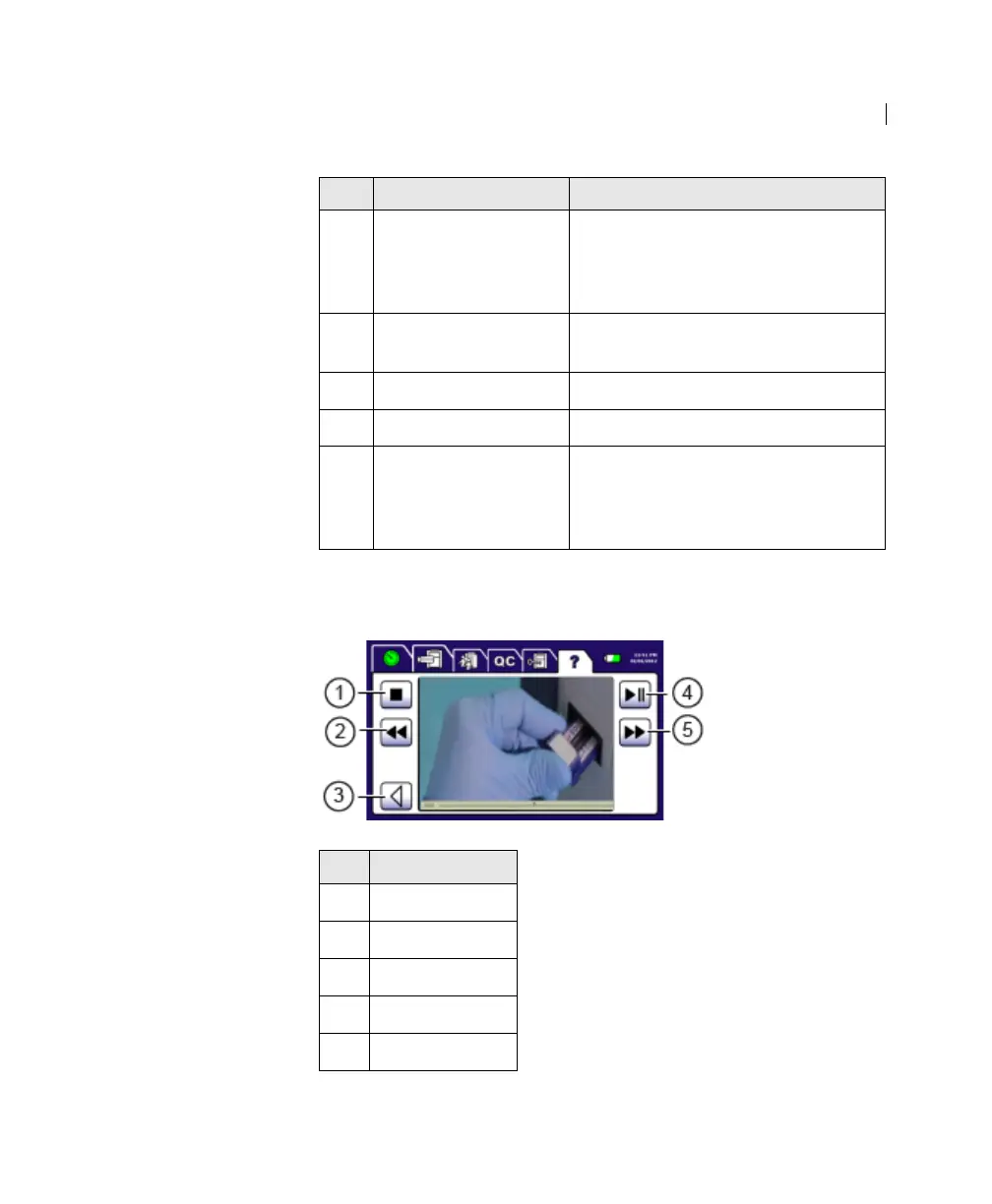
The following figure shows the Help tab after you have selected a
video.
7 Settings Video on setting the date, time,
display brightness, volume, Hb unit,
lab name, operator names, and
process control information.
8 Software version Software version installed on the
instrument.
9 Date Date of software version.
10 Delete All Button for deleting all test results.
11 Copyright
information
Opens the Copyright information
screen for the instrument. Press the
Back button to return to the Help
tab’s video selection screen.
No. Button
1
Stop
2 Rewind
3 Back
4 Play or Pause
5 Fast Forward
No. Component Description











 To Next Page