BD FACSPresto Near-Patient CD4 Counter Instructions For Use64
Running samples
Introduction This topic describes how to run samples from the Run Test tab.
You cannot start a run if the instrument has a low battery. You
cannot turn off the instrument during a run.
Procedure To run samples:
1. Make sure the cap on the cartridge is closed.
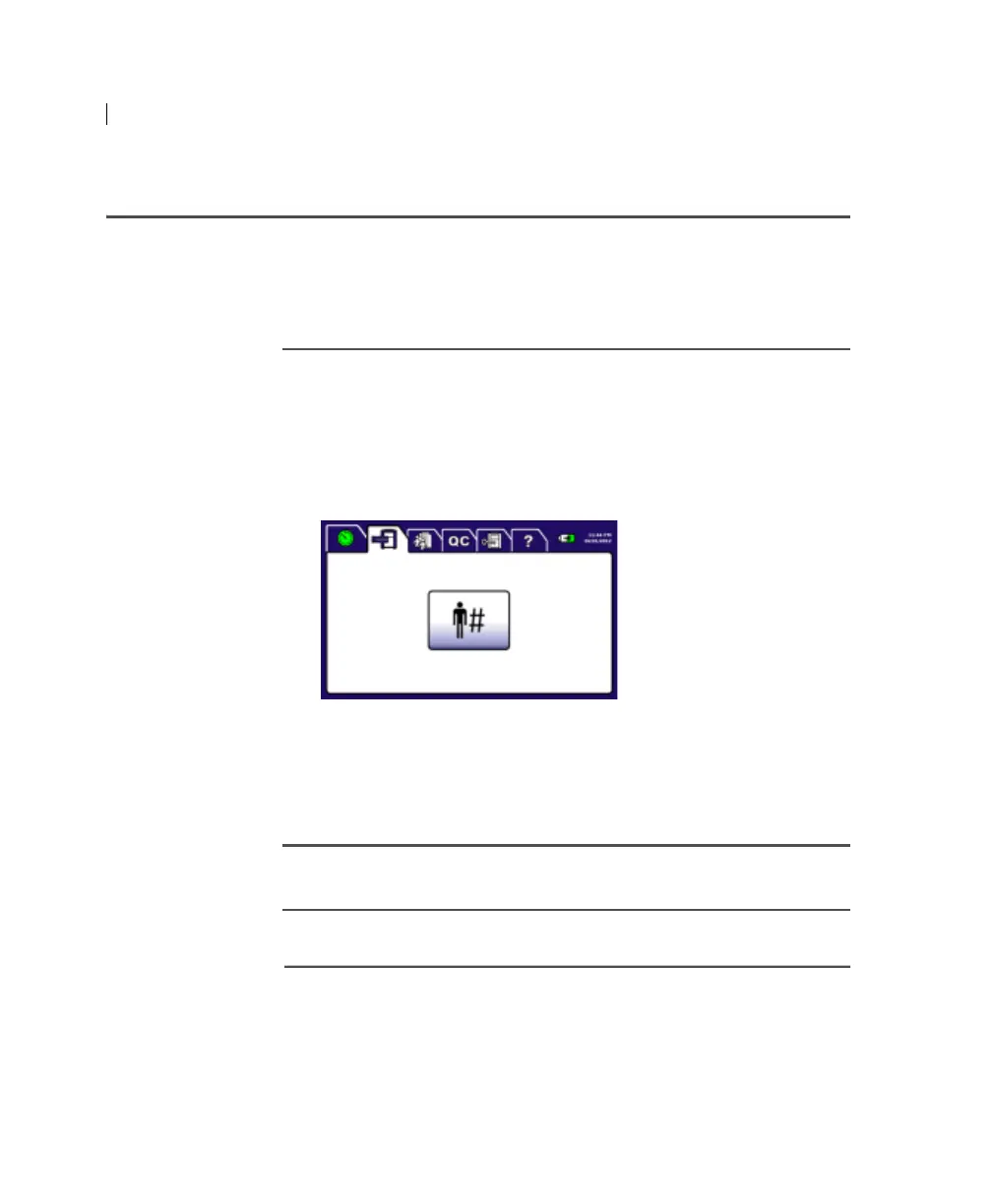
2. Press the Run Test tab.
3. Press Patient ID.
4. Enter the patient’s ID and press Accept.
The Confirm Patient ID screen opens.
5. Press Accept.
Next step Inserting the cartridge (page 65)
More information • Keyboard (page 21)











 To Next Page