BD FACSPresto Near-Patient CD4 Counter Instructions For Use70
• BD FACSPresto Near-Patient CD4 Counter Safety and
Limitations Guide
Managing test results
Introduction This topic describes how to search, filter, print, delete, and export
test results. Press the Results tab to manage the test results.
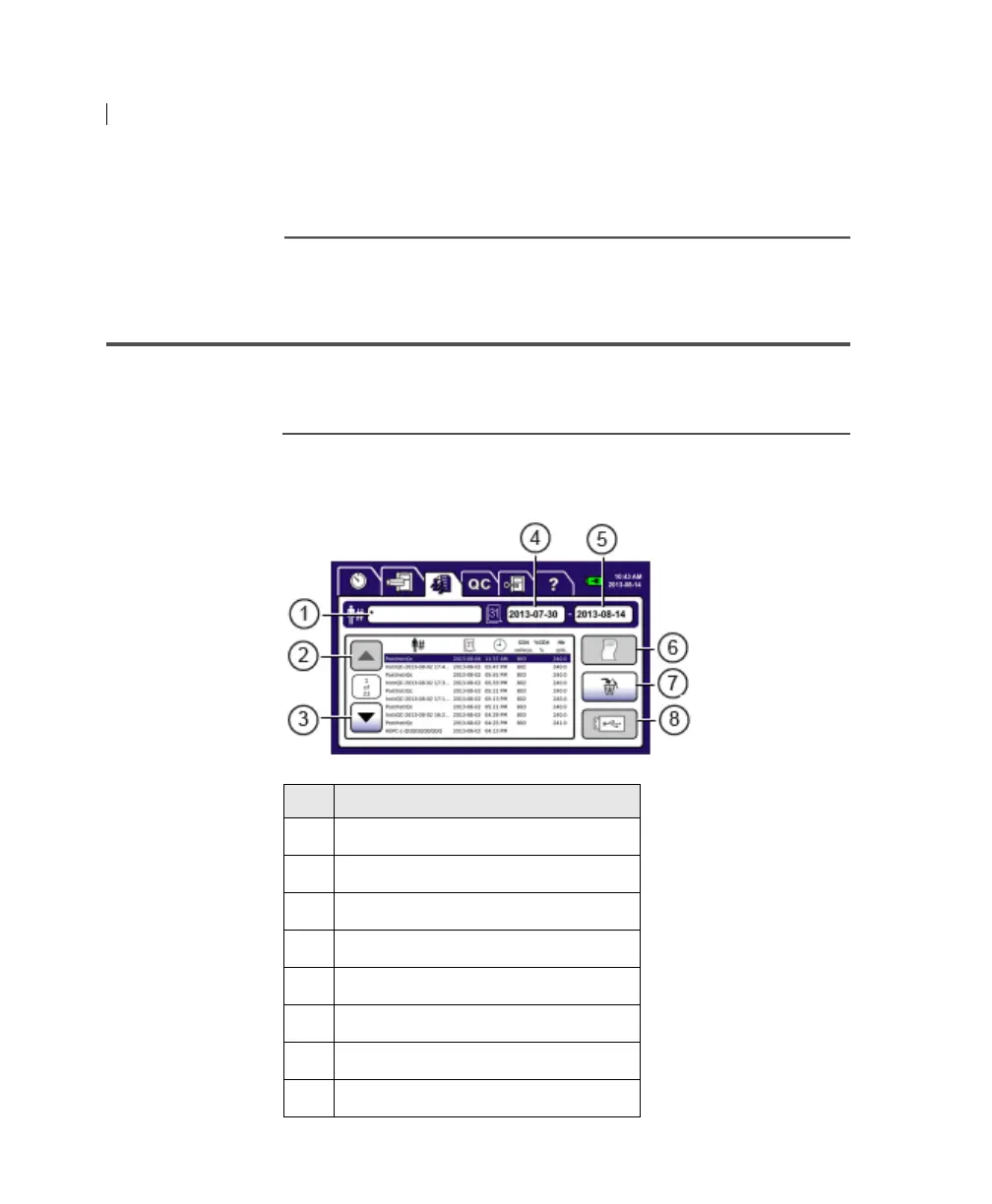
Results tab The following figure shows the screen with the Results tab
selected.
No. Button
1
Patient ID
2 Up
3 Down
4 Start Date
5 End Date
6 Print
7 Delete
8 USB











 To Next Page