Chapter 6: Sample processing 65
Inserting the cartridge
Introduction This topic describes how to insert the cartridge into the instrument.
Procedure To insert the cartridge:
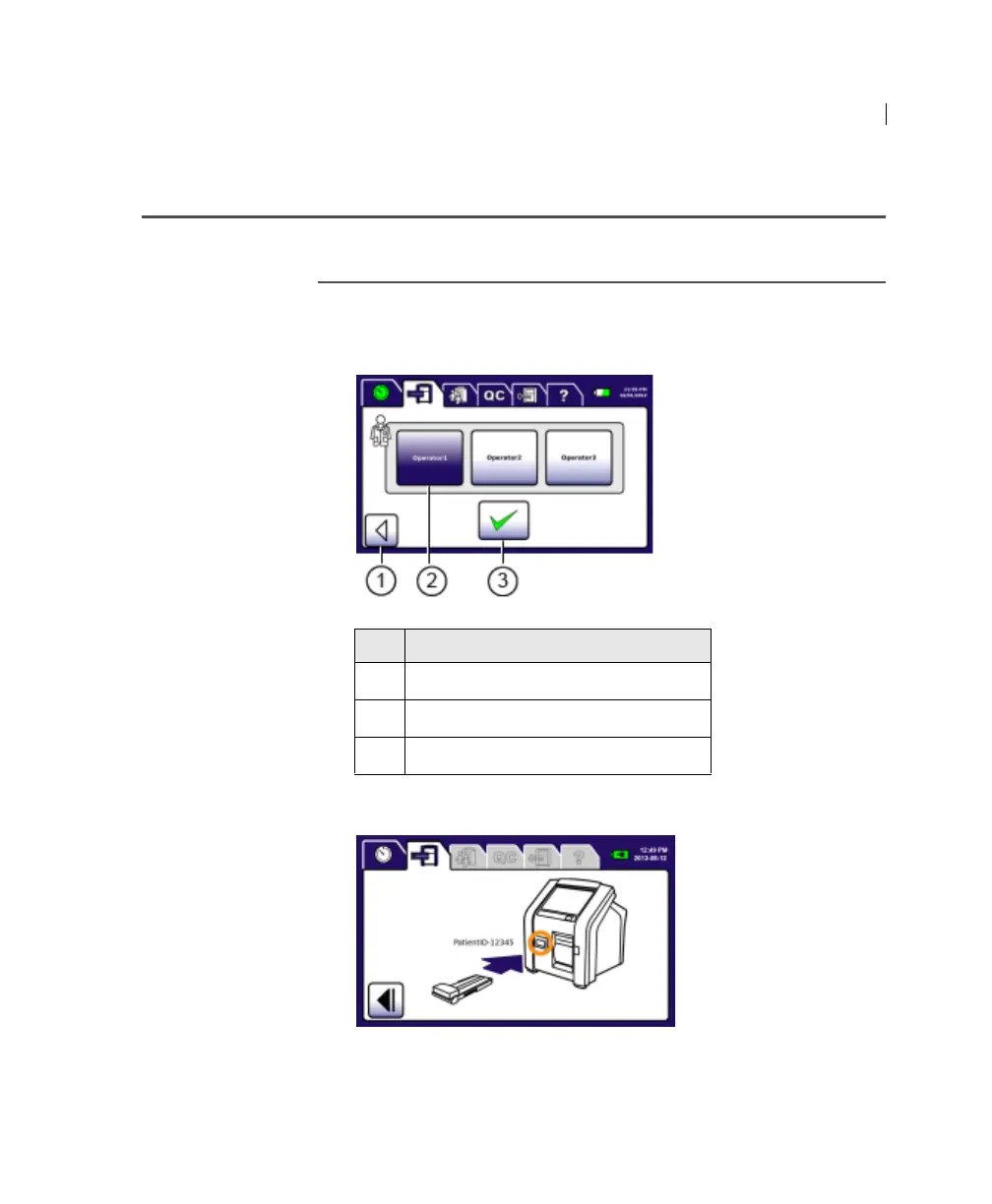
1. Select your Operator ID and press Accept.
The cartridge door on the instrument opens.
Note: If possible, complete the following two steps within
30 seconds.
No. Button
1
Back
2 Operator ID
3 Accept











 To Next Page