Chapter 5: Quality and process control 45
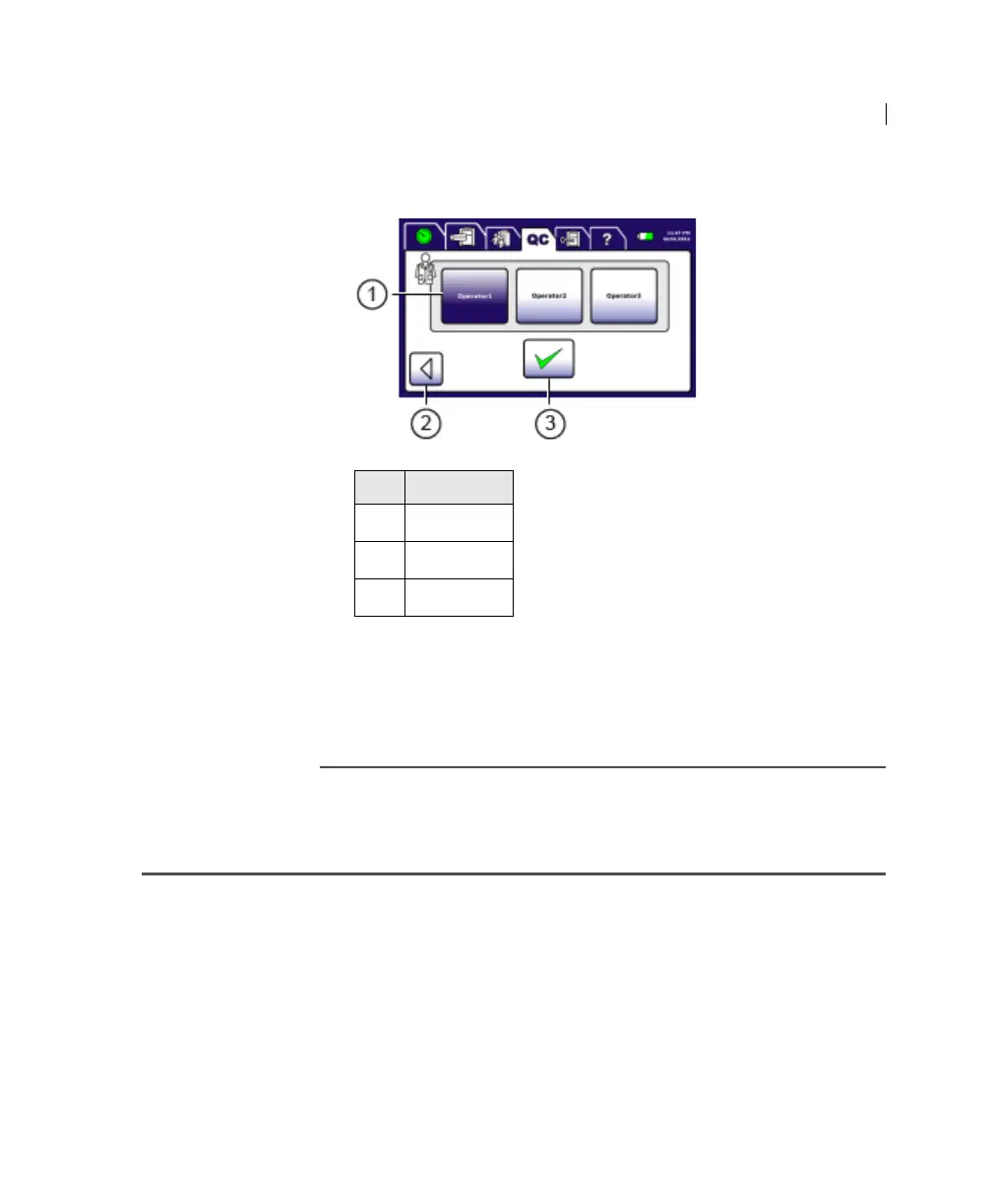
3. Select your operator ID and press Accept.
A progress screen opens. When instrument QC is complete, the
instrument beeps 3 times, a results screen opens, and the
results automatically print.
4. Press Accept.
Entering process control information
Introduction This topic describes how to enter process control information.
Enter the following information for each new lot of process
controls:
• CD4 low count (includes CD4 percentage)
• CD4 normal count (includes CD4 percentage)
• Hb Level 1 concentration
• Hb Level 2 concentration
• Hb Level 3 concentration
No. Button
1
Operators
2 Back
3 Accept











 To Next Page