Chapter 5: Quality and process control 47
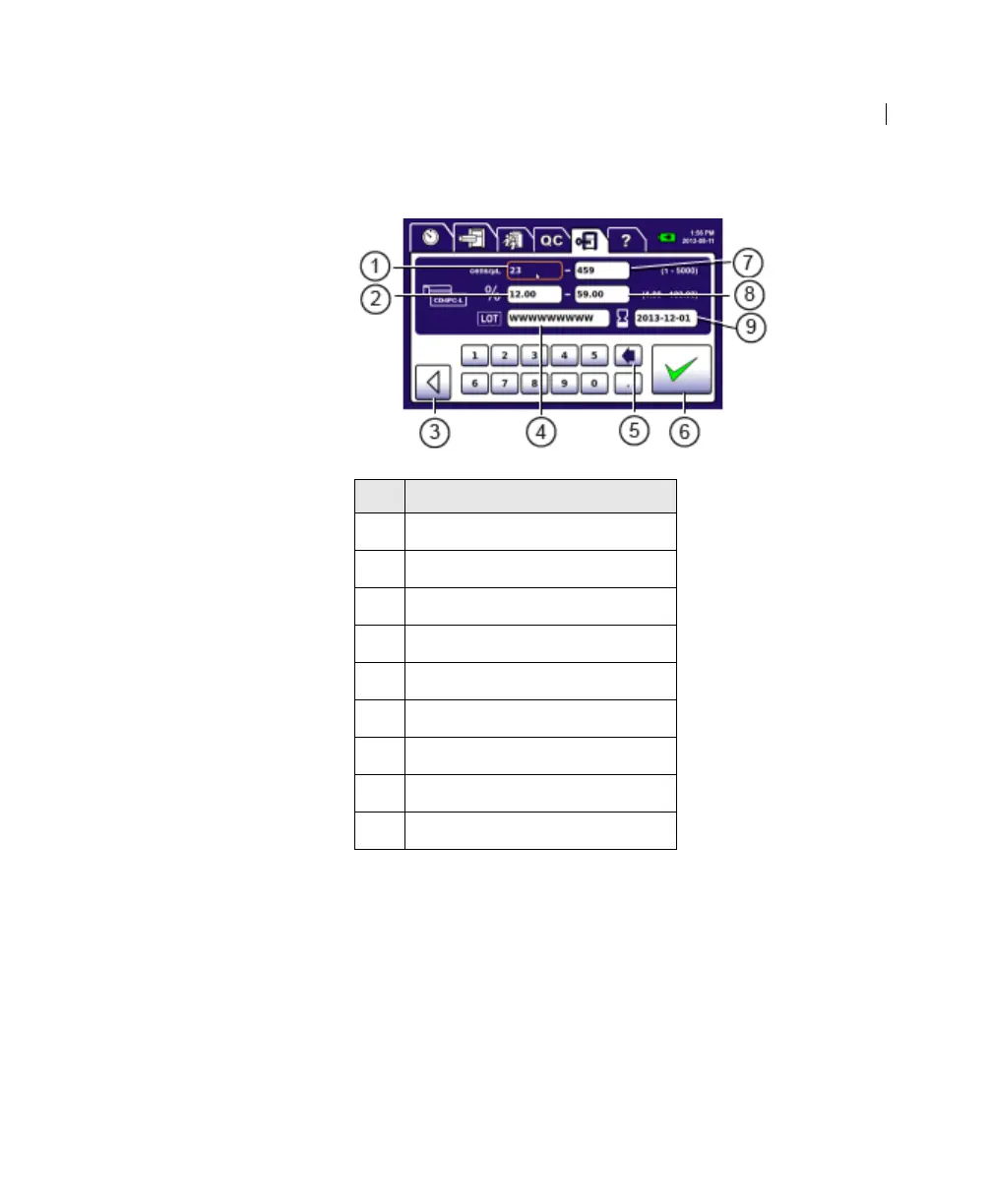
The CD4PC Low Settings screen opens.
4. Press the Lower Limit CD4 Count field on the left and enter a
value (according to the process control documentation) with
up to four digits with no decimal places.
5. Press the Upper Limit CD4 Count field on the right and enter a
value.
6. Press the Lower Limit CD4 Percentage field on the left and
enter a value (according to the process control documentation)
with up to four digits including two decimal places.
No. Field or Button
1
Lower Limit CD4 Count
2 Lower Limit CD4 Percentage
3 Back
4 Lot Number
5 Backspace
6 Accept
7 Upper Limit CD4 Count
8 Upper Limit CD4 Percentage
9 Expiration Date











 To Next Page