BD FACSPresto Near-Patient CD4 Counter Instructions For Use72
To print a test result:
1. Select a test result.
2. Press Print.
Deleting test
results
Before you delete a test result, you should export it to a USB flash
drive. You should delete all test results from the instrument before
sending the instrument to BD Biosciences for service.
To delete a test result:
1. Select a test result.
2. Press Delete.
A confirmation screen opens.
3. Press Delete.
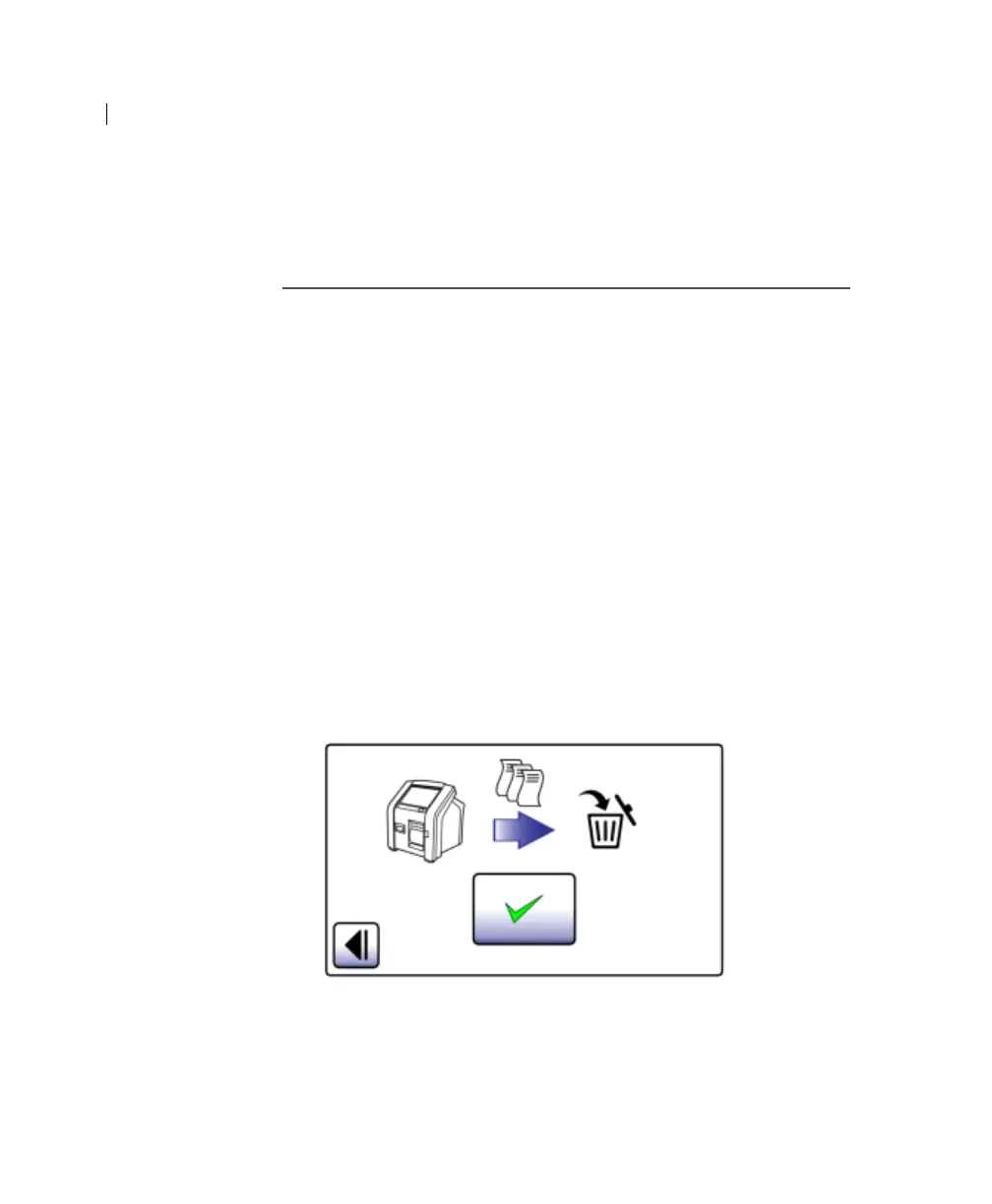
To delete all test results:
1. Press the Help tab.
2. Press Delete All.
A confirmation screen opens.
3. Press Accept.
To confirm all results are deleted, press the Results tab.











 To Next Page