1705Router Web Configuration Manual
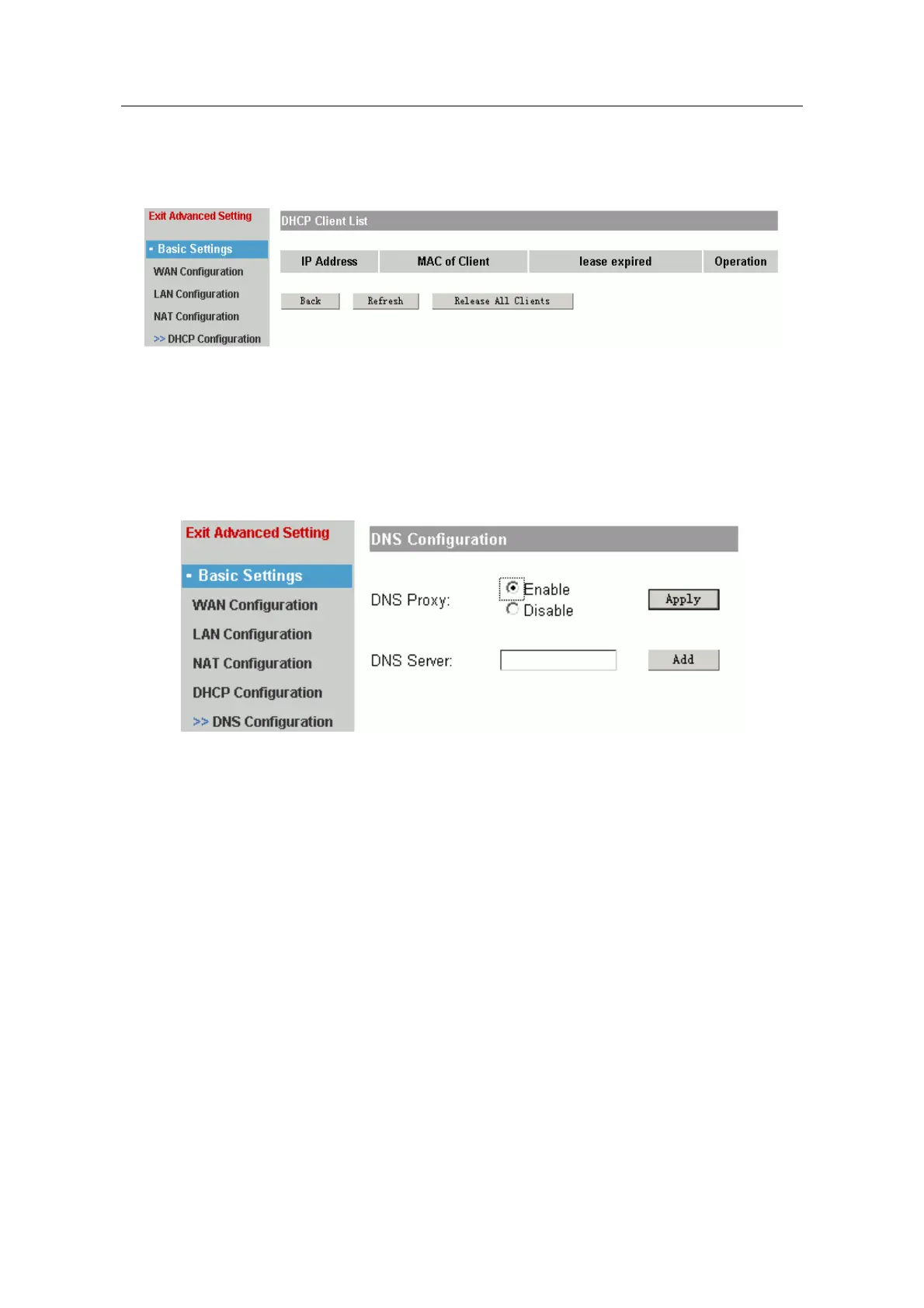
Lease expired: the useful-life of PC IP address. The default is one day.
Click “apply” to make the configuration effective. If you want to check the distributive
result, you should click “Client List”.
It shows the IP address, MAC address and lease expired of client.
Click “Refresh” to release IP address for client. Click “Release All Clients” to release all
IP address for client.
1.4.5 DNS Configuration
It is used to configure DNS.
DNS Proxy: Enable or Disable.
DNS Server: fill in a IP address of DNS, click “add” to add DNS server. You can add 6
DNS server at best.
1.5 Advanced
It includes the following submenu: “Mutiplex Line”, “Port Mapping”, “Special NAT”,
“Firewall”, “Default Route”, “Static Route”, “DDNS Settings”, “VPN Settings”. Advanced
settings can help you finish some advanced function for router.
- 14 -



 To Next Page