1705Router Web Configuration Manual
1.3 First page
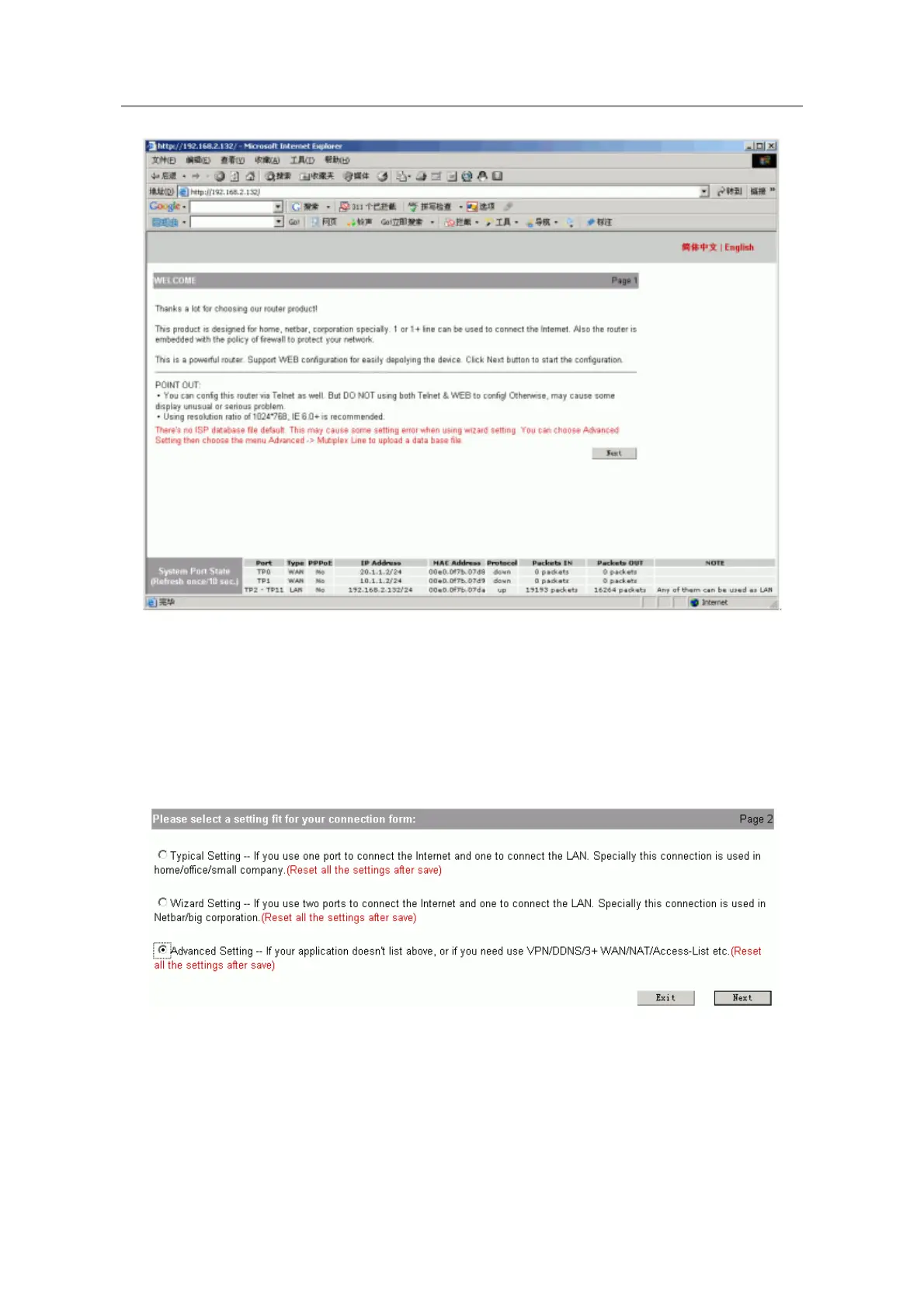
Click “next” to begin configuring.
First the system will check router to ensure that whether it has been configured already
or not. If there is configuration in router, system will show a list to show the configuration.
Click “exit” to return the first page, click “return” to config router again.
If the router is default configuration, it will show the following layout page:
You can choose one configuration method.
- 5 -



 To Next Page