1705Router Web Configuration Manual
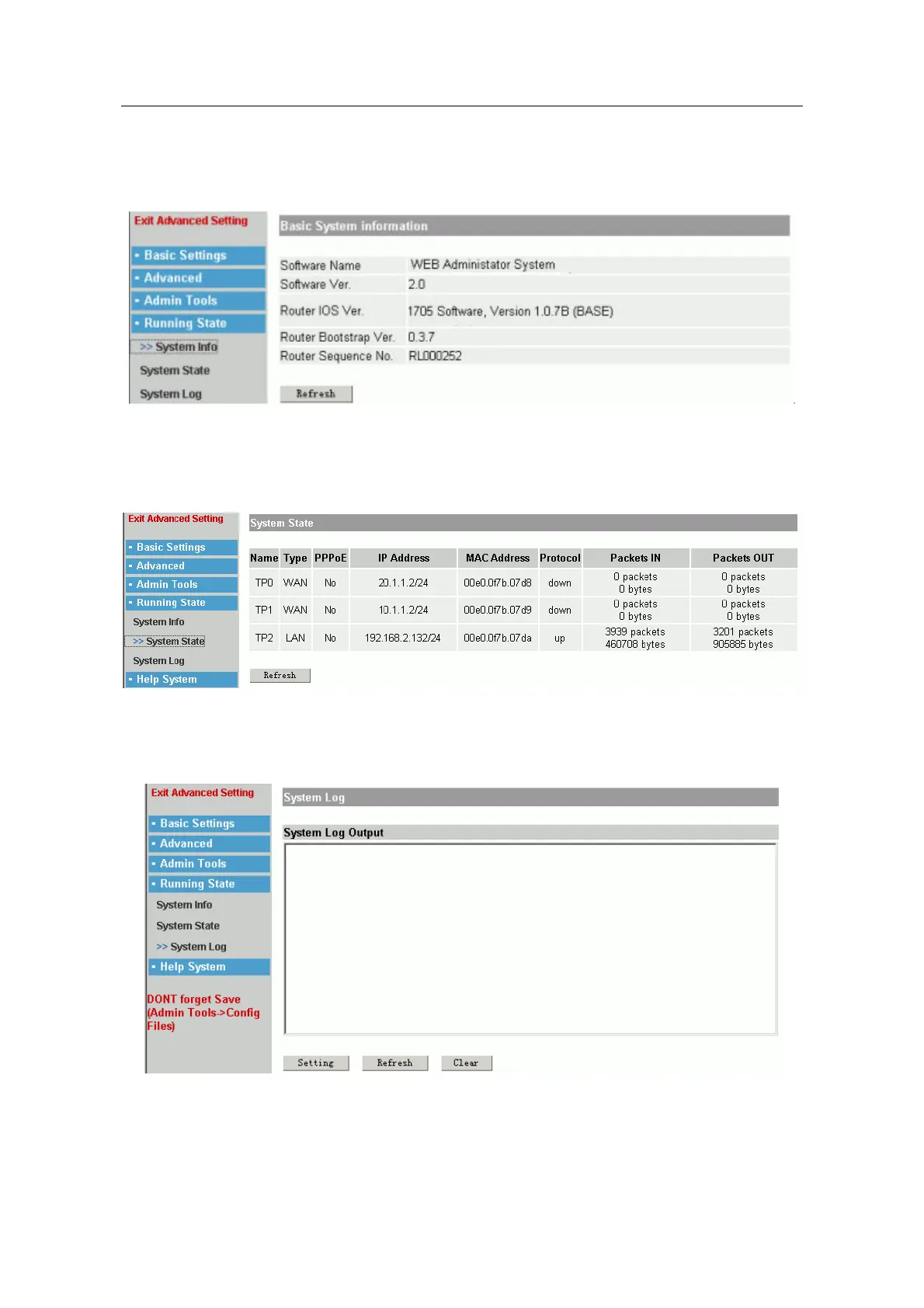
1.7.1 System Information
It is used to show the system informatiom.
1.7.2 System State
It shows the port state of system.
1.7.3 System Log
Users could know the system state by observing Log information.
The page layout shows the log information. Click “Clear” to clear the information, click
“Refresh” to show the newest log information.
Click “Setting” to set the output of log information.
- 28 -



 To Next Page