1705Router Web Configuration Manual
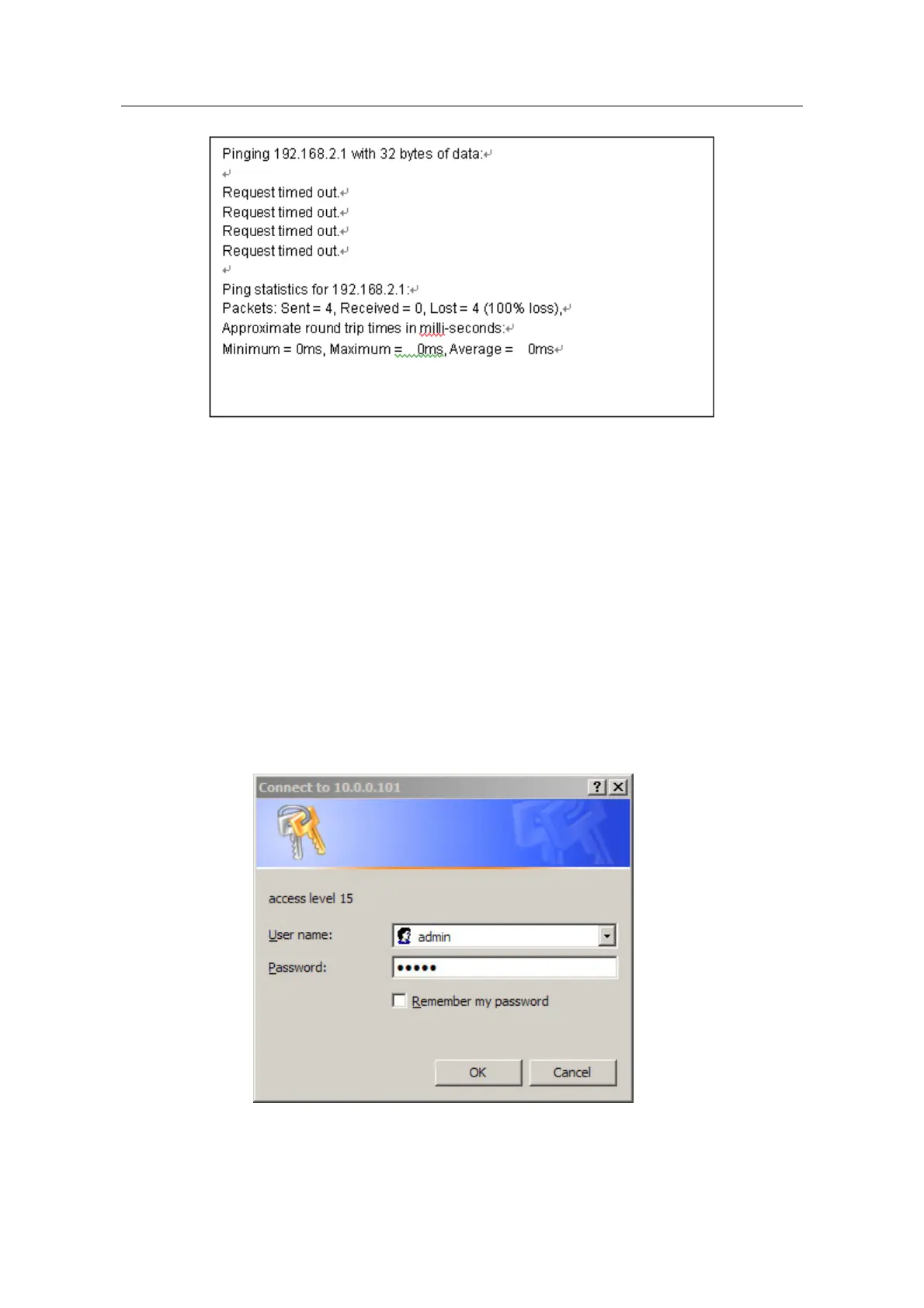
That shows the connection is unsuccessful.
You can check the following points:
The indicator light which is joined computer port is bright or not. If the light
isn’t bright, that shows the connection is abnormality on physical. You can
change a line.
Check the TCP/IP setting is correct or not.
1.2 Configuration guide
If the connection of computer and 1705router is normal, you can configure the router by
Web browser(for example: Internet Explorer).
1.2.1 Startup and logging in
Open Internet Explorer browser, input http://192.168.2.1 in address blank and press
“enter”, as the following figure show:
Input right user name and password, then login(the default user name is admin,
password is admin).
Browser will show the material configuration page layout after login successfully.
- 4 -



 To Next Page