1705Router Web Configuration Manual
NAT Port Mapping: It can open the some port(such as TP0) in order to make
outside network accessing the router.
LAN Host IP: fill in the IP address of host.
WAN Port: select a port which is connected Internet( It is physical port).
Services: select these services in order to make outside-network host accessing.
Click “next” to show the configuration result, click “save and reboot” to finish
configuration and reboot the router.
1.3.3 Advanced setting
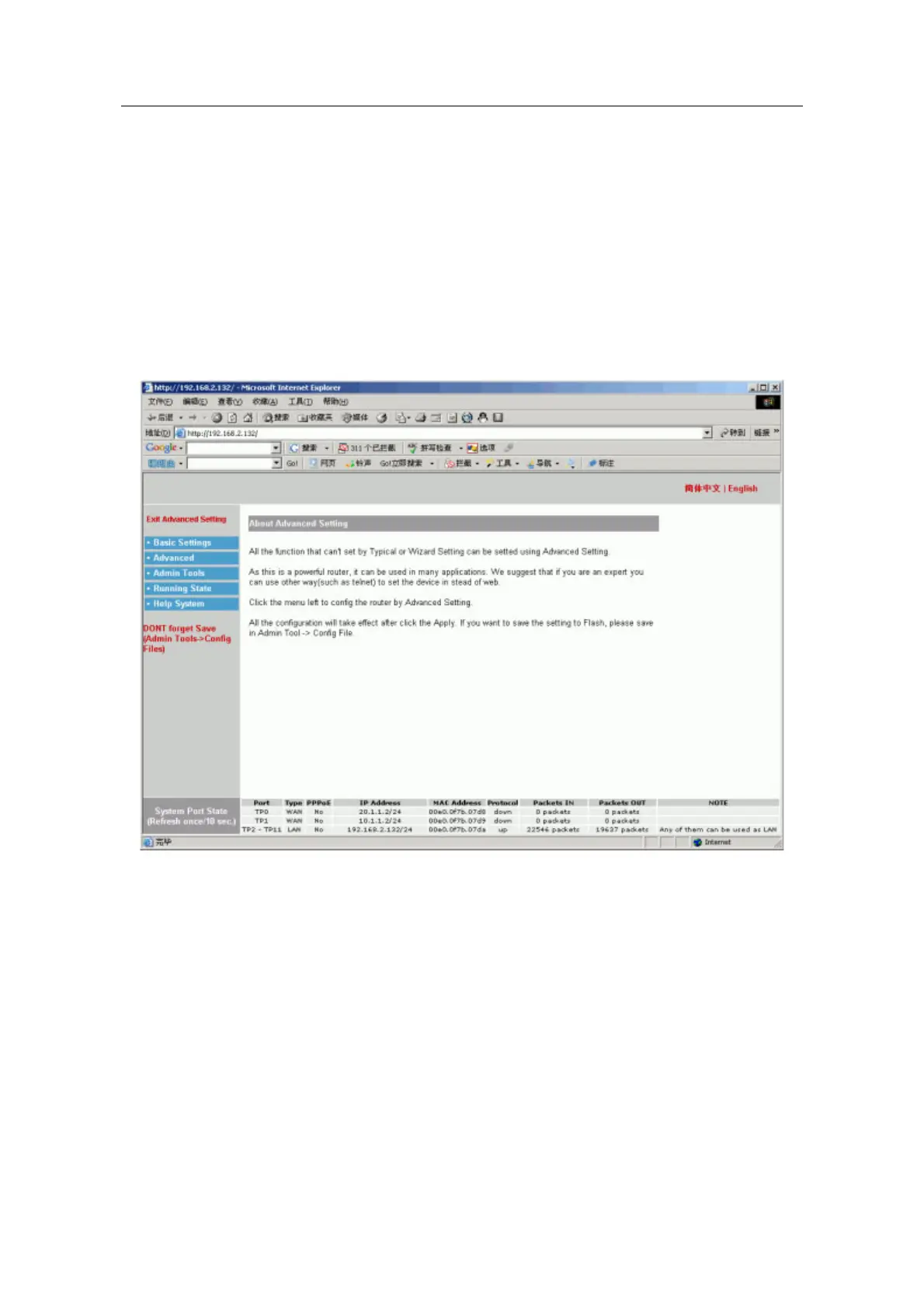
If above two configuration can’t meet your need, you can use advanced setting. Enter
the page layout of advanced setting, the show is following:
1.4 The explanation of advanced setting
The basic configuration menu includes: WAN port configuration, LAN port configuration,
NAT configuration, DHCP server configuration, DNS configuration. The router can
connect Internet when it is finished basic configuration.
1.4.1 WAN Port Configuration
Users can configure WAN port to connect Internet. The configuration page layout is
following:
- 8 -



 To Next Page