1705Router Web Configuration Manual
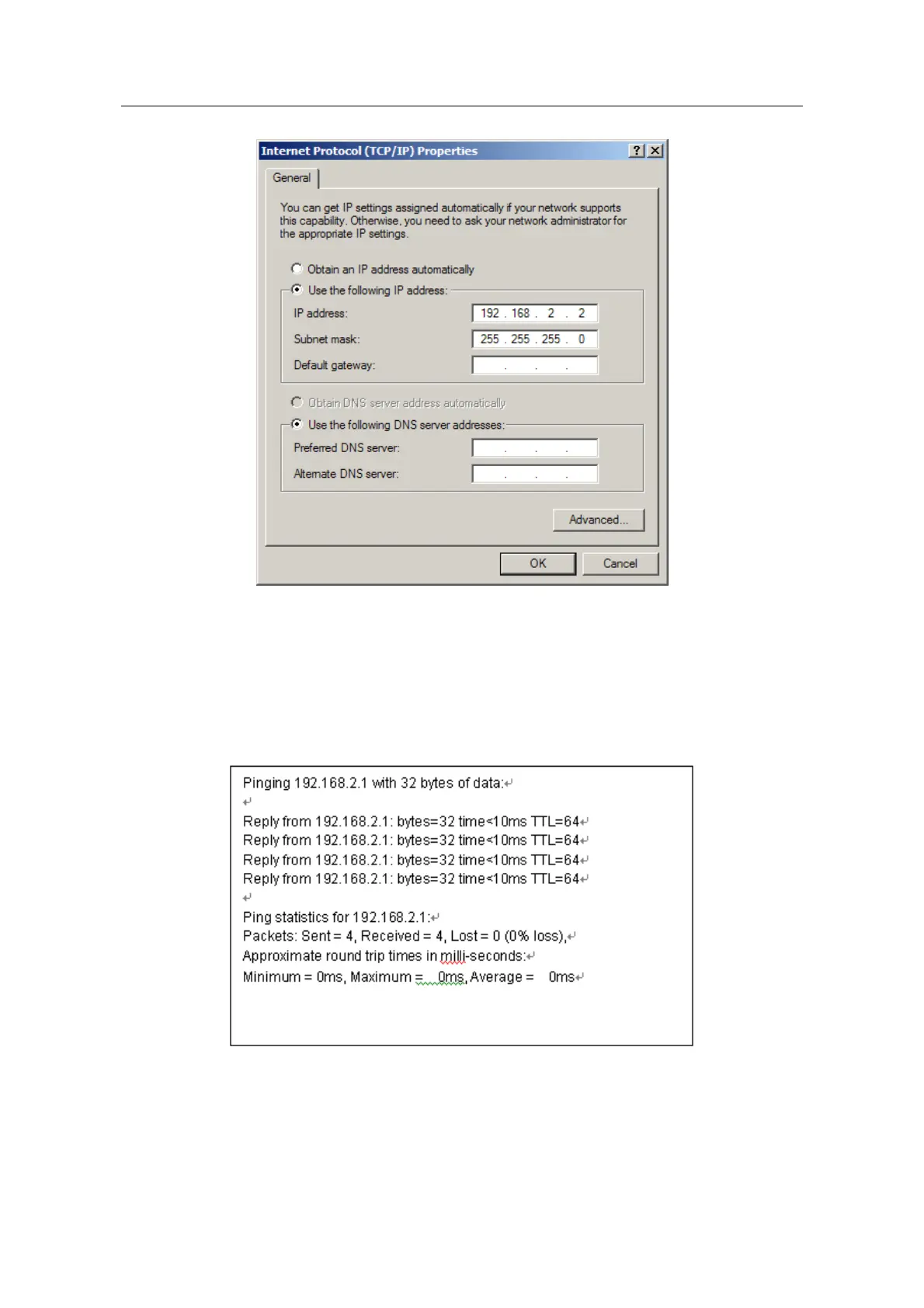
(6) Click”confirmation” and complete configuration.
Step 3: Test the connection capability for computer and router.
(1) Beginning
-
>running
-
>key in”cmd”
-
>confirmation
(2) In command prompt use “ping” command to test the connection capability,
perform”ping 192.168.2.1”:
If shows:
That shows the connection is successful.
If shows:
- 3 -



 To Next Page