1705Router Web Configuration Manual
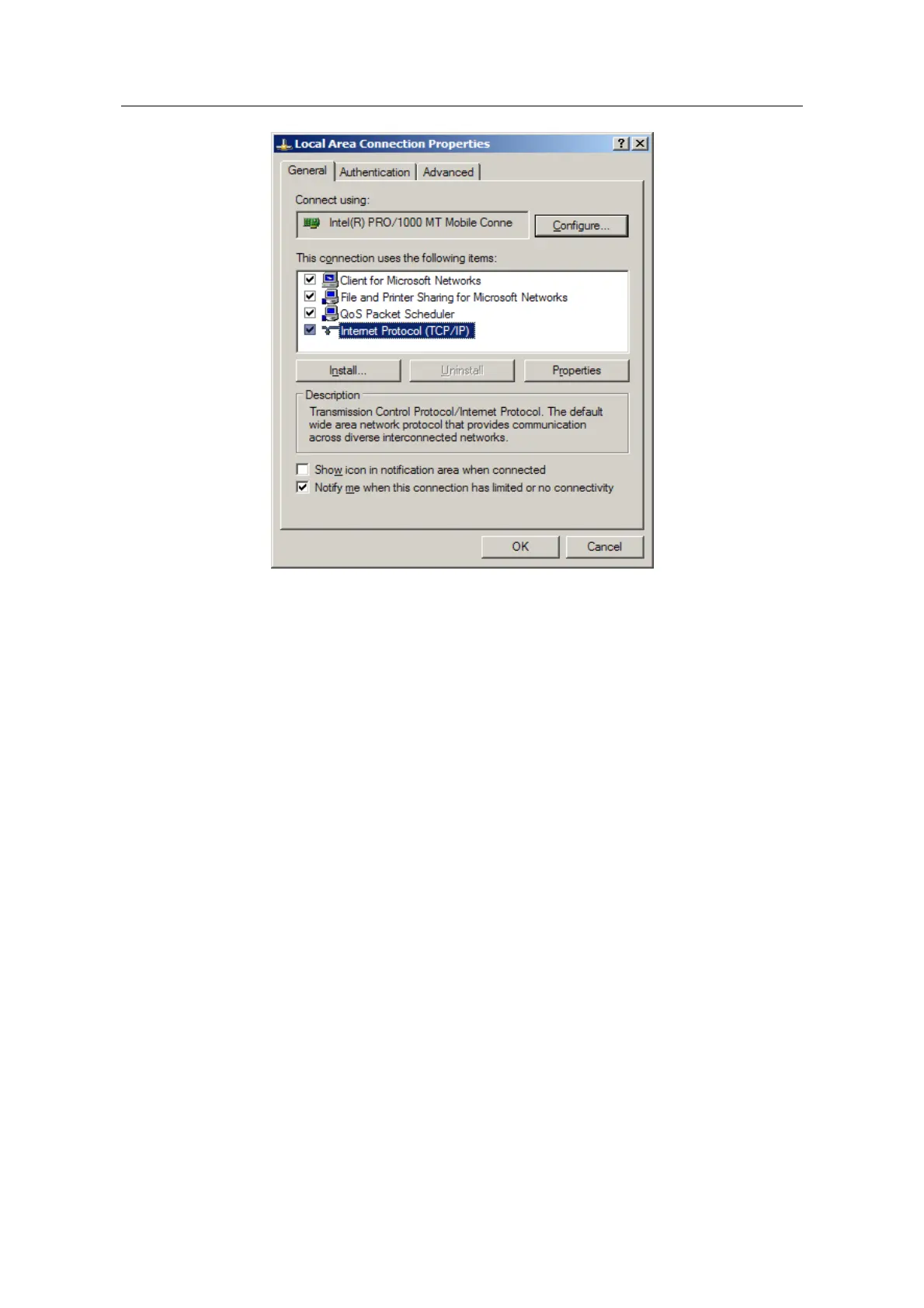
(4) Click”property”keystoke and set IP address of the computer.
(5) In the dialog box of “Internet protocol(TCP/IP) property”, pitch on”use the
following IP address”. Infilling 192.168.2.xxx in”IP address”(the range of xxx is
2~254). Infilling 255.255.255.0 in”subnet mask”. Infilling 192.168.2.1 in”default
gateway”(that is the default IP address of 1705 router).
Note:
Because the default IP address of 1705 router is 192.168.2.1, xxx can’t be filled in 1.
As the following figure show:
- 2 -



 To Next Page