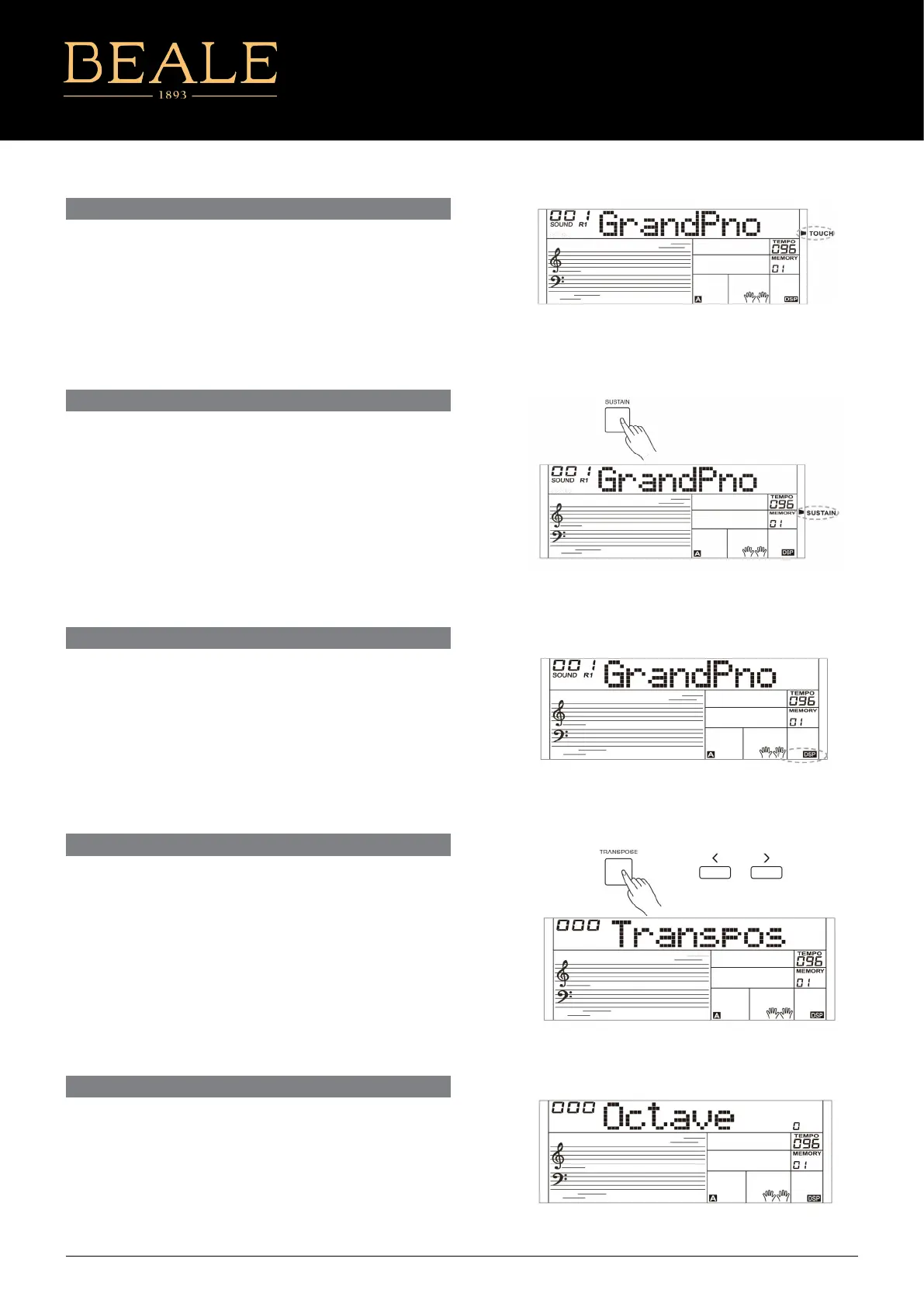
TOUCH
The keyboard is equipped with a touch response feature that lets
you dynamically and expressively controls the level of the sound
with your playing touch – just as on an acoustic instrument. Please
refer to the function menu to adjust the
SUSTAIN
When the Sustain feature is ON, all notes played on the keyboard
will have a longer sustain. Press the [SUSTAIN] button to turn
sustain on or o.
Note:
When using a sustain pedal, you can produce a much stronger and
more natural sustain eect than by using the [SUSTAIN] button.
The DSP simulates sounds in a real environment. With the DSP
eects,you can add ambiance and depth to your performance in a
variety of ways.
The function is turned on by default. You can refer to the function
menu to turn the DSP eect on or o.
DSP EFFECT
Transpose function allows the overall pitch of the instrument to be
transposed up or down by one octave in semitone steps.
1. Press [TRANSPOSE] button to enter transpose menu. The LCD
display shows the current transpose value.
2 Use [+]/ [-] buttons to adjust the transpose value.
3. Press the [+] and [-] buttons simultaneously to reset the
transposition to 0.
TRANSPOSE
The octave function will shift the pitch of the specied sound layer
up or down in the step of an octave.
You can refer to the function menu to adjust the octave value.
Note:
After adjusting the octave, notes in the highest and lowest
keyboard range may not sound normally.
OCTAVE
AK160
7



 To Next Page