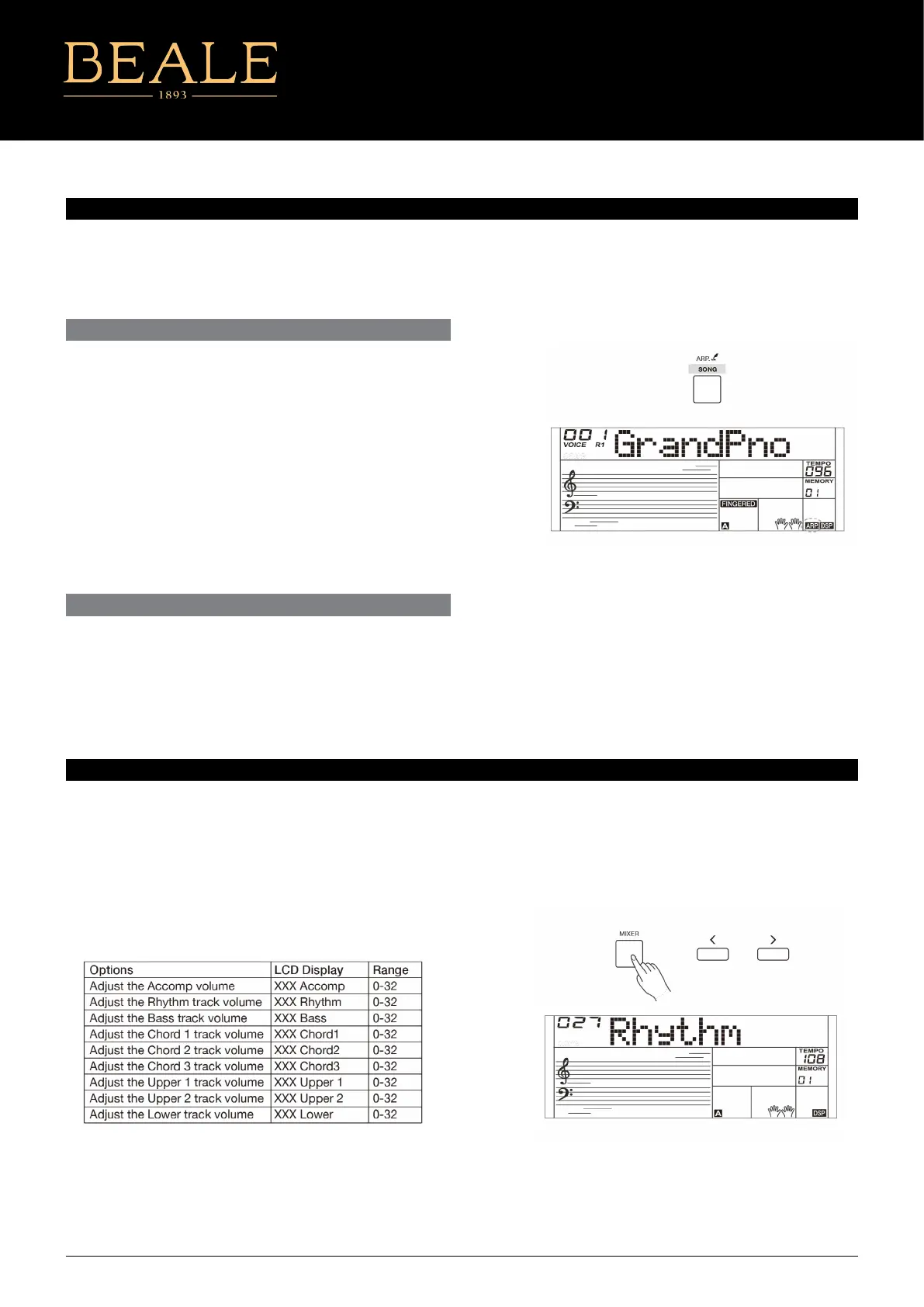
The arpeggiator function will automatically generate arpeggios.
Simply play a chord with your left hand, and the instrument will
play a preset arpeggio pattern to produce a beautiful melody.
ARPEGGIATOR
MIXER
TURN THE ARPEGGIATOR ON OR OFF
THE SPLIT POINT OF ARPEGGIATOR
Press and hold the [ARP.] button for 2 seconds to turn on the
function. The corresponding indicator will be lit. Press and hold
the [ARP.] button for 2 seconds again to turn o the function. The
corresponding indicator will light o.
Note:
Each sound is matched with a preset arpeggio pattern, so when
you change the sound, the default arpeggio pattern will change as
well.
Note:
It will exit the mixer menu if there is no operation in 3 seconds.
Pressing [+] and [-] buttons at the same time will mute the selected
track, the LCD will display “OFF”. Press the two buttons at the same
time again to unmute the track.
When you turn on the arpeggiator, the keyboard will be split into
two areas. Play chords in the left hand area, and melody in the right
hand area. The default split point is the same as in the split function:
F#3 (19).
The Mixer allows you to adjust separately the volume of dierent
tracks.
1. Press the [MIXER] button to enter the mixer menu, the LCD
displays the current mixer track.
2. Repeatedly press the [MIXER] button to select the track you
want. Then use [+]/[-] buttons to change the parameters.
The option and parameters are as follows:
AK160
13



 To Next Page