1. Press the [STYLE] button.
Enter the STYLE mode. LCD shows “STYLE”, the style number
and the style name.
2 Use the number keys, the [+]/[-] buttons to select the style you
want to play..
3. Press the [START/STOP] button to start the rhythm tracks of
the auto accompaniment.
When style stops, press the [SYNC START] button to turn on the
function. The beats on LCD will ash along with the tempo.
1. In Sync Start mode, if the CHORD mode is turned o, you can
press a key on the keyboard to start playing auto
accompaniment of the rhythm track.
2. In Sync Start mode, if the CHORD mode is in use, you can
press a key on the chord range of the keyboard to start
playing auto accompaniment of all tracks.
SELECTING A STYLE
SYNC START
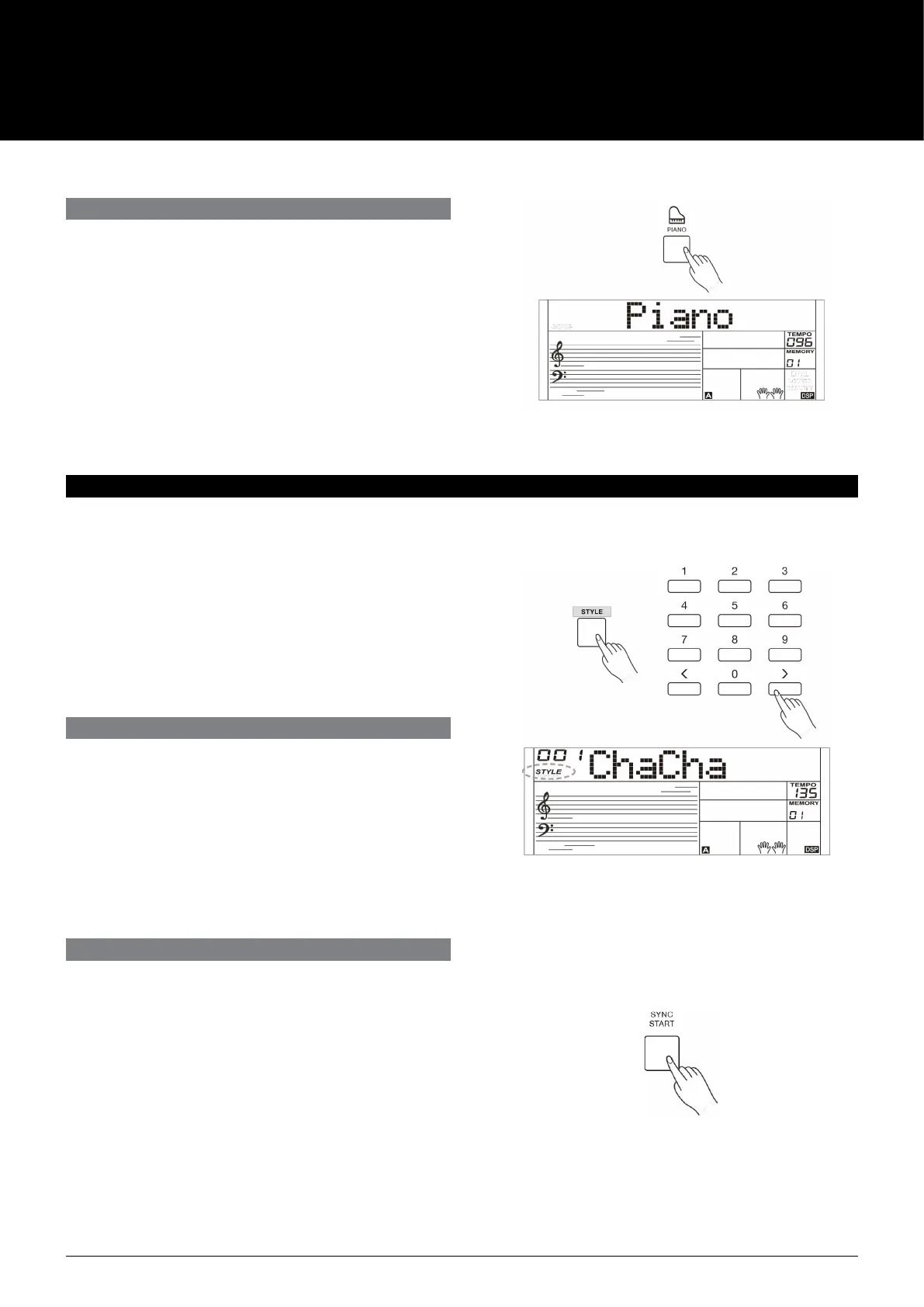
This function is to set the sound of the entire keyboard to piano
instantly.
1. Press [PIANO] button to enter or exit piano mode.
2 In piano mode, you can play the accompaniment as in the
other modes, but it plays only the rhythm part.
Note:
In piano mode, the CHORD mode is automatically turned o.
The auto accompaniment function puts a full backing band at your
ngertips. All you have to do is to play chords with your left hand,
and the accompaniment will automatically play along, instantly
following the chords you play. With auto accompaniment, even
a solo performer can enjoy playing with the backing of an entire
band or orchestra.
The instrument features a variety of styles, please refer to the
Style List. Try selecting the dierent styles and enjoy the auto
accompaniment.
PIANO MODE
AUTO ACCOMPANIMENT
AK160
8



 To Next Page