QUICK SETTING
TURNING ON THE METRONOME
SELECTING THE BEAT
When Quick Setting is switched on, you can instantly recall all auto
accompaniment related settings including sounds selection and
digital eects simply with a single touch of a button.
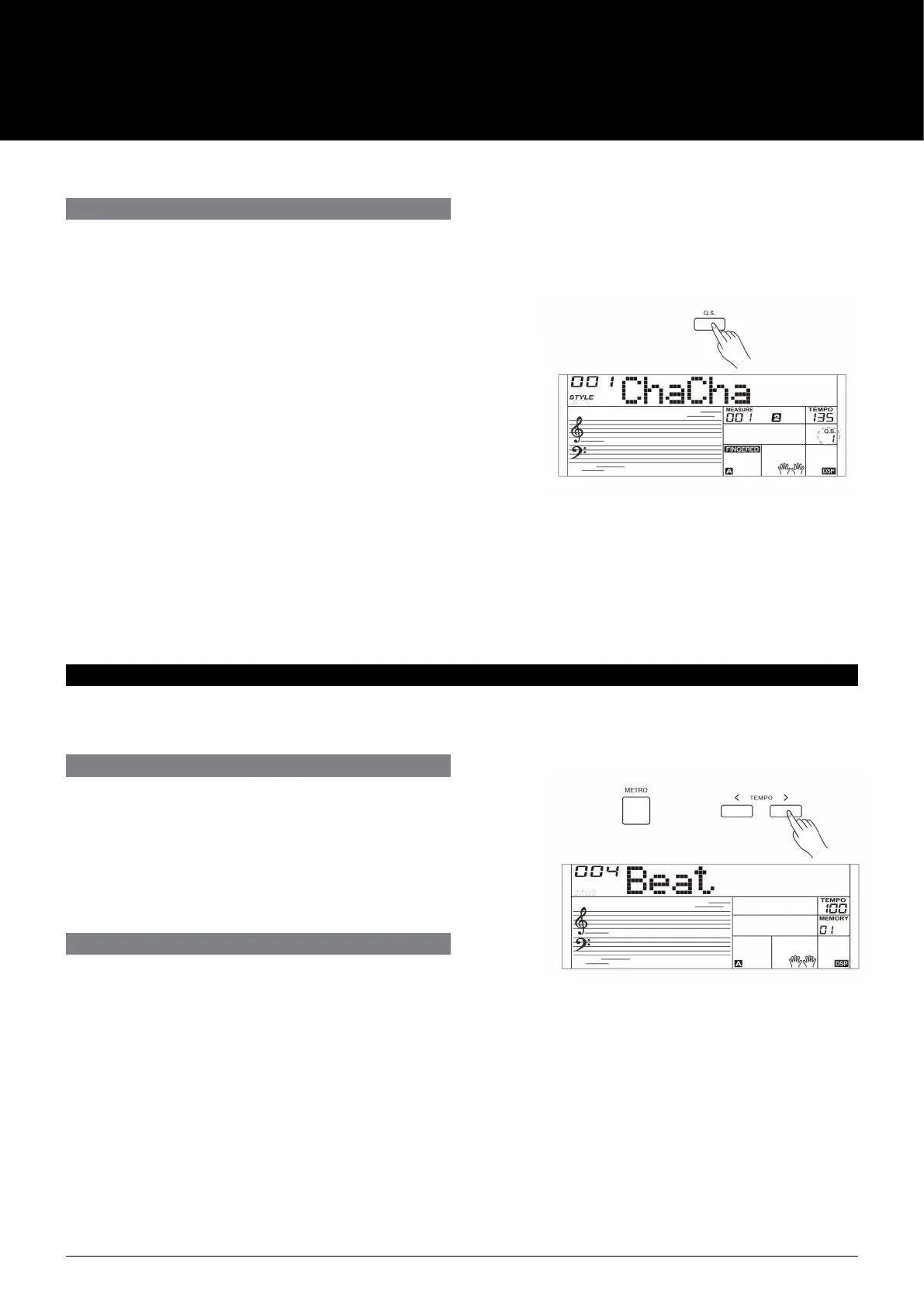
1. Press the [Q.S.] button to turns on the Quick Setting for
current style. LCD shows “Q.S.”.
2. Press one of the [M1]-[M4] buttons, various panel settings
(such as sound, eect, etc.) that match the selected style can
be instantly recalled.
3. CHORD mode is automatically turned on during Q.S. mode.
4. Press the [Q.S.] button again to quit Quick Setting mode, the
“Q.S.” indicator will disappear.
Note:
In Q.S. mode, the memory is not selectable.
Press the [METRO] button to turn on the metronome.
Press the [METRO] button again to turn o the metronome.
Press the [TEMPO+] / [TEMPO-] buttons to change the tempo of
the metronome.
METRONOME
You can set the beat type in the function menu, please refer to the
function menu for details.
If you turn on the metronome during style playback, the
metronome sound will start from the next beat and its beat will
match the current style. When style stops, you can change the
metronome beat as desired.
The metronome is not usable in song mode.
AK160
12



 To Next Page