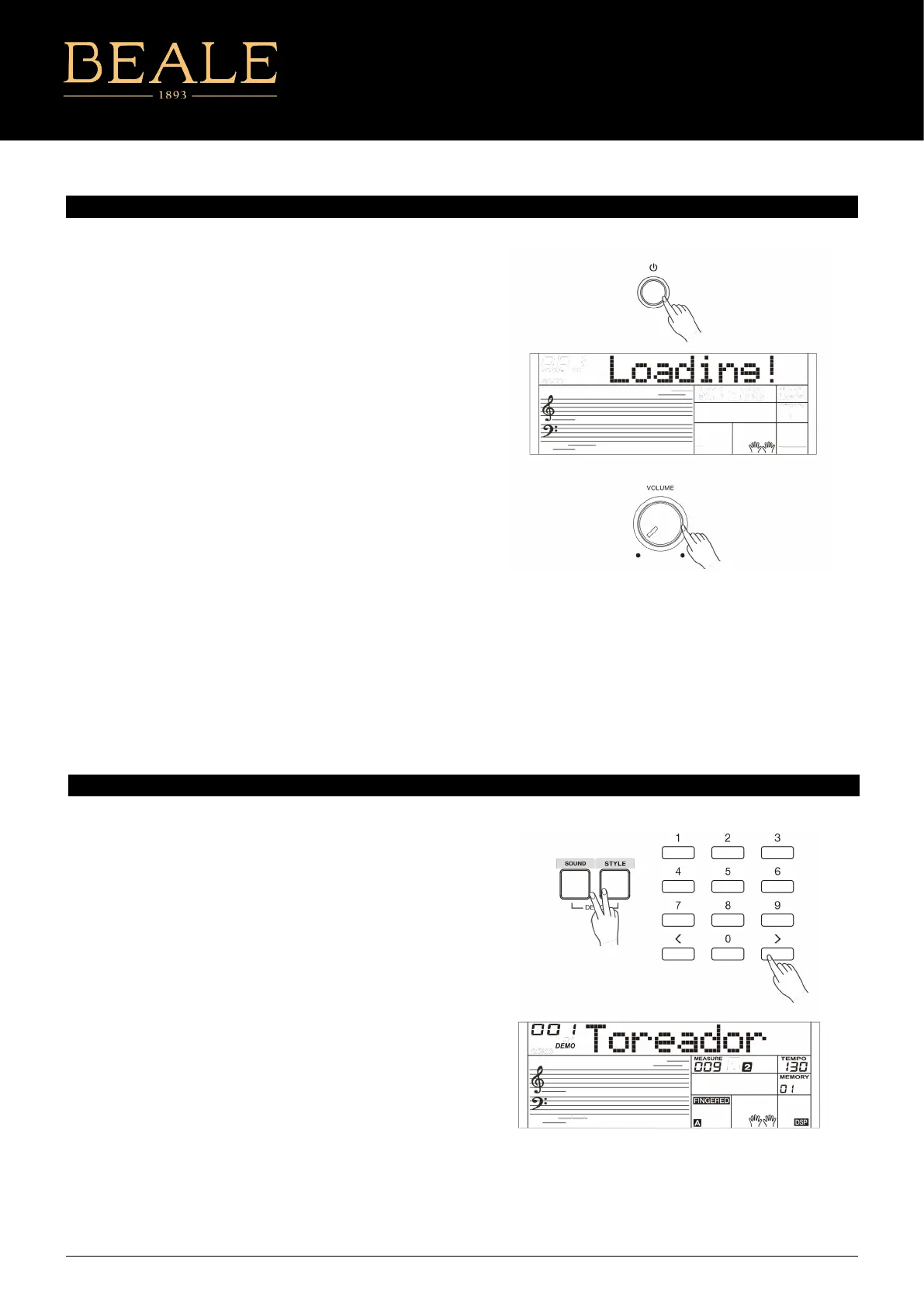
The instrument features a variety of demo songs.
1. Press the [STYLE] and [SOUND] buttons simultaneously to
start playing all demo songs in a loop. The LCD will display
the current demo number and name.
2. Select a demo song.
Use the number keys, the [+]/[-] buttons to select the desired
demo song.
3. Press the [STYLE] and [SOUND] buttons simultaneously again
or press the [START/STOP] button to stop playing and exit the
demo mode
Note:
During demo playback, only the following buttons will work:
[START/STOP], [TEMPO -]/[TEMPO +], [+]/[-], the Number buttons,
[VOLUME] and [POWER].
PLAYING DEMOS
Before you switch your instrument on, please turn down the
volume of instrument and the connected audio equipment rst.
1. Make sure the instrument is properly connected to power
supply.
2. Press POWER SWITCH, the LCD screen is lit, and displays
“Loading!”, indicating the instrument is powered on.
MASTER VOLUME
Rotate the [VOLUME] knob clockwise to increase the master
volume or counter-clockwise to decrease it. You can use the knob
to set the desired volume level.
Note:
If the speakers do not produce sound, please check if the master
volume is set too low or if headphones are plugged into the
PHONES jack.
POWER SWITCH AND MASTER VOLUME
AK160
5



 To Next Page