RECORDING AND PLAYBACK
You can record your performance and then play it back.
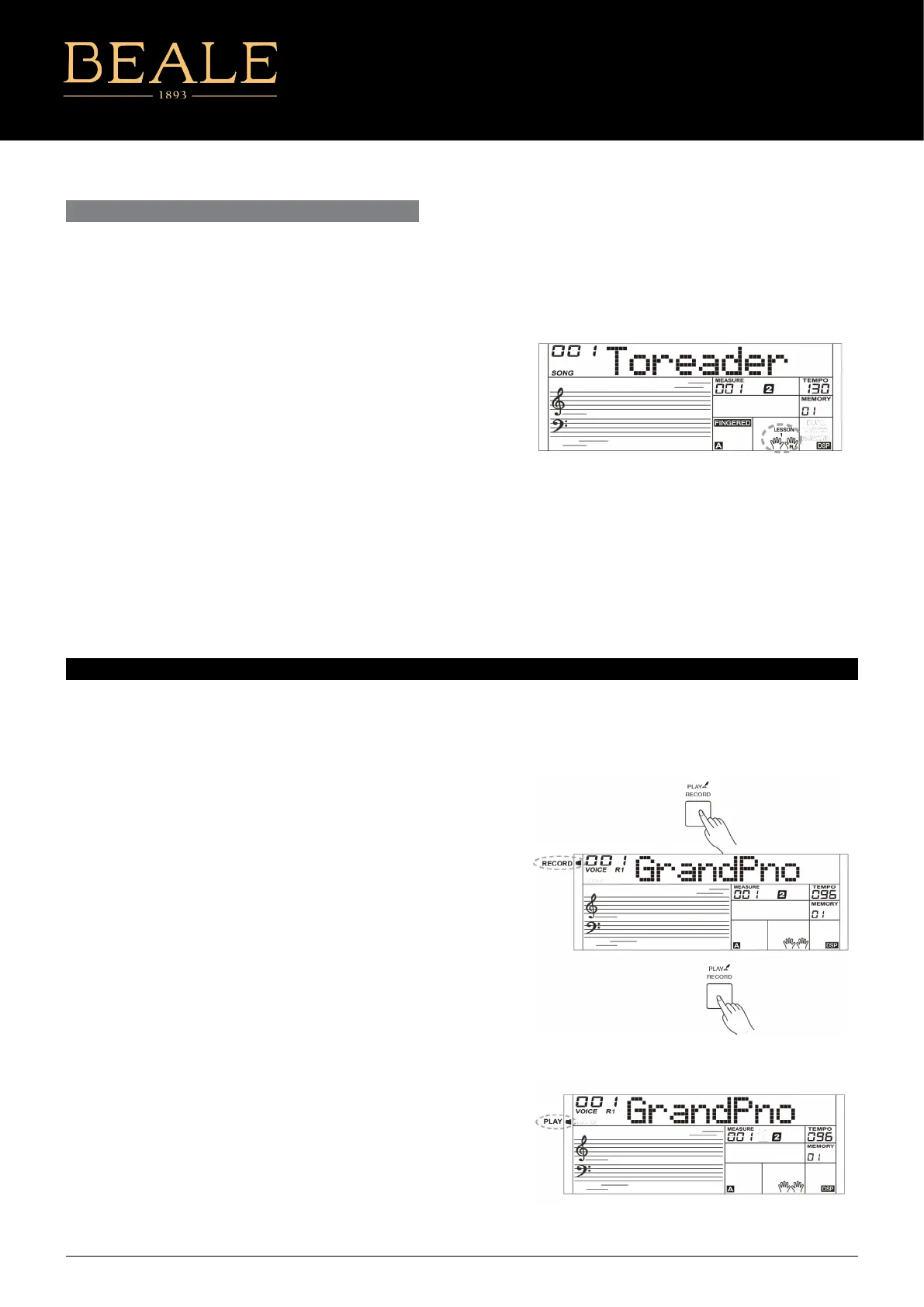
1. Press the [RECORD] button, the RECORD indicator will be lit, and the
beats will ash.
2. Play the keyboard or press the [START/STOP] button to start
recording. If you want to record the accompaniment, please turn on
the CHORD mode, then play chords in the chord section of the
keyboard.
3. Press the [RECORD] button again to stop recording. The RECORD
indicator goes out.
4. Press and hold the [PLAY] button for 2 seconds to play back the
recording. The PLAY indicator will be lit.
5. Press and hold the [PLAY] button for 2 seconds again to stop
playback. The PLAY indicator goes out.
6. During recording, if you press the [PLAY] button, it will stop
recording and play back the notes you have recorded.
Note:
The recording data will be lost after power o.
Lesson 3: You will learn to play the correct notes at the
correct time value.
When you nish a lesson, the instrument will grade your
practice by telling you the level you get.
Level 1: Ok
Level 2: Good
Level 3: Very Good
Level 4: Excellent
After grading, the song will play back again, and you can practice
again.
LESSON MODE CONT...
AK160
19



 To Next Page