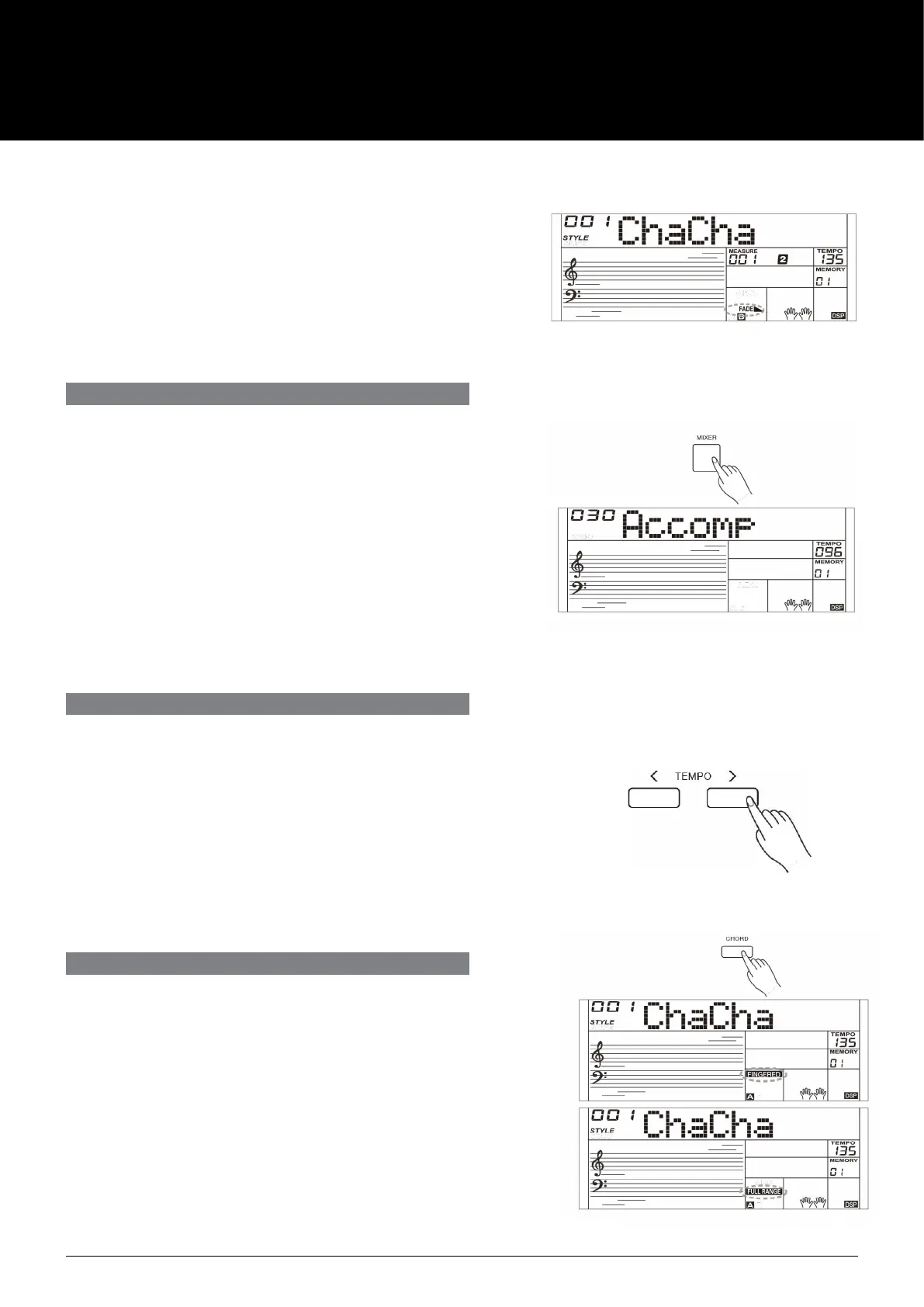
Fade Out
Stopping the style with fade out produces a smooth ending, the
volume decreases from high to low. Press the [FADE] button during
Style playing. LCD will show FADE◣.
The Accompaniment Volume will change from the set value to 0 in
about 8 seconds, and the style stops.
TEMPO
ACCOMPANIMENT VOLUME
Each style of the instrument has been programmed with a default
tempo; however, you can change it as needed.
1. Use the [TEMPO -]/[TEMPO +] buttons to change the tempo. The
value ranges from 5 to 280.
2. Hold down the [TEMPO -]/[TEMPO +] buttons to change the tempo
quickly.
3. Press the [TEMPO+] and [TEMPO-] buttons simultaneously to
restore the default tempo setting.
The function adjusts the accompaniment volume, so as to keep an
appropriate balance between the accompaniment volume and the
sound volume.
Press repeatedly the [MIXER] button to enter the mixer menu, and
when the LCD displays "Accomp", you can adjust the volume level over
the range of 0-32. LCD will show the current volume level.
Note:
In the mixer menu, press both [-] and [+] buttons simultaneously to
mute the accompaniment part. LCD shows “OFF Accomp”. Press both
buttons again to unmute the accompaniment volume.
AUTO CHORD MODE
1. Press the [CHORD] button, the LCD will display the “FINGERED”
indicator. The left hand section of the keyboard is the chord section
You can play dierent chords in the chord section.
Press [CHORD] button again to enter Full Range mode. The “FULL
RANGE” indicator will be lit. You can play chords over the entire
keyboard in multi-ngering.
2. Play chords in the chord section, and the LCD will display the
corresponding chord names.
3.
Split Point Setting
Please refer to the function menu to set the split point. The split
point and the keys to its left all belong to the chord section.
AK160
10



 To Next Page