Calibration and Adjustment Instructions for MC5 Multifunction Calibrator For Main Firmware Version 1.90
Page 16/16
Saving Adjustment Data
The adjustment data has to be saved. Otherwise they
are only valid until the calibrator is shut off.
Open the Save Adjustments window with the following
commands:
D/Menu, C/Others, 2/Maintenance,
2/Calibrator Adjustment and
3/Store Adjustment Data.
Enter the Calibration Laboratory name and edit the cali-
bration period if needed. Move the cursor to a module
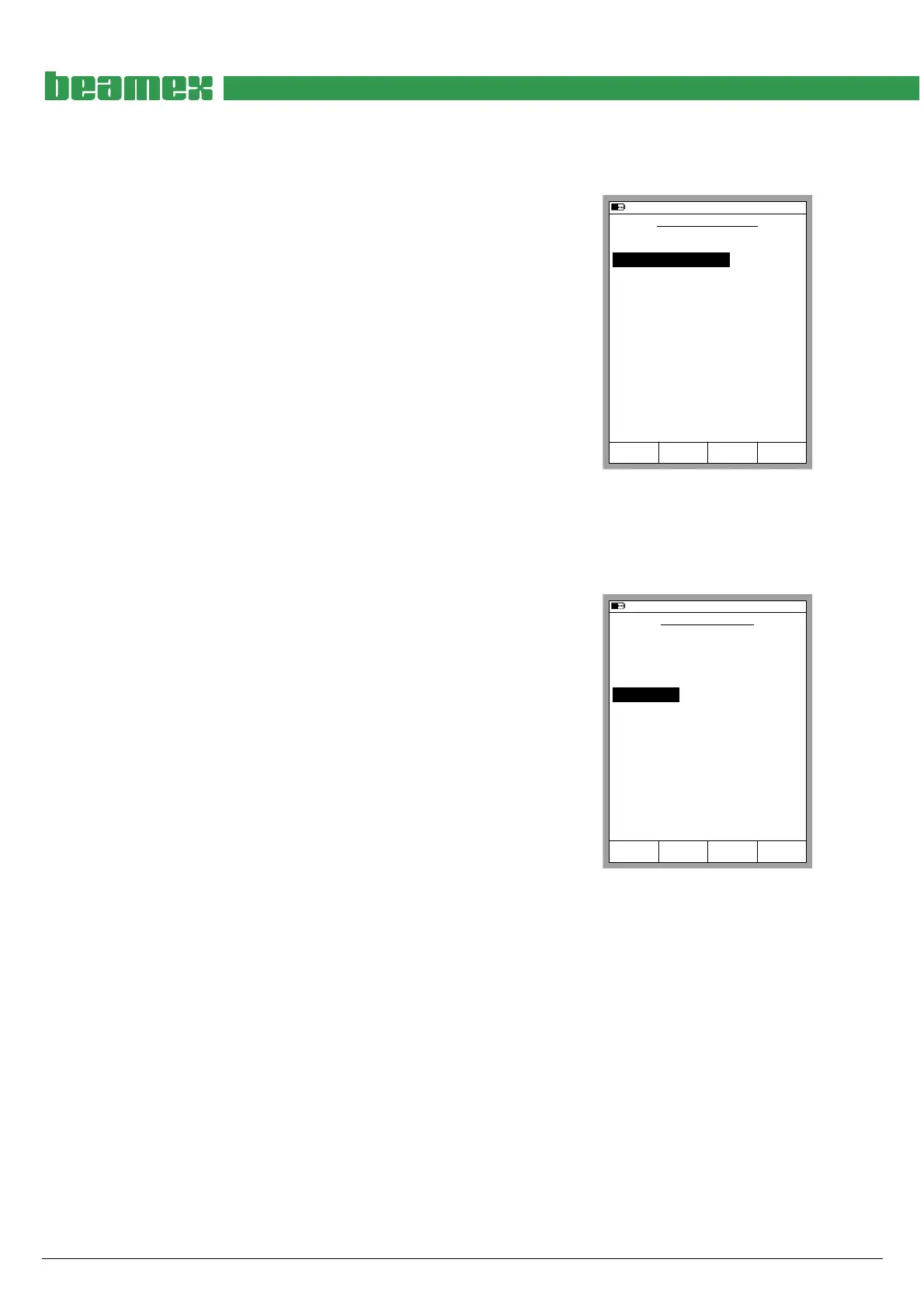
name (see picture) and save the data by pressing the
C/Save Data function key.
Note.
The adjustment data can only be saved if it is acceptable (stays within the
limits that the calibrator approves).
Saving adjustment data need not be done individually for each Adjustable
Quantity and Function/Port Combination. When adjustments are saved,
all changed adjustments values are automatically saved.
06.11.2002 17:04
Save
Data
Discard
Data
Close
SAVE ADJUSTMENTS
Module name
ET
Cal. Period
365
365
Date
05.11.2002
Calibration Laboratory
BEAMEX
E
Setting the Calibration Date When No Adjustment Was Required
If none of the Quantities in a module did need any ad-
justment, here's the procedure for saving the calibration
date and the calibration laboratory name:
Make sure that you start the calibrator with adjustment
mode enabled. For instructions on how to do this, see
chapter Enabling the Adjustment Mode on page 5.
Start the Adjustment Mode by pressing
D/Menu, C/Others, 2/Maintenance,
2/Calibrator Adjustment and 1/Start Adjustment.
Note.
Although no adjustment is needed, the calibration date can only be
entered when Adjustment Mode is started.
05.11.2002 9:50
Update
Date
Update
Lab. name
Close
MODULE SETTINGS
Module
P2: INT1C
Cal. Period
365
365
Date
05.11.2002
Calibration Laboratory
BEAMEX
P1: INT400mC
P3: B
365
E
365
ET
365
RJ
365
Open the window for saving the calibration date and the calibration laboratory name by pressing:
D/Menu, C/Others, 2/Maintenance, 2/Calibrator Adjustment and 4/Module Settings.
Update the calibration date and the calibration laboratory name for all modules that were cali-
brated but did not need any adjustment.
Hint.
The Date cannot be edited. It is taken from the calibrator’s internal clock.
To change the system date before setting the calibration press A/Close, A/çBack and then 1/Time/Date (starting
from the Module Settings Window). Then update the calibration date in the Module Settings Window and return to set
the time and date back to “real time”.
Ending Adjustment Mode
To return to normal use of the calibrator press:
D/Menu, C/Others, 3/Calibrator Adjustment and 1/End Adjustments.
Then the calibrator prompts you to shut off the calibrator.



 To Previous Page