26
G+ MIMO Wireless Modem Router
SECTIONSTable of Contents 1 2 3 5 6 7 8 9 104
CONNECTING AND CONFIGURING YOUR MODEM ROUTER
3.4 Verifying the Connection
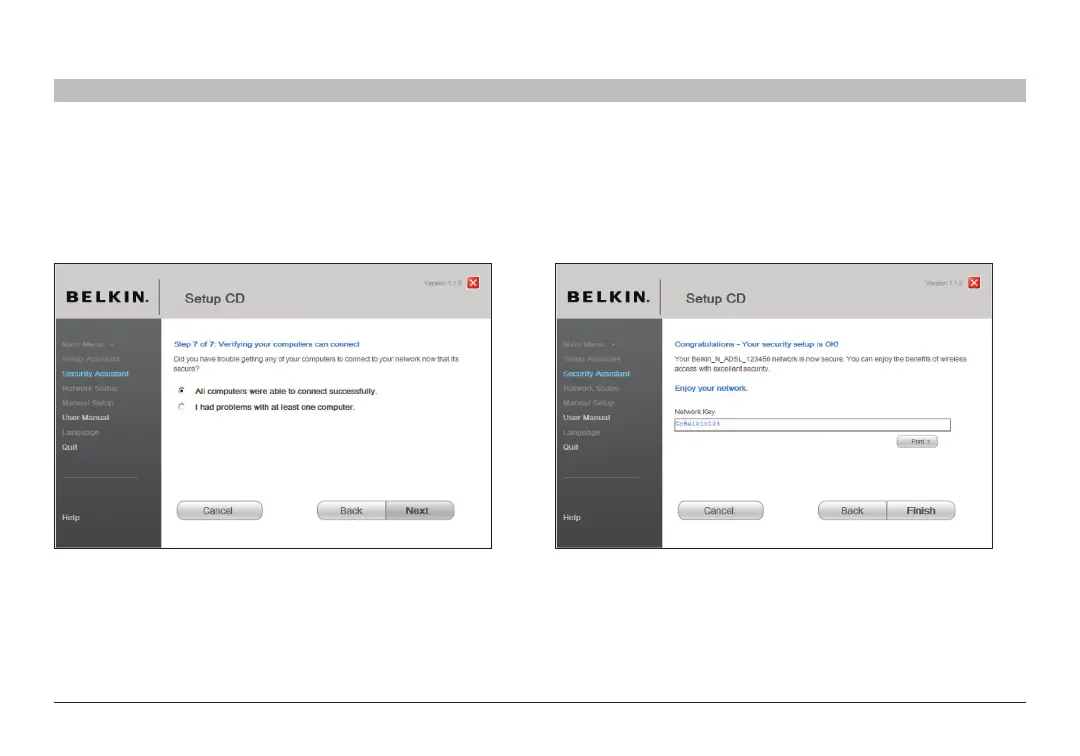
If all your wireless computers are able to connect to the Router, click
“Next”� If you are having trouble, select “I had problem with at least one
computer” and click “Next”� Then, follow on-screen instructions�
Congratulations
Once you have verified that your wireless computers are properly
connected, your wireless network is set up and secured� You now
can run your network wirelessly and securely� Click “Finish” to take
you back to the main menu�











 To Next Page