6.
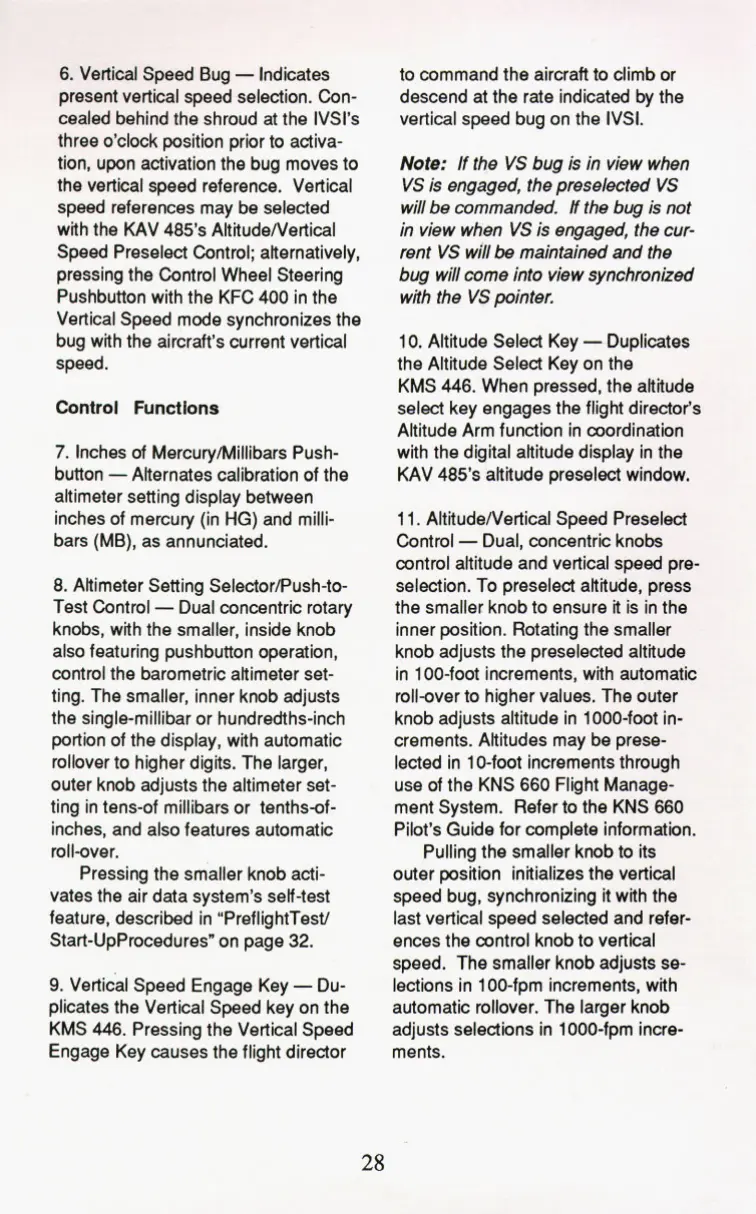
Vertical Speed Bug
-
Indicates
present vertical speed selection.
Con-
cealed behind the shroud at the IVSl's
three o'clock position prior to activa-
tion, upon activation the bug moves to
the vertical speed reference. Vertical
speed references may be selected
with the KAV
485's
ARitude/Vertical
Speed Preselect Control; alternatively,
pressing the Control Wheel Steering
Pushbutton with the KFC
400
in the
Vertical Speed mode synchronizes the
bug with the aircraft's current vertical
speed.
Control
Functions
7.
Inches of Mercuryhlillibars Push-
button
-
Alternates calibration of the
altimeter setting display between
inches of mercury (in
HG)
and milli-
bars (MB), as annunciated.
8.
Altimeter Setting SelectorPush-to-
Test Control
-
Dual concentric rotary
knobs, with the smaller, inside knob
also featuring pushbutton operation,
control the barometric altimeter set-
ting. The smaller, inner knob adjusts
the single-millibar or hundredths-inch
portion of the display, with automatic
rollover to higher digits. The larger,
outer knob adjusts the altimeter set-
ting in tens-of millibars or tenths-of-
inches, and also features automatic
roll-over.
Pressing the smaller knob acti-
vates the air data system's self-test
feature, described in "PreflightTesV
Start-UpProcedures" on page
32.
9.
Vertical Speed Engage Key
-
Du-
plicates the Vertical Speed key on the
KMS
446.
Pressing the Vertical Speed
Engage Key causes the flight director
to command the aircraft to climb or
descend at the rate indicated by the
vertical speed bug on the IVSI.
Note:
If the
VS
bug is in view when
VS
is engaged, the preselected
VS
will be commanded.
H
the bug is not
in view when
VS
is
engaged, the cur-
rent
VS
will
be
maintained and the
bug will come into view synchronized
with the
VS
pointer.
10.
Altitude Select Key
-
Duplicates
the Altitude Select Key on the
KMS
446.
When pressed,
the
altitude
select key engages the flight director's
Altitude Arm function in coordination
with the digital altitude display in the
KAV
485's
altitude preselect window.
1 1. Altitude/Vertical Speed Preselect
Control
-
Dual, concentric knobs
control altitude and vertical speed pre-
selection. To preselect altitude, press
the smaller knob to ensure it is in the
inner position. Rotating the smaller
knob adjusts the preselected altitude
in 100-foot increments, with automatic
roll-over to higher values. The outer
knob adjusts altitude in 1000-foot in-
crements. Altitudes may be prese-
lected in 10-foot increments through
use
of
the KNS
660
Flight Manage-
ment System. Refer
to
the
KNS
660
Pilot's Guide for complete information.
Pulling the smaller knob to its
outer position initializes the vertical
speed bug, synchronizing it with the
last vertical speed selected and refer-
ences the control knob to vertical
speed. The smaller knob adjusts
se-
lections in 100-fpm increments, with
automatic rollover. The larger knob
adjusts selections in 1000-fpm incre-
ments.
28


 To Next Page