Vertical Navigation
(VNAV ARMNNAV)
In the Vertical Navigation mode
the flight director commands pitch atti-
tudes for level flight or constant verti-
cal track angle climbs or descents to
intercept new target altitudes exactly
at flight plan waypoints or at specified
distances offset from them. The
KNS
660
Flight Management System
must be selected for display on the
HSI
or
EHSl to support Vertical Navi-
gation operations. Any horizontal flight
director mode, including Roll Attitude
Hold may be employed
so
long as the
aircraft heading remains within
80°
of
the desired track to the waypoint. In
addition, the currently active vertical
waypoint must have an altitude as-
signed to it in order for the Flight Man-
agement System to perform VNAV
calculations. See the KNS
660
Pilot’s
Guide for programming details.
Upon selection, the Vertical Navi-
gation Mode engages in either VNAV
Arm or VNAV Capture or Track, de-
pending on the aircraft’s closure rate
and proximity to the assigned altitude.
Any vertical tracking mode is compat-
ible with VNAV Arm and may be used
to provide flight guidance to the point
of intercept. The tracking mode em-
ployed automatically cancels in favor
of VNAV Capture.
To disengage the VNAV mode,
either select another vertical tracking
mode or press the VNAV mode selec-
tor key. Activating the Vertical Trim
control on the KMC
440
Autopilot
Mode Controller also cancels VNAV.
VNAV may also be disengaged
through the KNS
660,
by changing
any parameter affecting the current
vertical flight path. In addition, upon
reaching the last waypoint to have an
altitude assigned, the VNAV mode
automatically performs capture and
tracking of the final selected altitude.
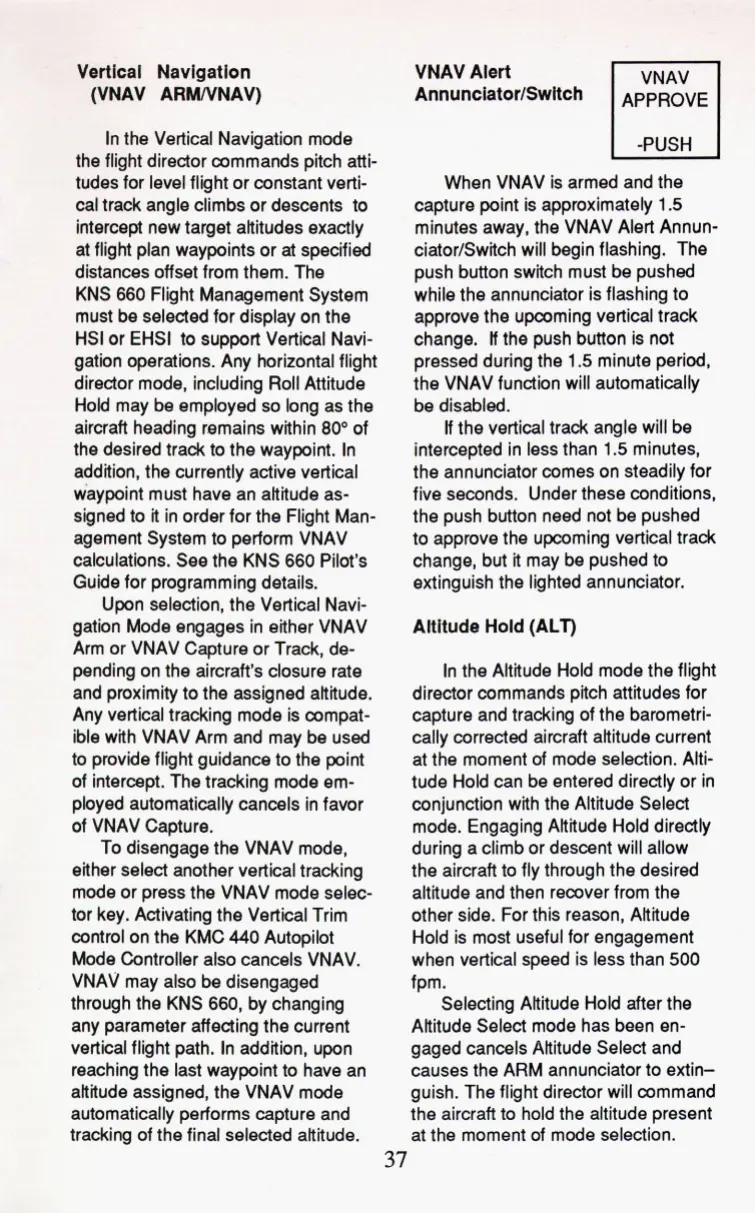
AnnunciatorlSwItch
VNAV Alert
When VNAV is armed and the
capture point is approximately
1.5
minutes away, the VNAV Alert Annun-
ciator/Switch will begin flashing. The
push button switch must be pushed
while the annunciator is flashing to
approve the upcoming vertical track
change.
If
the push button is not
pressed during the
1.5
minute period,
the VNAV function
will
automatically
be disabled.
If
the vertical track angle will be
intercepted in less than
1.5
minutes,
the annunciator comes on steadily for
five seconds. Under these conditions,
the push button need not be pushed
to approve the upcoming vertical track
change, but it may be pushed to
extinguish the lighted annunciator.
Altitude Hold (ALT)
In the Altitude Hold mode the flight
director commands pitch attitudes for
capture and tracking of the barometri-
cally corrected aircraft altitude current
at the moment of mode selection. Alti-
tude Hold can be entered directly or in
conjunction with the Altitude Select
mode. Engaging Altitude Hold directly
during a climb or descent will allow
the aircraft to fly through the desired
altitude and then recover from the
other side. For this reason, Altitude
Hold is most useful for engagement
when vertical speed is less than
500
fpm.
Selecting Altitude Hold after the
Altitude Select mode has been en-
gaged cancels Altitude Select and
causes the ARM annunciator to extin-
guish. The flight director will command
the aircraft to hold the altitude present
at the moment of mode selection.
37


 To Next Page