System Overview
| 27 |
© Honeywell International Inc. Do not copy without express permission of Honeywell.
KFC 230 AeroCruze Autopilot Pilot's Guide
89000019-001
Rev 2 May 2019
NOTE: FD-only operation and AP-engaged operation may
appear to be similar. Status indication of the AP button
(green active indicator box, green text, green border)
should be the only means of determining whether the
autopilot has positive control of the aircraft. AP button
status should be part of the pilot's continuous internal
and external visual scan.
8 Mode Buttons
Pitch and Roll modes are the default vertical and lateral modes
when the FD or AP buttons are engaged and no other selectable
mode is active. Pressing one of the six mode select buttons (VS,
IAS, ALT, HDG, NAV, or APR) engages the respective vertical and/
or lateral mode. Pressing the button again reverts to the associated
pitch and/or roll mode.
a. Pitch and Roll Modes
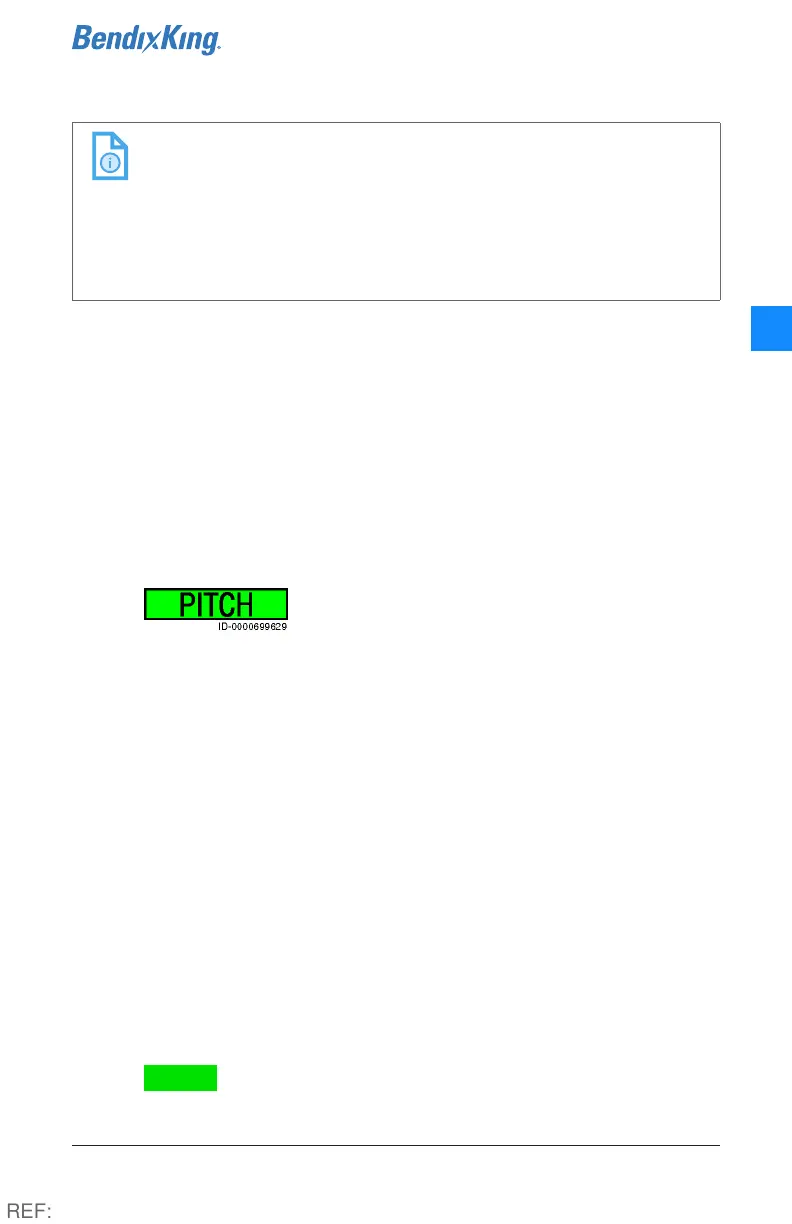
Pitch mode is the default vertical mode for
the autopilot. In this mode, the flight director
maintains a specific pitch attitude up to a maximum of +/- 15°,
allowing for constant attitude climbs and descents.
Pitch mode is activated by either engaging the flight director or
turning on the autopilot with no other vertical mode engaged.
Pitch mode also becomes the default vertical mode when the
pilot deactivates altitude hold, or when a vertical mode, such as
Vertical Speed (VS), is deactivated. The pitch angle at the time
Pitch mode is activated becomes the constant pitch attitude
held by the flight director.
When in Pitch mode, the pitch attitude held by the flight
director can be adjusted by pressing either of the UP/DN soft
buttons (5) on the autopilot. Each button press raises or lowers
the pitch attitude by 0.5°. A sustained press of this button will
cause the flight director to pitch up or down at 0.8° per second.
Releasing the button causes the flight director to maintain the
established pitch angle at the point of release.
PITCH is displayed on the autopilot screen when Pitch mode
is active.
REF:



 To Next Page