System Overview
| 26 |
© Honeywell International Inc. Do not copy without express permission of Honeywell.
KFC 230 AeroCruze Autopilot Pilot's Guide
89000019-001
Rev 2 May 2019
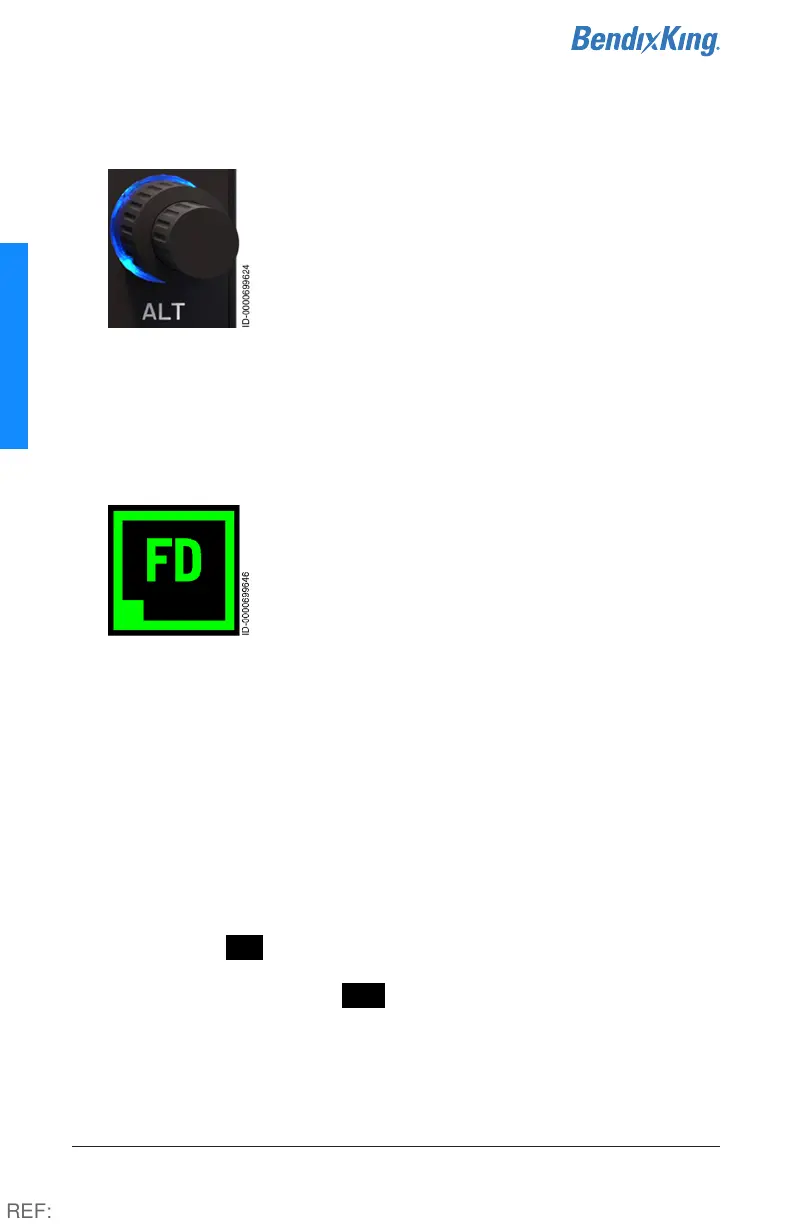
6 Altitude Selector Knob
The Altitude Selector knob allows the pilot to
select an altitude, displayed to the right of the
ALTS display, for the autopilot to capture and
engage in Altitude Hold mode.
The desired altitude is selected by rotating the
knob on the autopilot panel. The outer knob
selects increments of thousands of feet, while the inner knob
selects increments of hundreds of feet.
PITCH, VS, IAS, and TOGA modes can all be used to execute a climb
or descent to a selected altitude (exc, TOGA; climb only).
7 Flight Director (FD) Button
While hand flying, the flight director provides
guidance to fly the trajectories computed by the
autopilot to meet either pilot-specified (Vertical
Speed, Heading, etc.) or default mode (Pitch, Roll)
targets. With the autopilot engaged, the flight
director allows the pilot to monitor the autopilot
performance.
When the autopilot is engaged, the flight director is automatically
activated and cannot be disengaged.
When the autopilot is disengaged, the pilot can engage and
disengage the flight director by toggling the FD button. When
activated with the autopilot disengaged, the flight director functions
in default mode (Pitch, Roll). The pilot can also engage the Flight
Director by pressing any of the mode control buttons (VS, IAS, ALT,
HDG, NAV, or APR), or the off-panel control (TOGA or CWS) and the
flight director engages in that mode.
When active, FD mode is annunciated on the autopilot touchscreen
by a green active indicator box, green text and a green border. When
available but not active, FD is annunciated in white text and a
white border.
REF:



 To Next Page