System Overview
| 31 |
© Honeywell International Inc. Do not copy without express permission of Honeywell.
KFC 230 AeroCruze Autopilot Pilot's Guide
89000019-001
Rev 2 May 2019
When available but inactive, the HDG button on the autopilot
touchscreen is depicted with a white border, white text, white
arrow symbol, and selected heading (when equipped with
digital HSI).
f. Navigation (NAV) Mode
In NAV mode, the autopilot captures and tracks the HSI selected
lateral navigation course when transitioning from HDG or ROLL
mode. (See NAV radio pilot guide for specific information.)
When the pilot selects NAV mode by pressing
the NAV button, the autopilot engages
either NAV Armed or NAV Capture mode,
depending on course proximity and closure
rate. Any of the lateral modes can be active
with NAV mode armed, but these lateral
modes disengage as soon as the NAV capture
sequence begins.
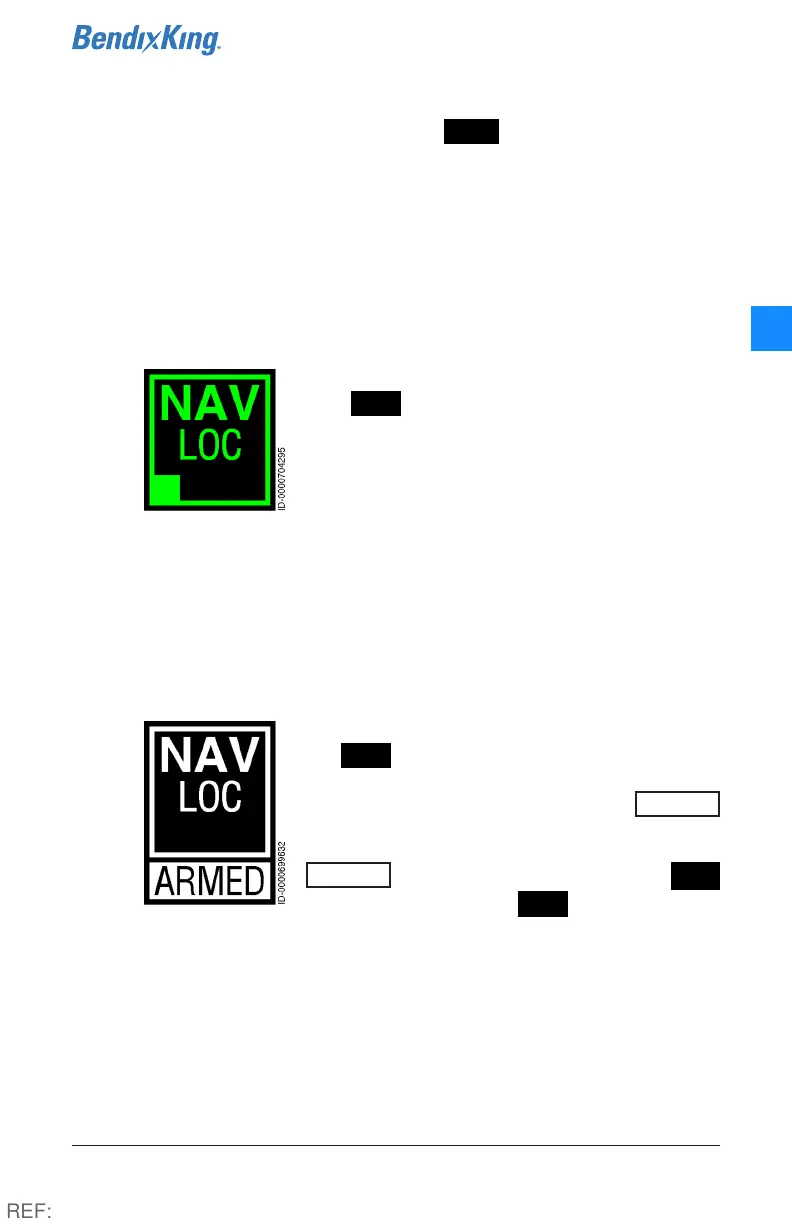
The text inside the button depicts the NAV source and the
type of source (VOR, LOC, GPS). Active radio-based navigation
sources display in green, while active GPS-based navigation
sources display in magenta. When inactive, all sources display
in white.
When NAV mode is inactive but available,
the NAV is annunciated on the touchscreen
by white text and a white border. The arming
of NAV mode is displayed by an
ARMED
label under the NAV button on the autopilot
screen. When the NAV course is captured, the
ARMED
label is removed, and the NAV
button transitions to NAV and flashes in
green for five seconds, remaining green until another mode is
commanded.
REF:



 To Next Page