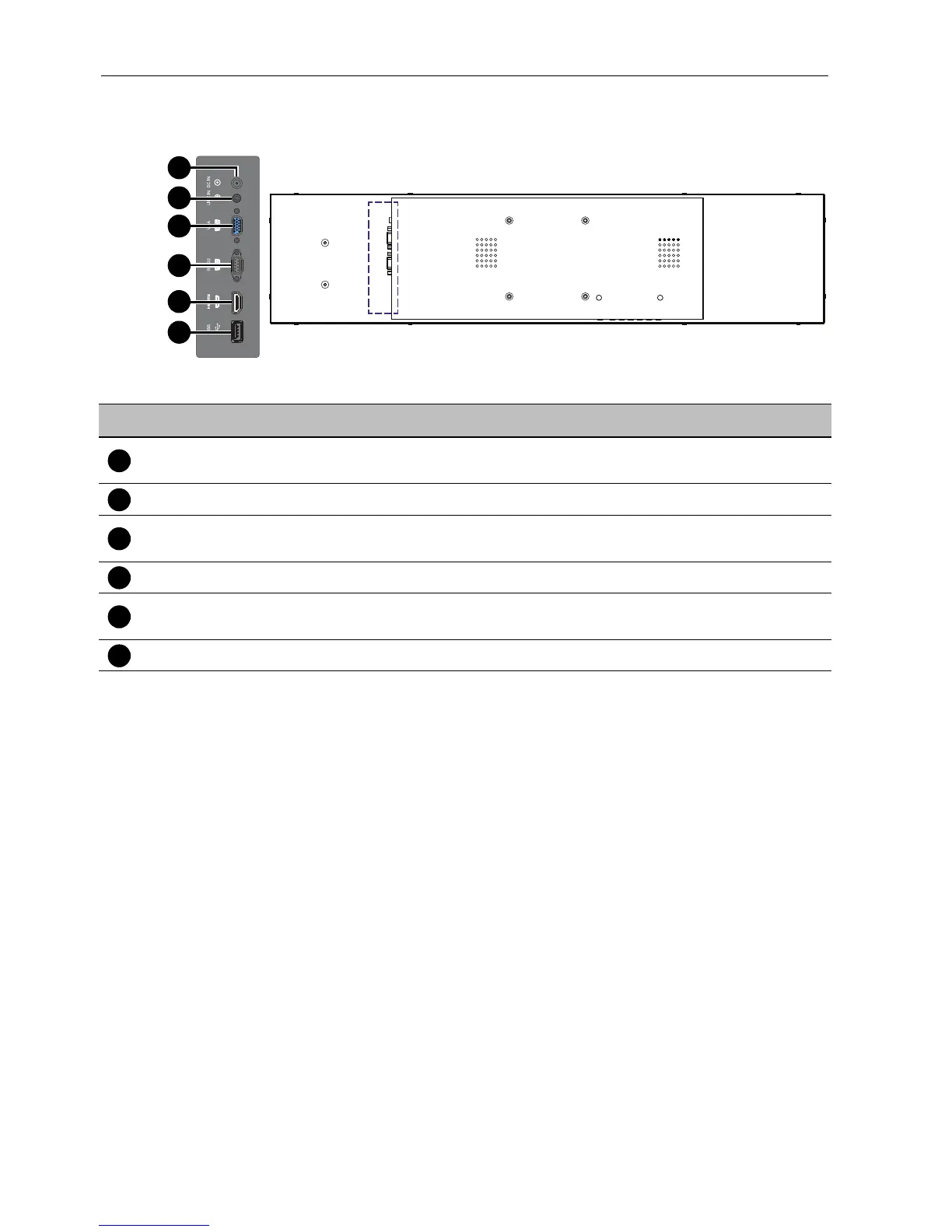
Parts of the display and their functions10
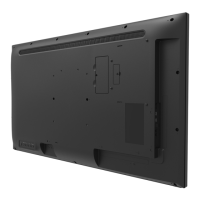
Input/output terminals
No. Name Description
DC IN
Connects to a power outlet via the supplied power cord and
adapter.
LINE IN Inputs audio signals from an external device.
VGA
Receives analog RGB signals from an external device (such as a
computer).
RS232 Receives control signals from a computer or another display.
HDMI
Receives HDMI signals from an external device (such as a Blu-ray
disc player).
USB Connects to a USB flash drive for software update.



 To Next Page