The OSD (On-Screen Display) menu 21
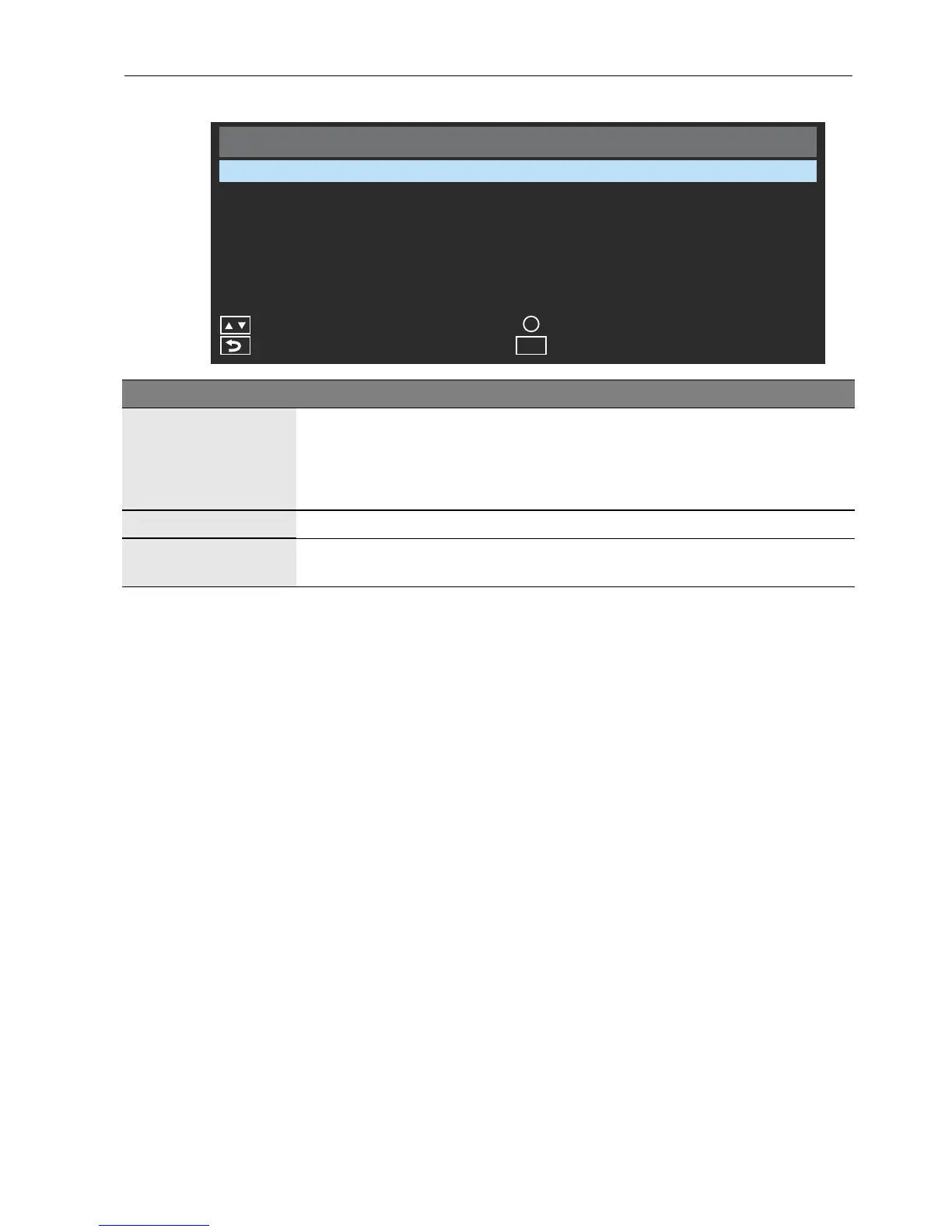
Sound menu
Sound
Sound Mode
Surround Sound
OK
OK
Exit
Menu
Reset Audio Setting
Back
Standard
Off
Move
Name Description
Sound Mode
Adjusts the sound output from the speakers
Standard: Flat settings.
Dynamic: Enhances treble and bass.
Custom: Your own customized mode.
Surround Sound Adjusts surround sound setting.
Reset Audio
Setting
Restores above settings to their default values.



 To Next Page