The OSD (On-Screen Display) menu22
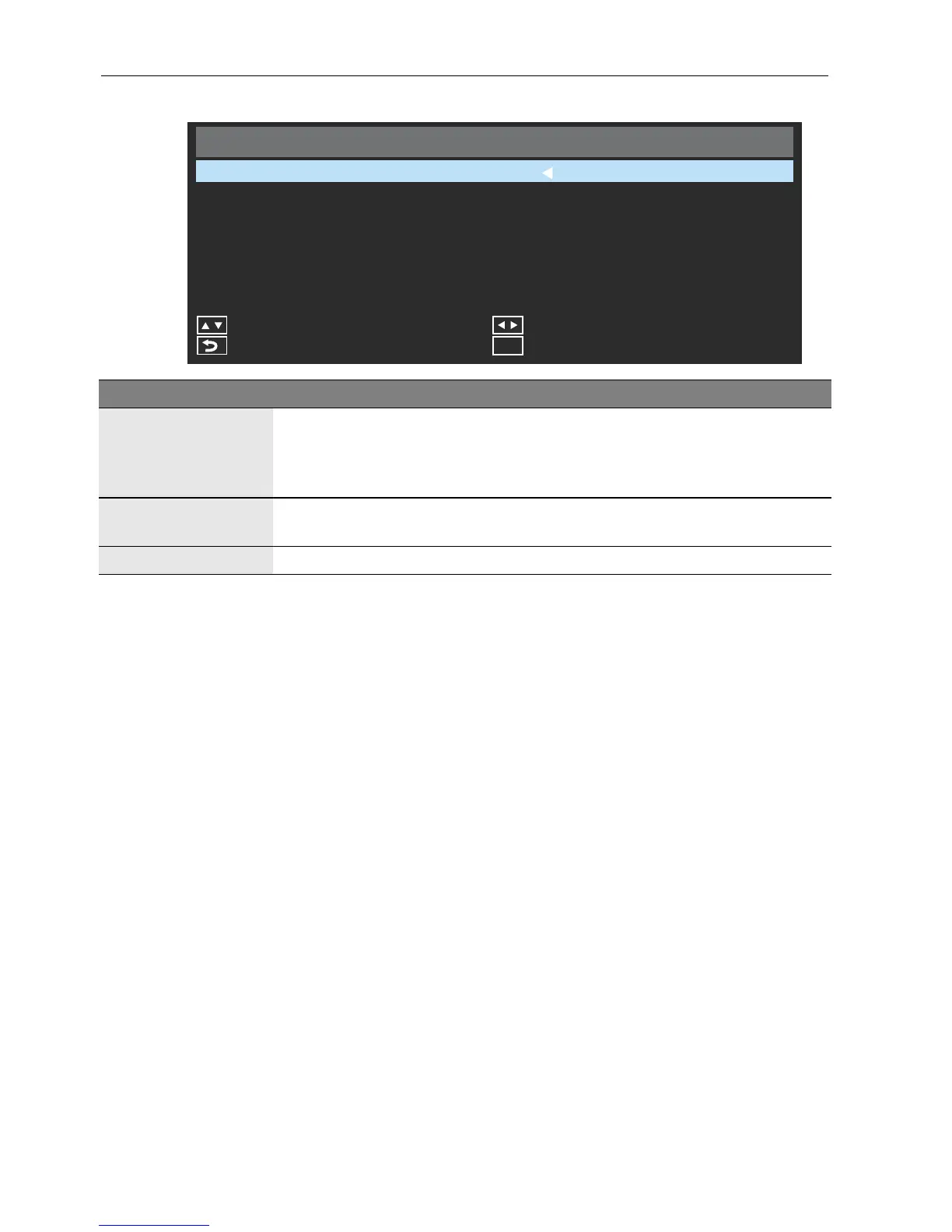
Setup menu
Setup
Power Save
Software Update (USB)
Adjust
Exit
Menu
Restore Default
Back
300 Sec
Move
Name Description
Power Save
Sets amount of time in which the display enters the power saving mode
when there is no signal detected. You can choose from the following
values: Off, 30 sec, 60 sec, 90 sec, 120 sec, 150 sec, 180 sec, 210
sec, 240 sec, 270 sec, or 300 sec.
Software Update
(USB)
Updates software from the connected USB device.
Restore Default Restores all settings to their default values.



 To Next Page