The OSD (On-Screen Display) menu 23
Initial Setting menu
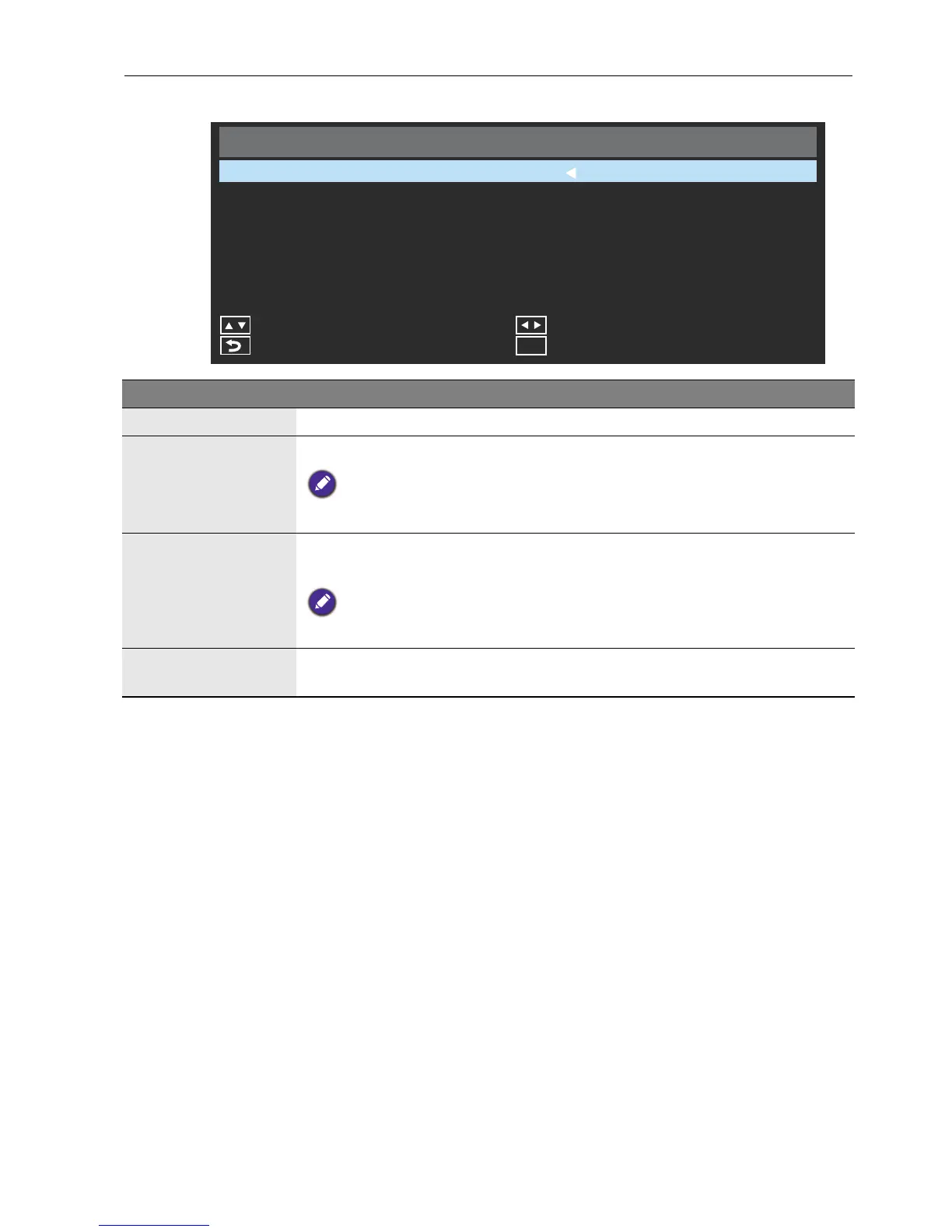
Initial Setting
Menu Language
Remote Operation
Adjust
Exit
Menu
Keypad Operation
Back
English
Move
Anti-Image Retention
Enable
Enable
Off
Name Description
Menu Language Sets your preferred language for the OSD menu.
Remote
Operation
Enables or disables the use of the remote control buttons.
To re-enable the remote control buttons directly from the remote control, press
the following sequence of buttons: MENU, , , , .
Keypad Operation
Enables or disables the use of the control panel buttons on the bottom
side of the display.
To re-enable the keypad buttons use the remote control to toggle the setting
from the Initial Setting menu.
Anti-Image
Retention
Adjusts image retention to prolong display lifespan.



 To Next Page