The OSD (On-Screen Display) menu28
MUSIC:
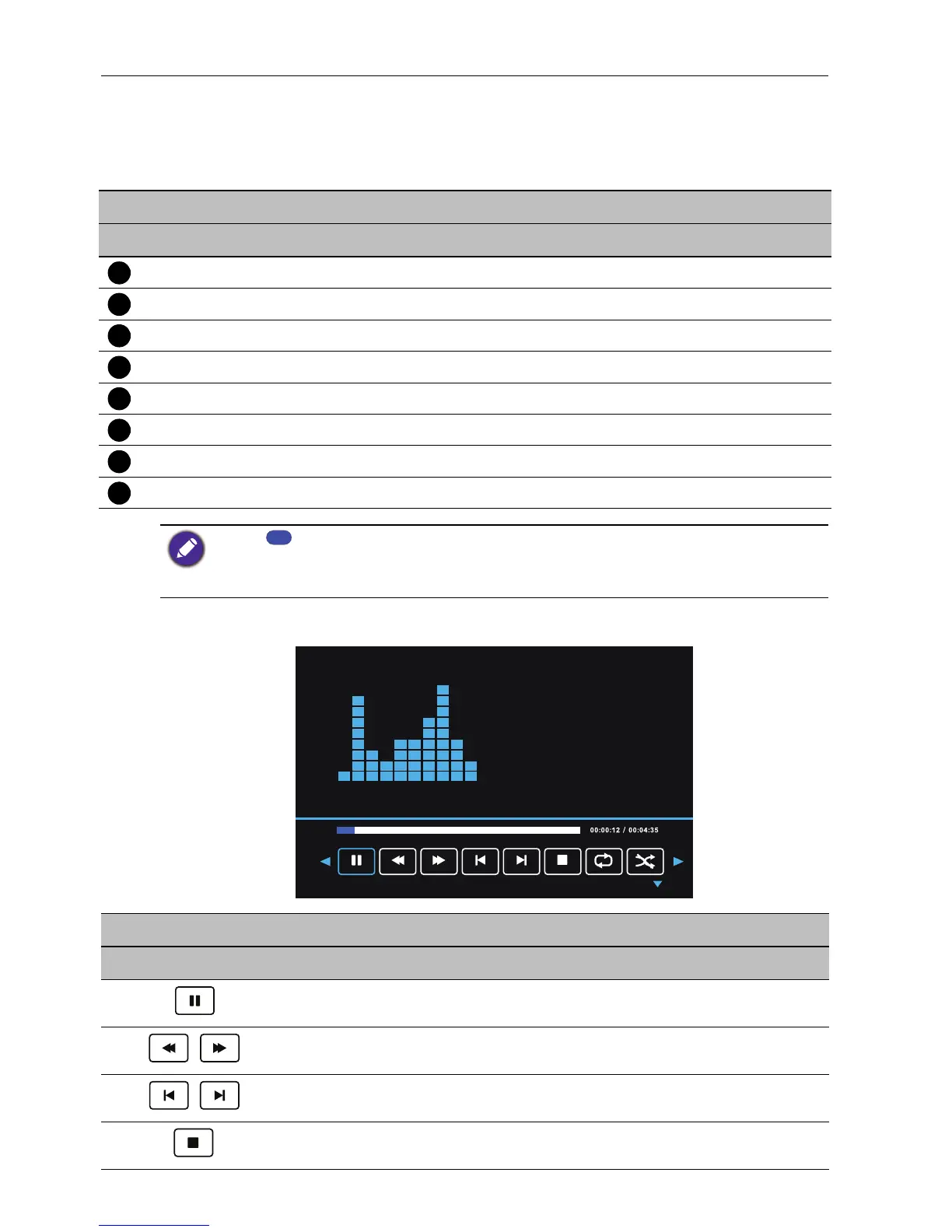
Select the track you want to play and perform the functions provided on the screen
according to your needs.
Remote control key functions
No. Name Description
MENU Switches to the OSD menu.
BACK Goes back to the previous screen.
OK Selects/deselects a track.
/// Directional buttons for selecting a desired track.
/ Jumps to the previous/next track.
/ Fast forwards/rewinds the selected track.
/ Plays/pauses the image slideshow.
Stops the playback of the track.
• Press to play all selections.
• During playback press //to select on-screen playback buttons.
• Supported audio format: mp3.
Legend of Icons
Name Description
Pauses playback.
Rewinds/fast forwards playback.
Jumps to the previous/next track in the playlist.
Stops playback.



 To Next Page