Working with Android OS 101
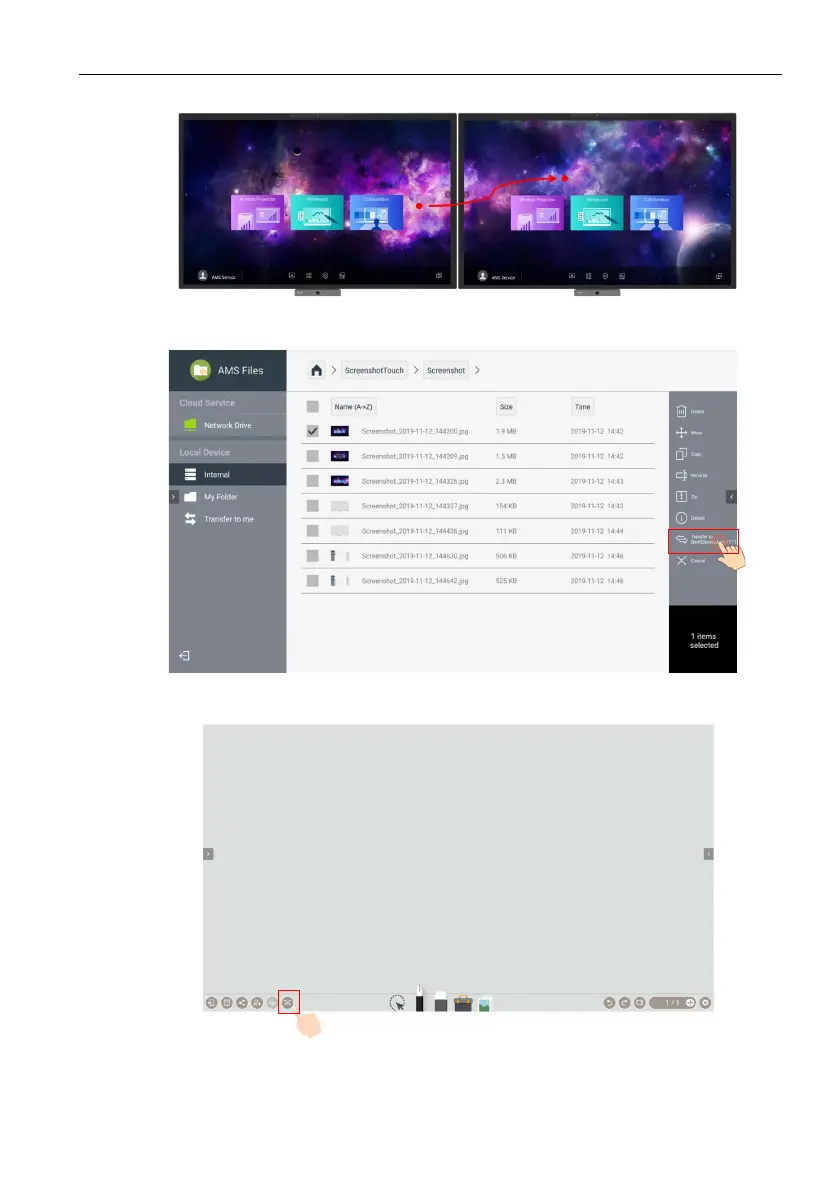
3. You can move the pointer from IFP 1 to IFP 2.
4. When AMS Files is opened in both IFPs, you can select and transfer the file to
each other.
5. When EZWrite is opened in both IFPs, the two IFPs can be linked by the
DuoMode Whiteboard. Once linked, the EZWrite Duo mode can be used.


 To Next Page
 Loading...