Apps90
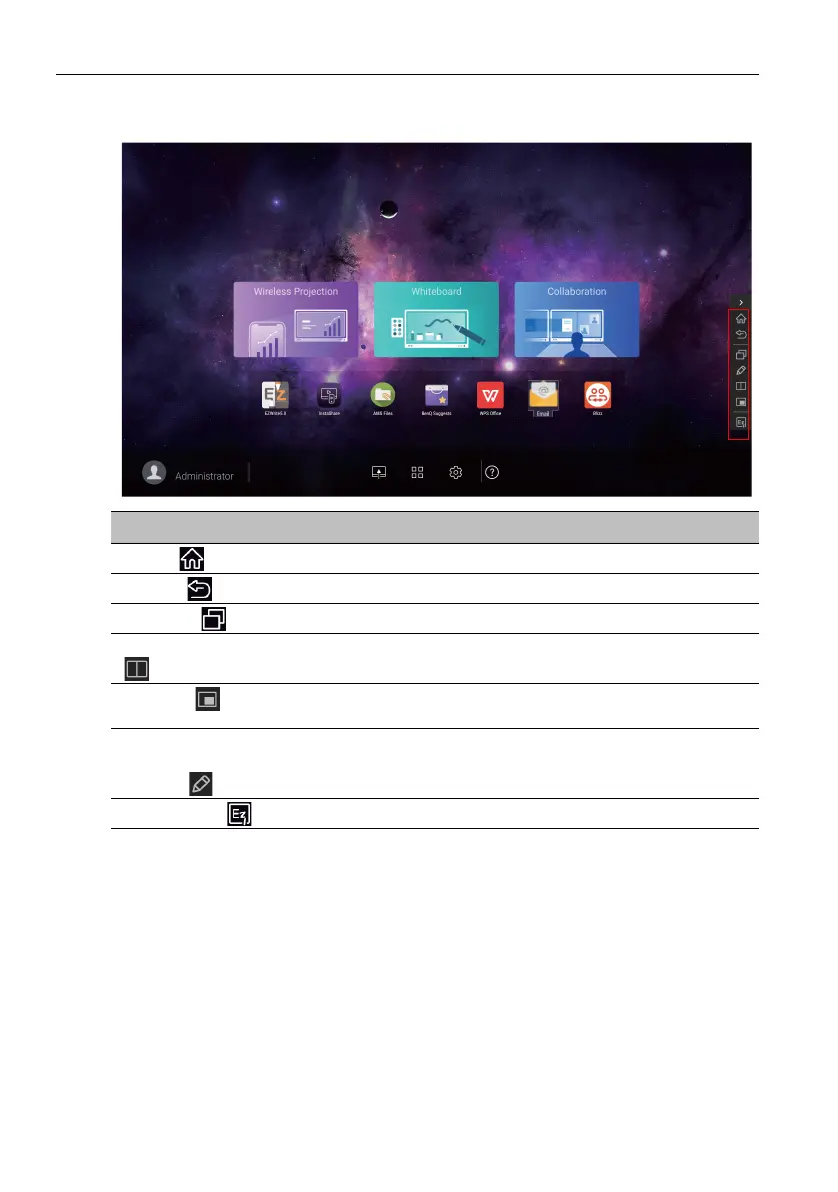
Side Tool Bar
Function Description
Home ()
Tap to return to Home interface.
Return ()
Tap to return to previous operation interface.
SwitchQ ()
Tap to switch tasks between recent apps and input sources.
Duo Windows
()
Tap to open Duo Windows. Read Duo Windows on page 91
for more information.
Duo OS ()
Tap to open Duo OS. Read Duo OS on page 93 for more
information.
Floating
Annotation
Toolbar()
Tap to open the floating tool.
EZWrite 5.0 ()
Tap to enter EZWrite 5.0 software.



 To Next Page